


Bridge - Fun Card Game
Play on PC with BlueStacks – the Android Gaming Platform, trusted by 500M+ gamers.

Page Modified on: Jan 21, 2026
Play Bridge - Fun Card Game on PC
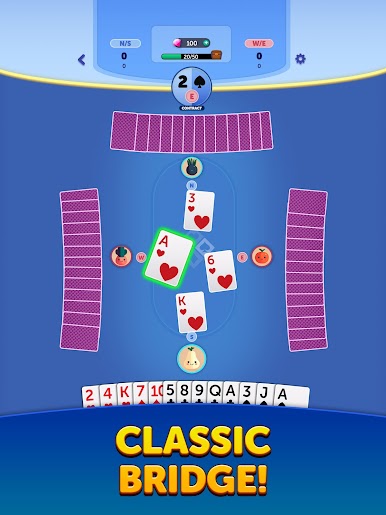
Love deep strategy, teamwork, and mind games? Bridge brings the world’s most respected trick-taking card game to your mobile device like never before! Communicate through bidding, plan every hand, and outsmart your opponents in matches where skill and partnership truly matter.
Why You’ll Love Bridge:
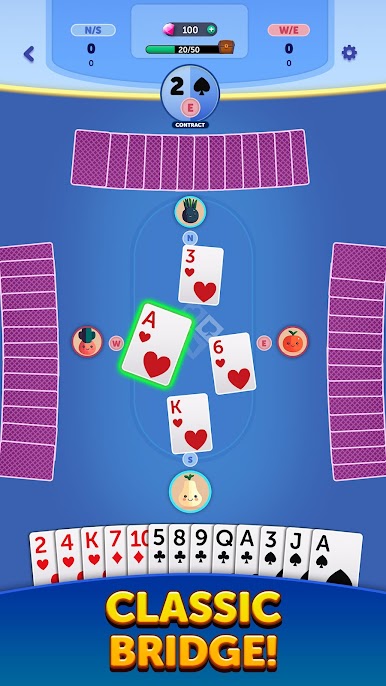
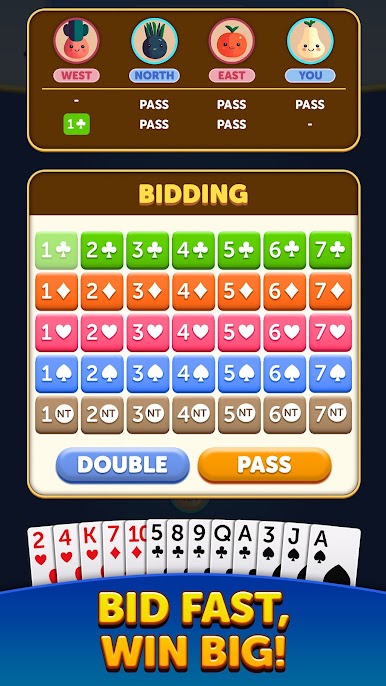
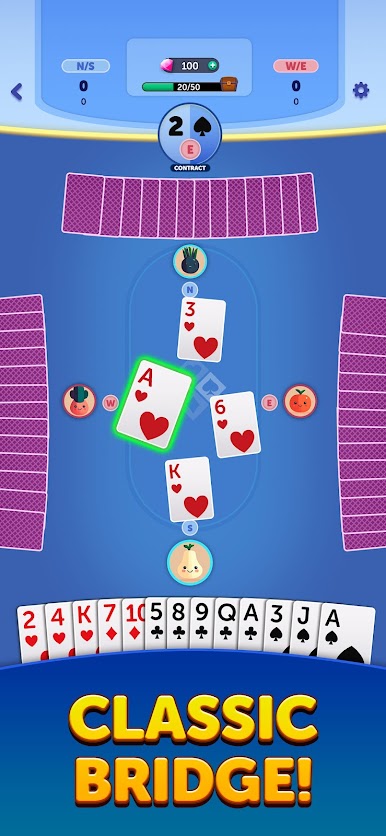
- Classic Contract Bridge Gameplay: Experience authentic bridge with proper bidding, contracts, trump suits, and trick play.
- Competitive Leagues & Leaderboards: Test your skills against players worldwide and climb the ranks.
- Achievements & Progression: Earn accomplishments, unlock rewards, and track your improvement as a bridge player.
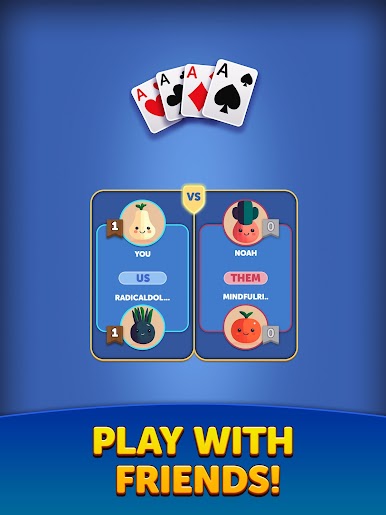
- Play with Friends: Partner up with friends or match with players online for competitive and social play.
Key Features:
- Perfect for fans of Bridge, Spades, Hearts, and other classic card games.
- Thoughtful, skill-based gameplay that rewards planning, memory, and partnership.
- Online multiplayer or offline play with intelligent AI partners and opponents.
- Clean, modern interface with intuitive controls designed for mobile.
- Free to play with regular updates, improvements, and new challenges.
Whether you’re a seasoned bridge veteran or just learning how bidding works, Bridge offers a rewarding and endlessly replayable card experience.
Download Bridge today and enjoy the ultimate game of strategy, partnership, and precision!







Play Bridge - Fun Card Game on PC. It’s easy to get started.
-
Download and install BlueStacks on your PC
-
Complete Google sign-in to access the Play Store, or do it later
-
Look for Bridge - Fun Card Game in the search bar at the top right corner
-
Click to install Bridge - Fun Card Game from the search results
-
Complete Google sign-in (if you skipped step 2) to install Bridge - Fun Card Game
-
Click the Bridge - Fun Card Game icon on the home screen to start playing

