

17-0 Football Manager
Play on PC with BlueStacks – the Android Gaming Platform, trusted by 500M+ gamers.

Page Modified on: Oct 7, 2026
Play 17-0 Football Manager on PC or Mac
Bring your A-game to 17-0 Football Manager, the Sports game sensation from FunCraft Games. Give your gameplay the much-needed boost with precise game controls, high FPS graphics, and top-tier features on your PC or Mac with BlueStacks.
About the Game
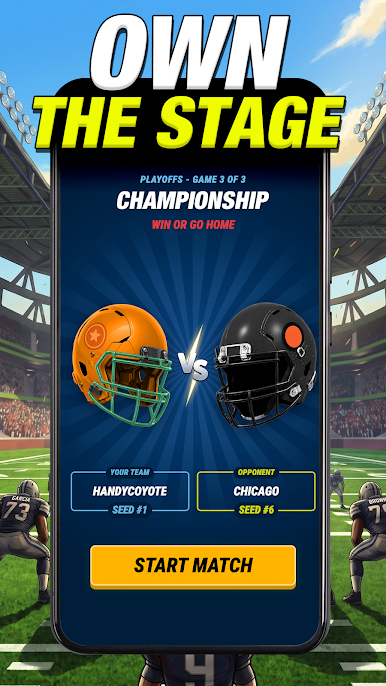
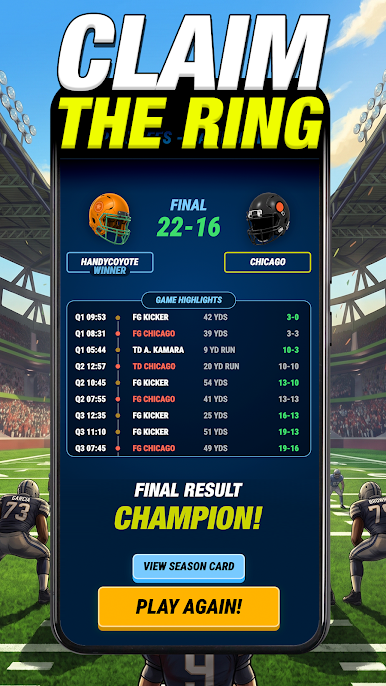
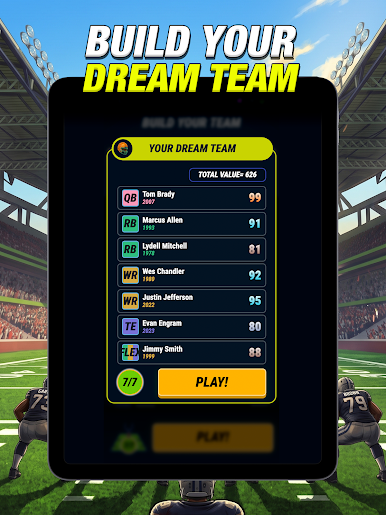
17-0 Football Manager is a Sports strategy draft where you try to build the one roster nobody can touch. You’ll mix era-spanning legends with today’s stars, make the tough calls, and see if your blueprint can actually run the table at 17-0. Want a clean, roomy way to manage your board? Playing on BlueStacks keeps everything smooth while you tinker.
Game Features
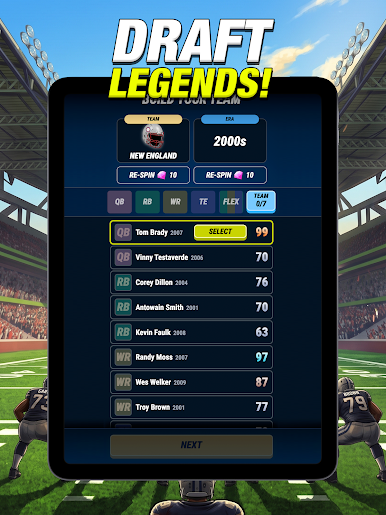
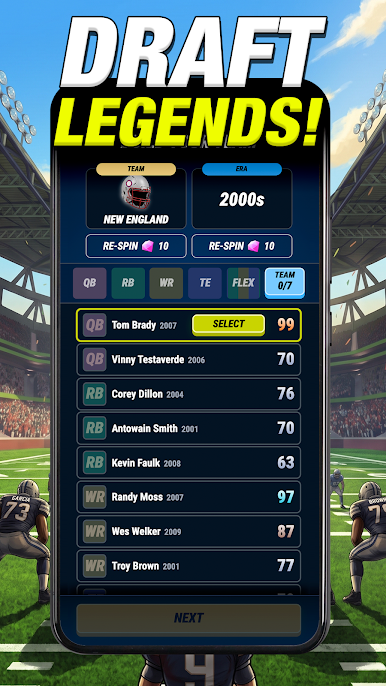
- Draft across eras: Combine iconic names from the 1960s with modern superstars to craft lineups that play off each other’s strengths.
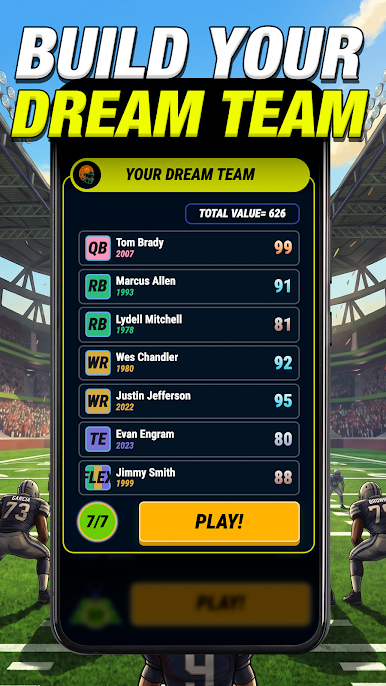
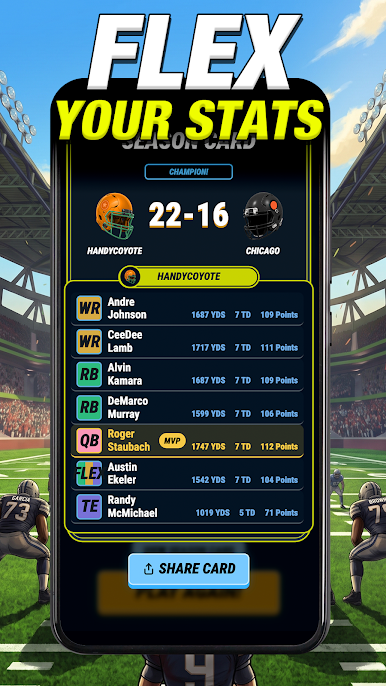
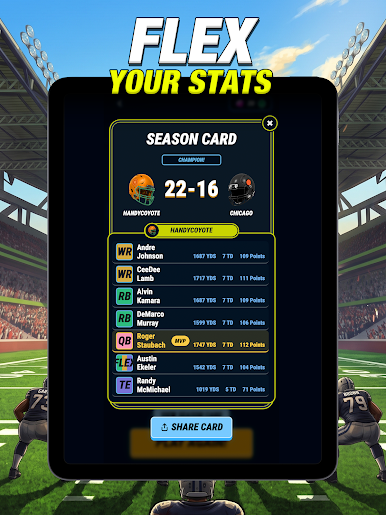
- Build a complete lineup: Slot in a QB, two RBs, two WRs, a TE, and a FLEX, then balance star power with depth and fit.
- Play it out your way: Watch each drive unfold snap-by-snap for full control, or quick-sim when you’re focused on the next decision.
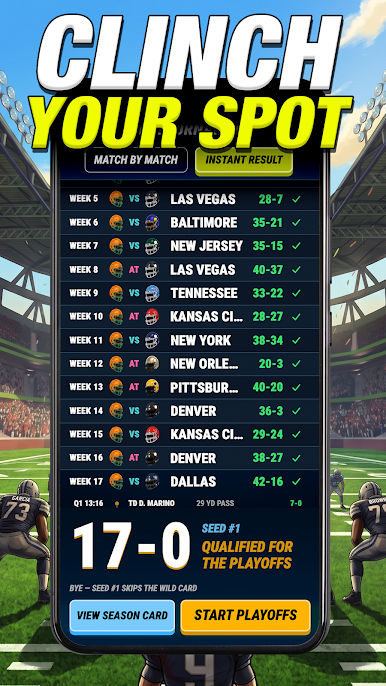
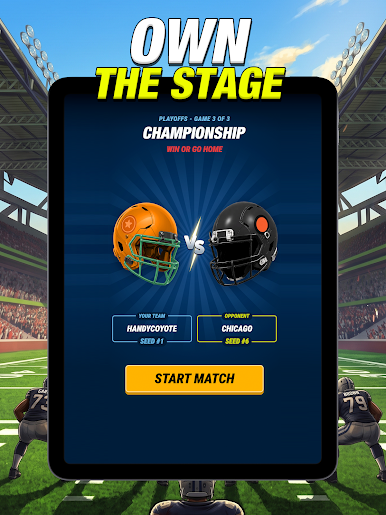
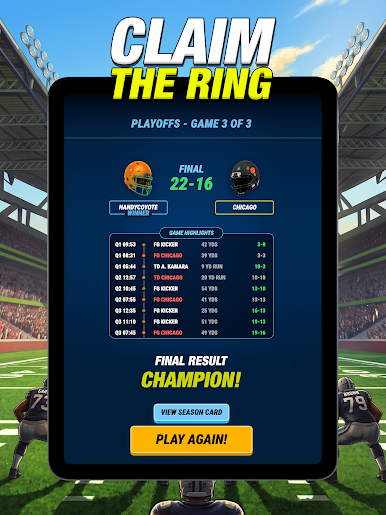
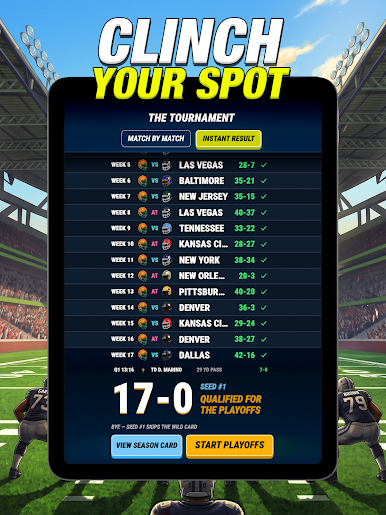
- Chase the perfect season: Grind through the regular slate, battle for the division and conference, and aim for that ultimate hardware.
- Go head-to-head online: Join Leagues and draft against real managers, sharpen your board, and prove your plan holds up under pressure.
- Challenges that make you think: Take on tricky constraints and themed scenarios that push you into creative builds and bold calls.
- Strategy that stays fresh: With decades of players and countless combinations, every draft feels new and rewards experimentation.
- Fair competition, no gimmicks: No pay-to-win walls—success comes from smart scouting, savvy matchups, and gutsy in-game choices.
Start your journey now. Download the game on BlueStacks, invite your friends, and march on a new adventure.
Play 17-0 Football Manager on PC. It’s easy to get started.
-
Download and install BlueStacks on your PC
-
Complete Google sign-in to access the Play Store, or do it later
-
Look for 17-0 Football Manager in the search bar at the top right corner
-
Click to install 17-0 Football Manager from the search results
-
Complete Google sign-in (if you skipped step 2) to install 17-0 Football Manager
-
Click the 17-0 Football Manager icon on the home screen to start playing

