


Video MP3 Converter
Play on PC with BlueStacks – the Android Gaming Platform, trusted by 500M+ gamers.

Page Modified on: Oct 29, 2026
Main Video MP3 Converter on PC
MP3 converting test result (a song with length of 3:50 / Galaxy S7)
- 'Video mp3 Converter': 14.2 sec
- 'A' mp3 converter: 56.2 sec
- 'B' mp3 converter: 46.4 sec
- 'C' mp3 converter: 53.2 sec
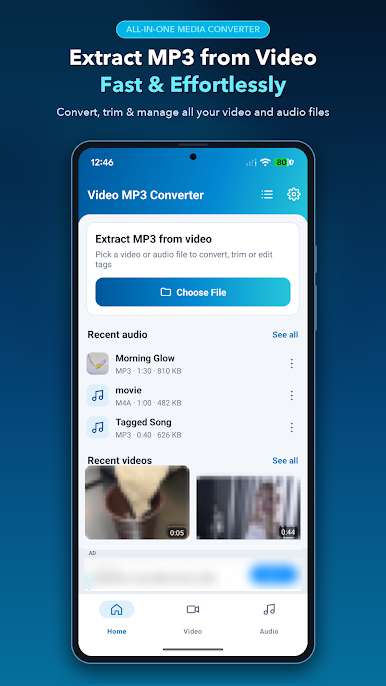
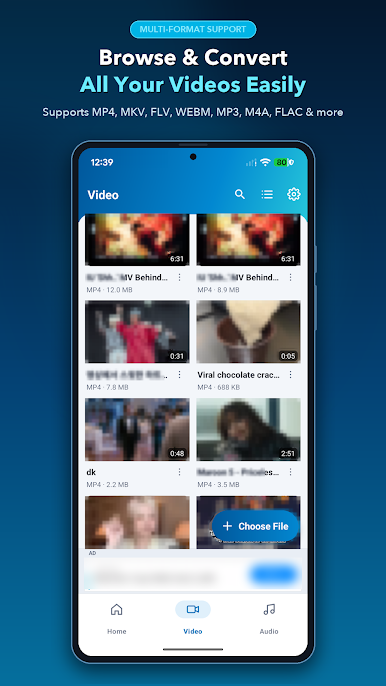
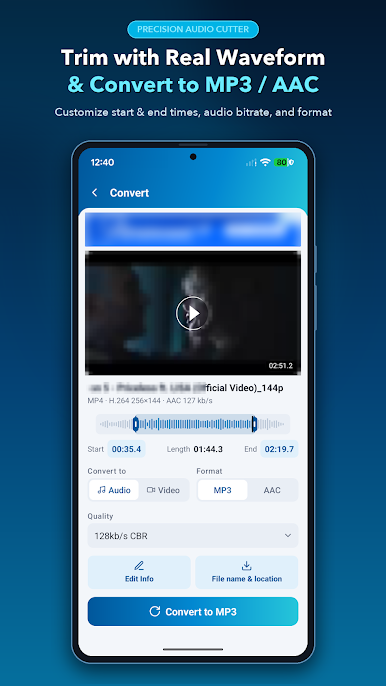
Supports various type of media
- Supported video formats: MP4, 3GP, WEBM, WMV, FLV
- Supported audio formats: MP3, AAC, OGG
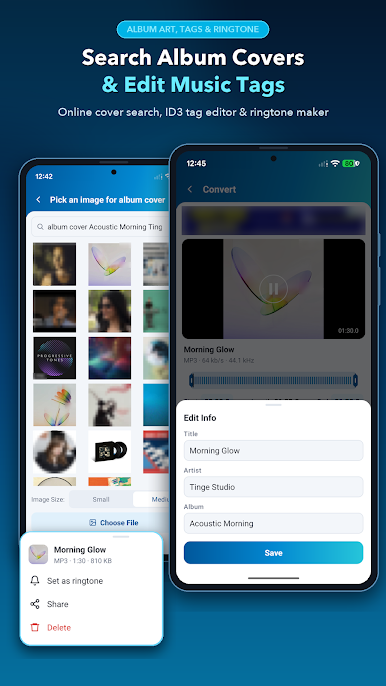
Supports editing MP3 metadata
Find more information at http://support.fundevs.com.
Play Video MP3 Converter on PC. It’s easy to get started.
-
Download and install BlueStacks on your PC
-
Complete Google sign-in to access the Play Store, or do it later
-
Look for Video MP3 Converter in the search bar at the top right corner
-
Click to install Video MP3 Converter from the search results
-
Complete Google sign-in (if you skipped step 2) to install Video MP3 Converter
-
Click the Video MP3 Converter icon on the home screen to start playing

