


Face your fear! Mystery game
Play on PC with BlueStacks – the Android Gaming Platform, trusted by 500M+ gamers.

Page Modified on: Jun 18, 2024
Overview
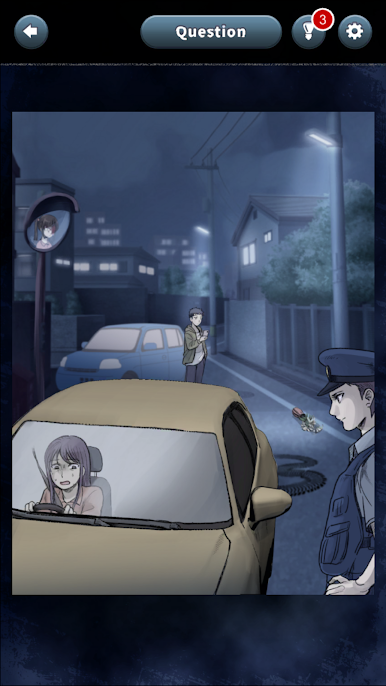
The truth behind the strange phenomena and supernatural events...
First, check the picture and description,
Click on the picture to find hidden clues.
Step by step, you can piece together the complete story!
It's free to play until the end, and live streamers are welcome to broadcast it!
Download it now!
Let's aim for a happy ending!
EU / California users can opt-out under GDPR / CCPA.
Please respond from the pop-up displayed when starting in the app or within the settings in the app.


Play Face your fear! Mystery game on PC. It’s easy to get started.
-
Download and install BlueStacks on your PC
-
Complete Google sign-in to access the Play Store, or do it later
-
Look for Face your fear! Mystery game in the search bar at the top right corner
-
Click to install Face your fear! Mystery game from the search results
-
Complete Google sign-in (if you skipped step 2) to install Face your fear! Mystery game
-
Click the Face your fear! Mystery game icon on the home screen to start playing

