


The Elder Scrolls: Legends Asia
Play on PC with BlueStacks – the Android Gaming Platform, trusted by 500M+ gamers.

Page Modified on: Nov 19, 2025
Overview
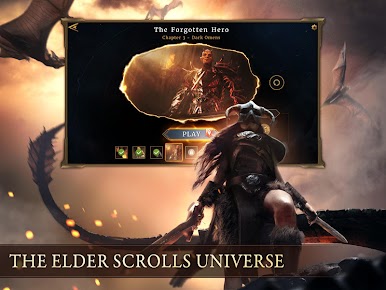
Adventure through The Elder Scrolls universe, conquer your enemies, and enjoy the easy-to-pick-up, hard-to-put-down excitement! The turn-based strategy card games will take you on an epic journey with immersive experience like you never experienced before. Download now!
THE ELDERS SCROLLS: LEGENDS FEATURES:
SINGLE PLAYER GAMES CONTENT
- Turn-based strategy game modes in single player campaign.
- Earn rewards as you progress through hours of solo game content and stories.
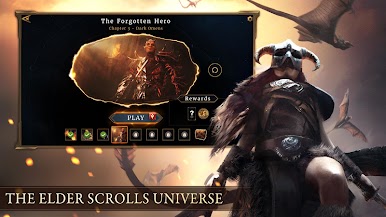
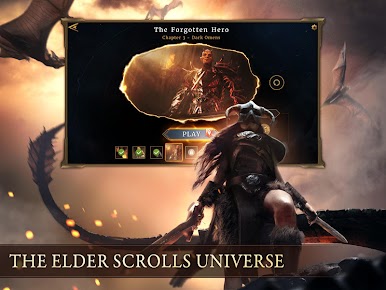
- Explore the Elder Scrolls universe, including the tales of The Fallen Dark Brotherhood.
- Solo Arena to test your deck-building skills and challenging Puzzle for the witty wise men.
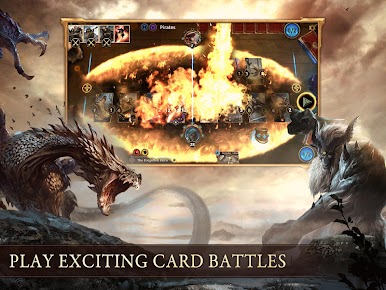
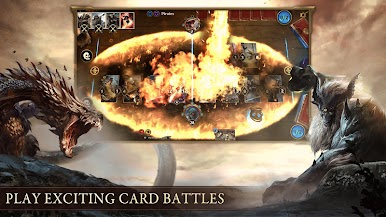
CARD BATTLE GAMES
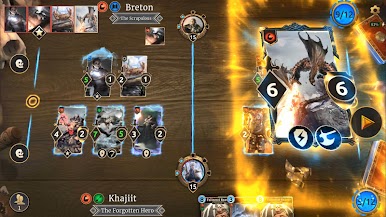
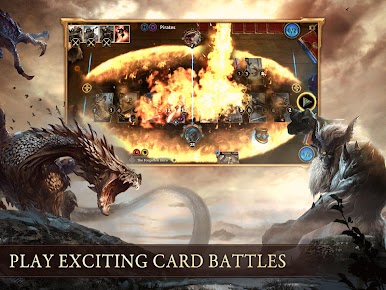
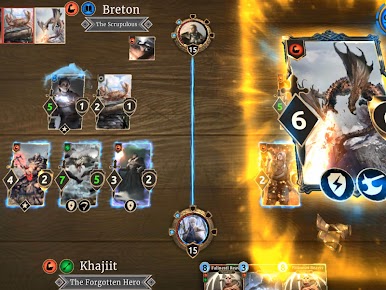
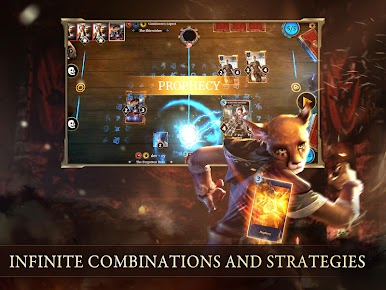
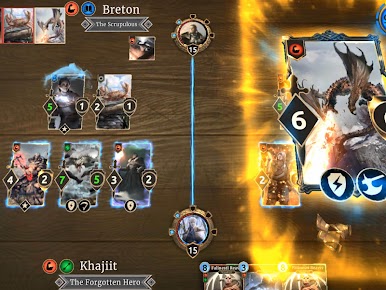
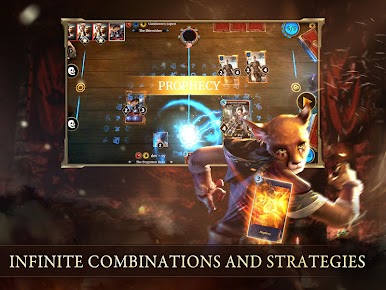
- A strategy card game unlike any other, Legends features a divided battlefield with “lanes”
that allow for flexibility and choice, turning the simple act of card placement into a
tactical strategy.
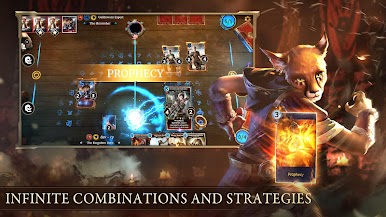
- Duel card games use Runes and Prophecies to turn any losing battle into a miraculous comeback with tide changing card draw right when you need it.
CCG PvP COMPETITION
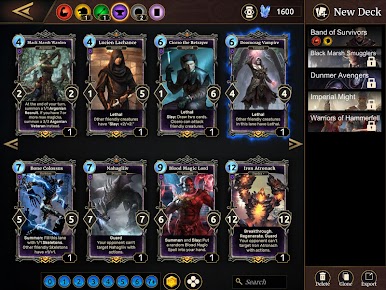
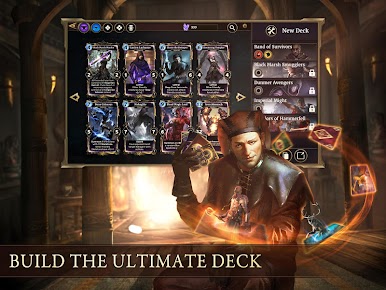
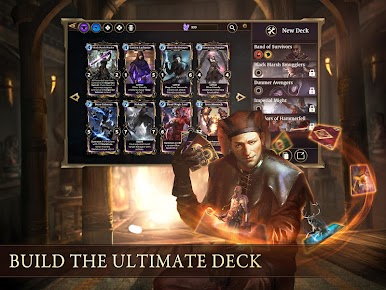
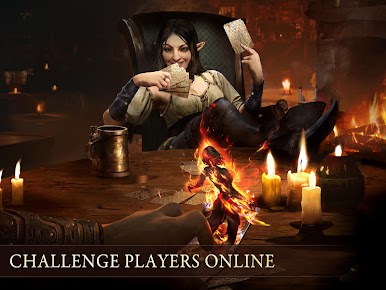
- Construct your deck to compete against others for the ultimate glory and rewards.
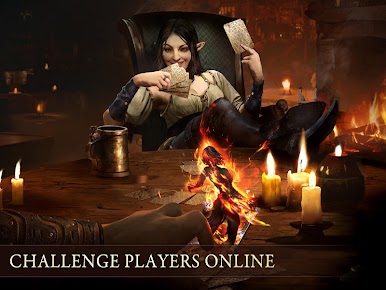
- Practice and play casual games with your friends online
- Climb the ladder in ranked mode or conquer your foes in Arena
CARD COLLECTING
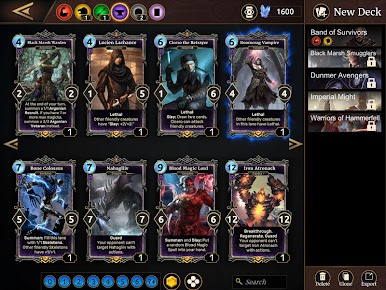
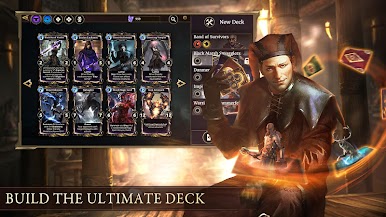
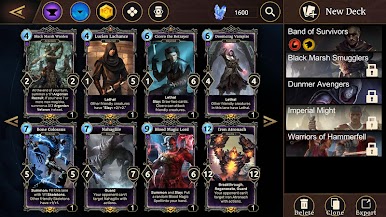
- Collect more cards to expand your deck options that fit your favorite play style.
- Collect cosmetic card backs and unique titles and stand out from others.
NEW CONTENT UPDATE
- Including: Stories, Puzzles, Events... and more!
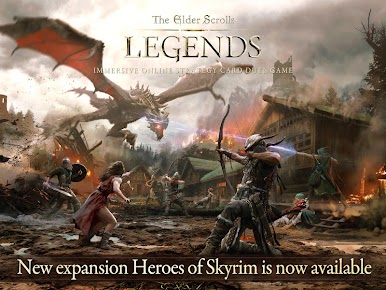
- New expansions
- New cards and mechanics
- New alternative card art and exclusive card backs
- Limited time events
- On-going balance adjustments
What’s New in The Elder Scrolls: Legends in Asia?
- Free Story and single player Campaigns
- Hero Pass and rewards
- A tutorial showing all you need to know
- Attributes leveling system
- Class and Rank leaderboards
Get ready to join The Elder Scrolls: Legends! Pre-register now.
[Compatibility]
-Requires Android 4.4 or later. Some devices may not be compatible.
-Requires 2GB or more available space (ROM).
[Permissions]
The game requires the following permissions:
-READ_EXTERNAL_STORAGE
-WRITE_EXTERNAL_STORAGE
Official website: https://tesl.gaea.com/en/reservation.html
Facebook: https://www.facebook.com/TheElderScrollsLegendsAsia/
Twitter: https://twitter.com/TESLAsia


Play The Elder Scrolls: Legends Asia on PC. It’s easy to get started.
-
Download and install BlueStacks on your PC
-
Complete Google sign-in to access the Play Store, or do it later
-
Look for The Elder Scrolls: Legends Asia in the search bar at the top right corner
-
Click to install The Elder Scrolls: Legends Asia from the search results
-
Complete Google sign-in (if you skipped step 2) to install The Elder Scrolls: Legends Asia
-
Click the The Elder Scrolls: Legends Asia icon on the home screen to start playing

