


Monster Galaxy
Play on PC with BlueStacks – the Android Gaming Platform, trusted by 500M+ gamers.

Page Modified on: Oct 29, 2025
Overview
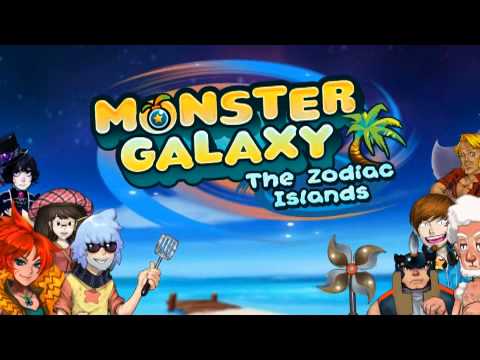
Monster Galaxy has been enjoyed by over 10 Million people already on Facebook and iOS. Come see why--with 14 beautifully painted islands and monsters from dragons to ninjas, Monster Galaxy sets a new standard for graphics on Android.
Do you have what it takes to be the very best Monster Tamer? Can you catch them all? Play now for free!
Features
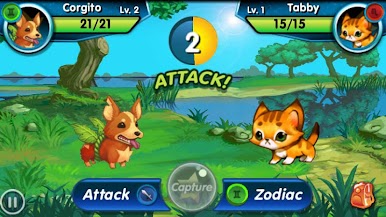
* Interactive monster battle system with attacks, spells, cool items, and plenty of surprises
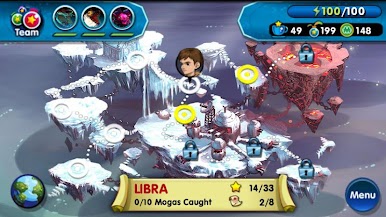
* Beautiful fantasy world of 14 Zodiac-themed islands
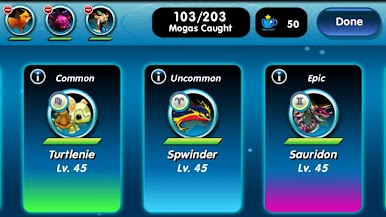
* Over 125 exotic, cute, and fantastic Monsters to capture and tame
* Watch the quirky story unfold along your quest to defeat King Otho
Can't get enough Monster Galaxy? Learn more by visiting our website - http://www.gaiaonline.com/monsterg. We also invite you to check out our Facebook game at http://www.playmonstergalaxy.com. We would also appreciate it if you would share your thoughts about our game in the ratings and comment section below.
Having issues with the game? Please visit http://gaiainteractive.com/games/monster-galaxy-the-zodiac-islands.
Monster Galaxy is a free-to-play game but contains in-app purchases that cost real money. In-app purchases require the player to enter Google Checkout credentials to purchase.
Privacy. The game gathers and stores non-personal device information upon installation and in-game purchases. We also collect non-identifiable usage pattern data. Players may share game content via Facebook, Twitter, email, or SMS but we do not store any information related to sharing. This game allows targeted advertising but players must opt-in to view the advertisements in exchange for virtual goods. For more information, please find our Privacy Policy at http://gaiainteractive.com/privacy-policy.

Play Monster Galaxy on PC. It’s easy to get started.
-
Download and install BlueStacks on your PC
-
Complete Google sign-in to access the Play Store, or do it later
-
Look for Monster Galaxy in the search bar at the top right corner
-
Click to install Monster Galaxy from the search results
-
Complete Google sign-in (if you skipped step 2) to install Monster Galaxy
-
Click the Monster Galaxy icon on the home screen to start playing

