


War Thunder Mobile
Play on PC with BlueStacks – the Android Gaming Platform, trusted by 500M+ gamers.

Page Modified on: Apr 20, 2026
Main War Thunder Mobile on PC
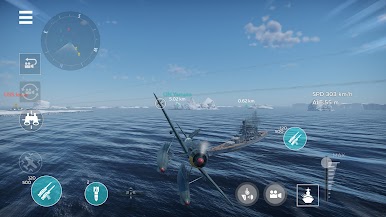
Explore military history by experiencing dozens of authentic vehicles from the USSR, Germany, France, Japan and the United States (more nations will come in the future). Progress through the game, unlock better equipment, optimize your ammunition types and customize gear to increase your chances of dominating the battlefield.
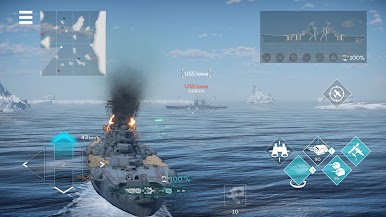
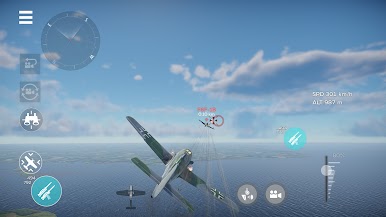
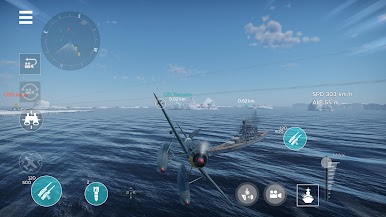
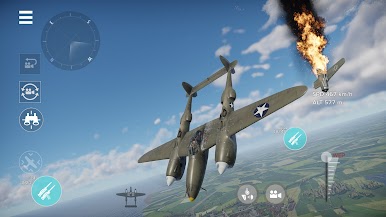
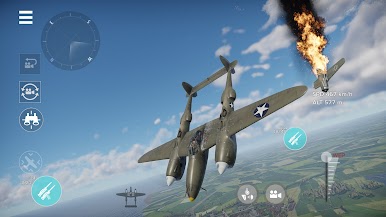
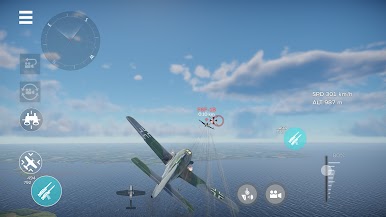
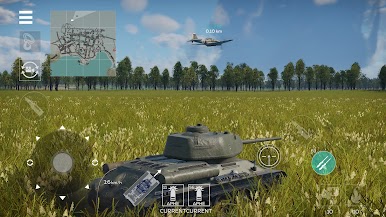
Pick your favorite vehicles and experiment with a lineup of machines to find what suits your play style. There are 100+ ground vehicles, warships and aircraft available currently, and in the future the game will constantly be receiving more and more legendary authentic military vehicles. There are plenty of options to customize and modernize your tanks and planes to fit your style.
Dominate the battlefild alone or together with a squad of your friends!
FEATURES
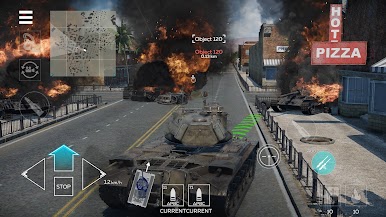
Every battle is unique. Players rely not only on their own weaponry, but can also call for air support or artillery strikes, or fall back behind a smoke screen.
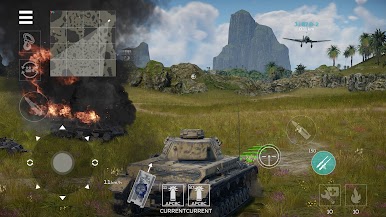
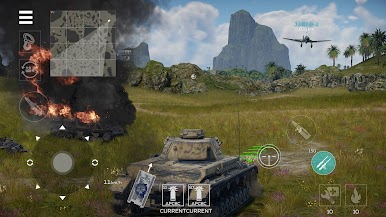
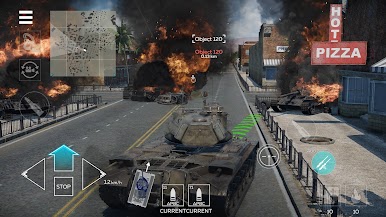
A variety of maps. Battles unfold in the most diverse and dynamic battlegrounds representing the main combat theaters of the 20th century.
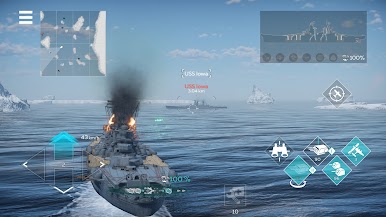
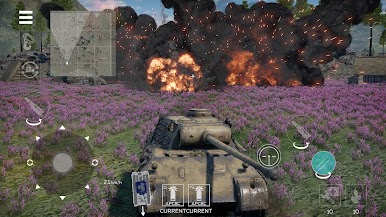
Stunning graphics and realistic physical damage models. The game is optimized for all devices. Enjoy eye-catching surroundings on each battlefield, highly detailed tank models and powerful explosions sending destroyed turrets flying into the air. Manual graphics settings will help you strike a balance between fantastic visuals and high FPS.
War Thunder Mobile is the only free online multiplayer mobile game that allows you to experience authentic military vehicles accurately and comfortably. Hurry up, download the game and head into battle!
© 2023 by Gaijin Games Kft. All rights reserved
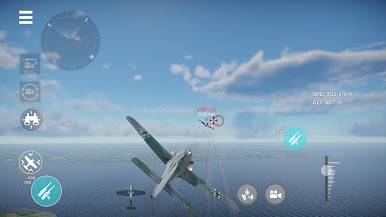
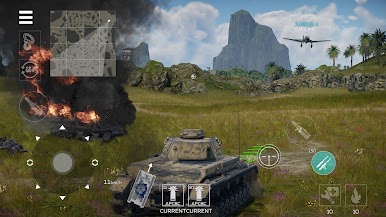
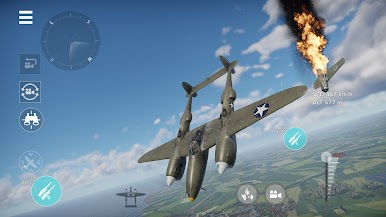
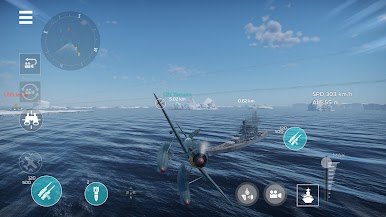
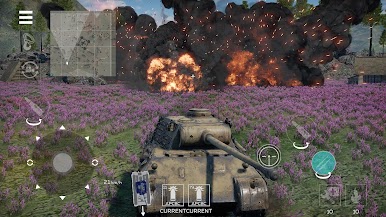
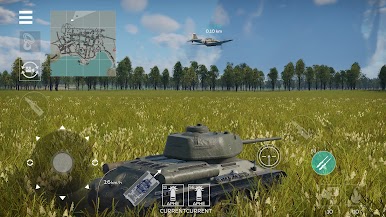
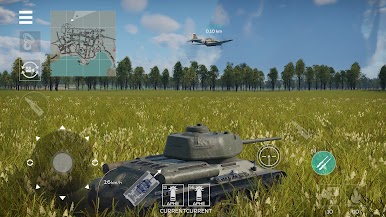
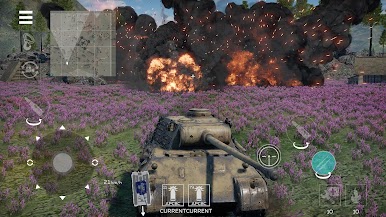
Play War Thunder Mobile on PC. It’s easy to get started.
-
Download and install BlueStacks on your PC
-
Complete Google sign-in to access the Play Store, or do it later
-
Look for War Thunder Mobile in the search bar at the top right corner
-
Click to install War Thunder Mobile from the search results
-
Complete Google sign-in (if you skipped step 2) to install War Thunder Mobile
-
Click the War Thunder Mobile icon on the home screen to start playing

