


Gama Play
Play on PC with BlueStacks – the Android Gaming Platform, trusted by 500M+ gamers.

Page Modified on: Sep 9, 2026
Run beanfun! - 好玩的都在這 on PC or Mac
Let BlueStacks turn your PC, Mac, or laptop into the perfect home for beanfun! – 好玩的都在這, a fun Entertainment app from Gamania Digital Entertainment Co Ltd.
About the App
Looking for a spot to connect, compete, and discover cool stuff with friends who share your interests? beanfun! – 好玩的都在這 brings a fresh way to hang out online, whether you’re chasing top ranks, hunting for collectibles, or just staying in the loop with the latest in games and entertainment. Expect a lively space packed with features where there’s always something fun going on, and new faces to meet.
App Features
-
Team Up and Show Off
Build your squad, show off your favorite “baby,” and try your luck in the rankings—there are rewards waiting if you’re feeling competitive. It’s all about playing together and maybe a little friendly rivalry. -
Find Your People
Check out Interest Societies where you’ll stumble across fellow fans, potential teammates, or just folks who get what you’re into. Great for swapping stories, tips, or just making friends. -
Market for Everything
There’s a marketplace for props, tickets, digital collectibles—you name it. Browse, buy, or trade and discover new treasures, all in one spot. -
Explore Local Originals
Tired of the same old? Dive into stories, comics, and news from Taiwanese creators and stay ahead with quick updates on what’s trending. Never hurts to have the inside scoop. -
Gaming Community Space
Meet players into the same titles as you, share game strategies, and maybe pick up a few new tricks. Who knows, you might find your next guild here. -
Easy Digital Payments (GASH & More)
Collect entertainment points for deals and discounts, or use tangerine payment for speedy, sweet feedback on your purchases. -
Relaxed Shopping
Stock up on your favorite games, merch, or even dolls, all hassle-free—no need to worry about any family complaints mid-purchase. -
Ticket Pass and Card Swaps
Gather cards with friends, swap duplicates, and grab free prizes. Watch out for extra deals when you finish a set. -
Handy Membership Card Holder
Access hundreds of membership cards in one place, unlocking discounts and benefits without digging through your wallet.
Quick tip: For those who like a bigger screen, beanfun! – 好玩的都在這 also plays great with BlueStacks.
Big screen. Bigger performance. Use BlueStacks on your PC or Mac to run your favorite apps.
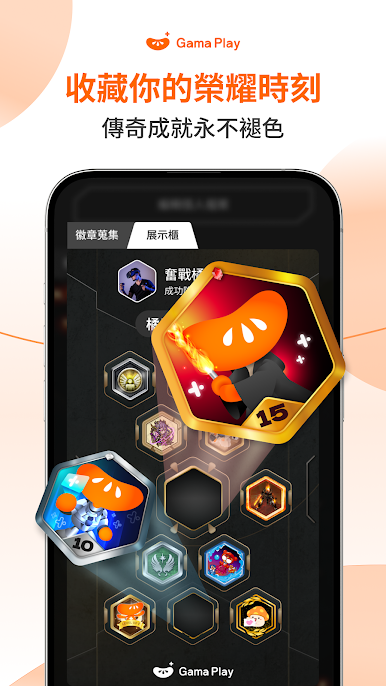

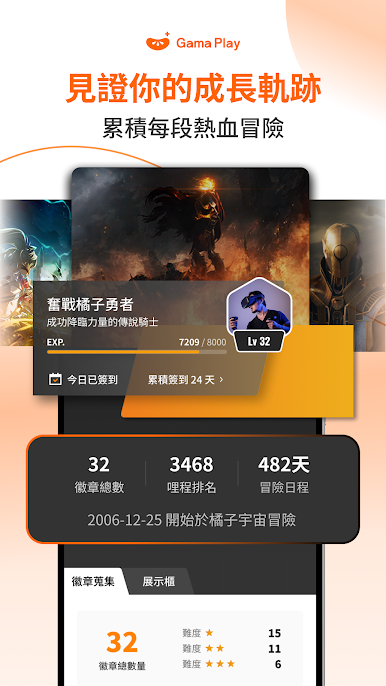

Play Gama Play on PC. It’s easy to get started.
-
Download and install BlueStacks on your PC
-
Complete Google sign-in to access the Play Store, or do it later
-
Look for Gama Play in the search bar at the top right corner
-
Click to install Gama Play from the search results
-
Complete Google sign-in (if you skipped step 2) to install Gama Play
-
Click the Gama Play icon on the home screen to start playing

