


Jewels Star 3
Play on PC with BlueStacks – the Android Gaming Platform, trusted by 500M+ gamers.

Page Modified on: Sep 8, 2022
Play Jewels Star 3 on PC or Mac
From the innovators and creators at Neworld Games, Jewels Star 3 is another fun addition to the World of Casual games. Go beyond your mobile screen and play it bigger and better on your PC or Mac. An immersive experience awaits you.
About the Game
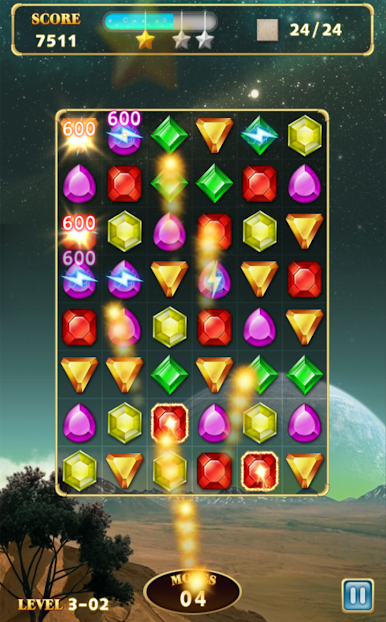
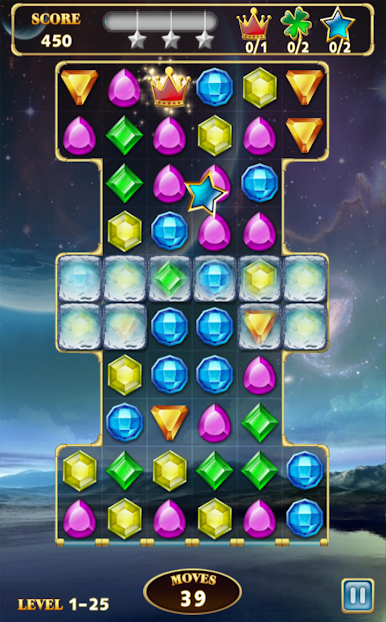
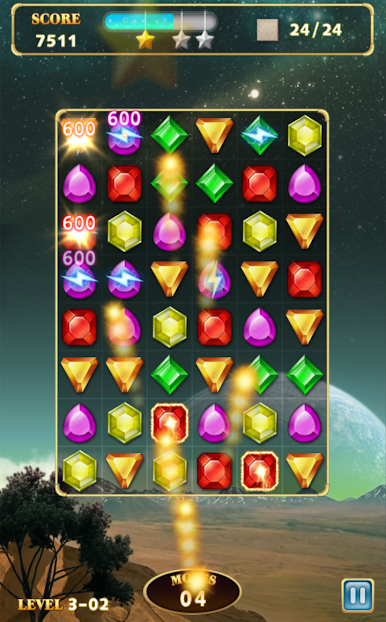
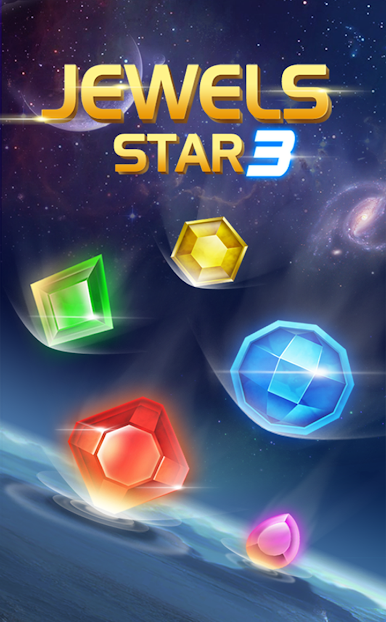
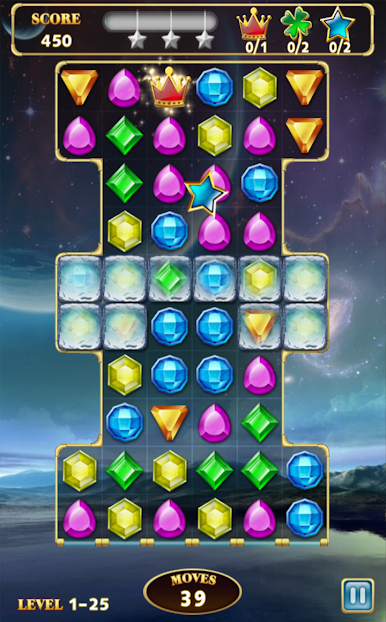
Jewels Star 3 from Neworld Games brings a fresh sparkle to the classic match-3 experience that’s loved by gamers everywhere. It’s all about swapping colorful gems, clearing puzzles, and reaching those next high scores. Whether you’re hunting for a quick brain teaser or planning to lose track of time with tricky challenges, this Casual game is ready to keep your fingers busy—and your mind entertained.
Game Features
-
Loads of Levels, Tons of Scenes
With over 160 unique stages and 8 distinct settings—think starry nights, icy wonderlands, scenic mountains, and more—every level feels new. There’s always another puzzle waiting. -
Special Jewels Mix Things Up
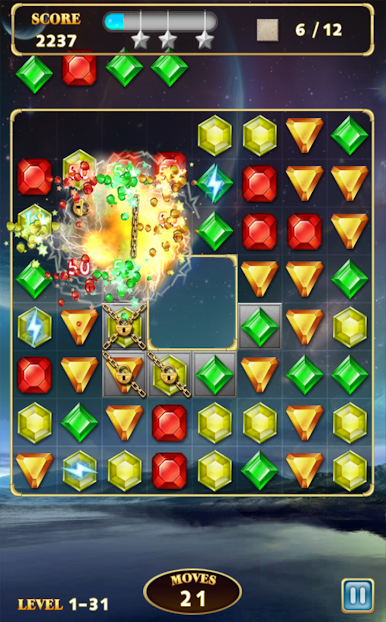
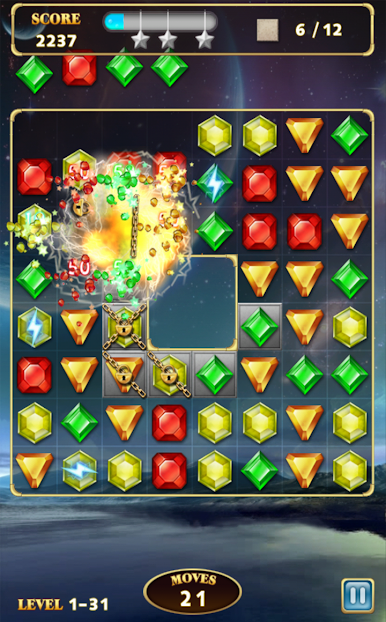
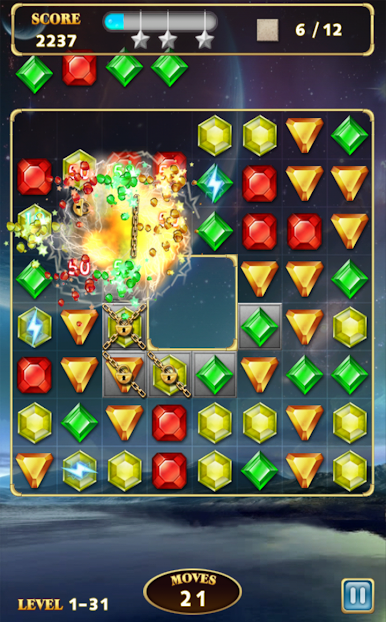
Lightning Jewels zap entire rows in an instant, while Bomb Jewels explode and clear out the area around them. Got a tricky color on the board? Energy Jewels let you eliminate any colored jewel you like. -
Beat the Clock (or the Move Limit)
Each level has its own objective and either a countdown or a move cap, so you’ll need a little strategy to grab those 3-star ratings. -
Time Boosts When You Need Them
Those Timing Jewels aren’t just for show—they actually give you extra seconds to finish the stage when it’s getting close. -
Chilly and Tricky Obstacles
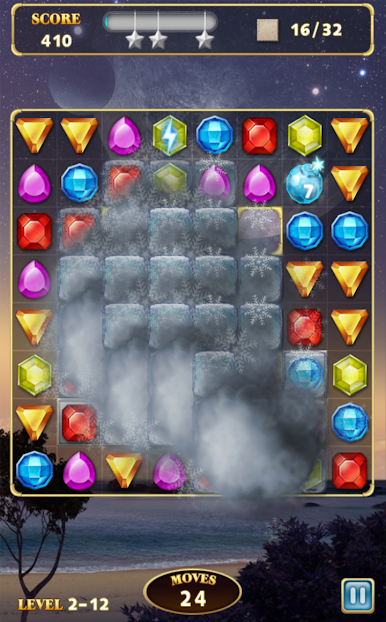
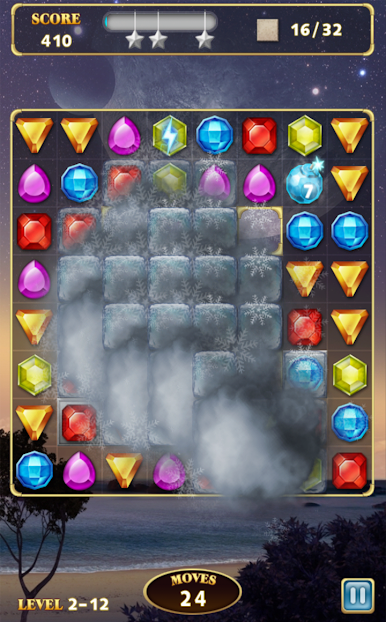
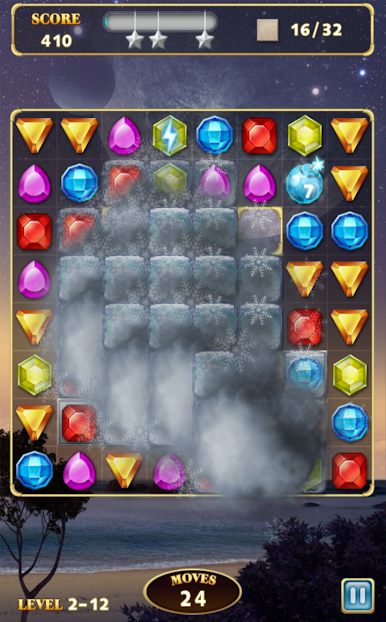
Frozen Jewels and Chained Jewels can’t be moved, but blast away nearby gems and you’ll free them up. And then there are Stones—just another challenge for your matching skills. -
Runs Smoothly on BlueStacks
Prefer your puzzles on a bigger screen? Jewels Star 3 plays seamlessly with BlueStacks, making it easy to enjoy every detail and keep your score climbing.
If you like games that are easy to pick up but hard to put down, Jewels Star 3 hits that sweet spot.
Slay your opponents with your epic moves. Play it your way on BlueStacks and dominate the battlefield.
Play Jewels Star 3 on PC. It’s easy to get started.
-
Download and install BlueStacks on your PC
-
Complete Google sign-in to access the Play Store, or do it later
-
Look for Jewels Star 3 in the search bar at the top right corner
-
Click to install Jewels Star 3 from the search results
-
Complete Google sign-in (if you skipped step 2) to install Jewels Star 3
-
Click the Jewels Star 3 icon on the home screen to start playing

