


Color Maze Master: Tap & Clear
Play on PC with BlueStacks – the Android Gaming Platform, trusted by 500M+ gamers.

Page Modified on: Jul 18, 2026
Main Color Maze Master: Tap & Clear on PC
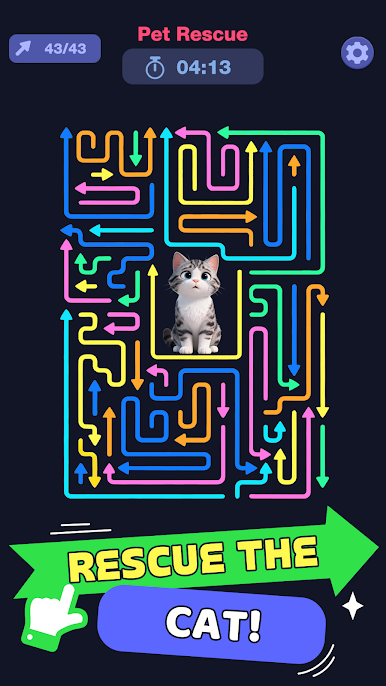
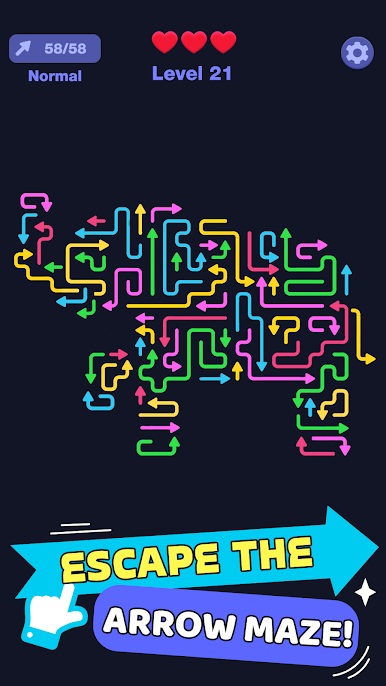
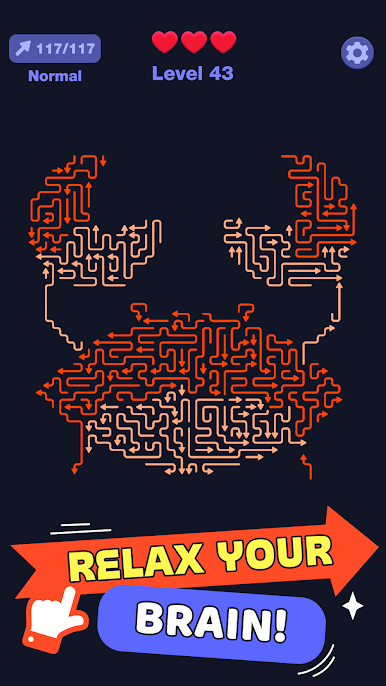
Ready to take on an a-maze-ing arrow puzzle that will both relax and challenge your brain? In this vibrant logic puzzle, your goal is simple but requires deep strategy: remove the colorful arrows in the correct order to clear the maze without a single collision.
Navigate through intricate color lines and tangled paths. Every tap matters as you read the flow of the grid. While the puzzles might seem simple at first, you’ll find that they start getting challenging fast!
⭐ KEY FEATURES:
- Logic-Based Color Mazes: Untangle complex color lines and structures. It’s a smart escape puzzle designed for fans of brain and mind challenges.
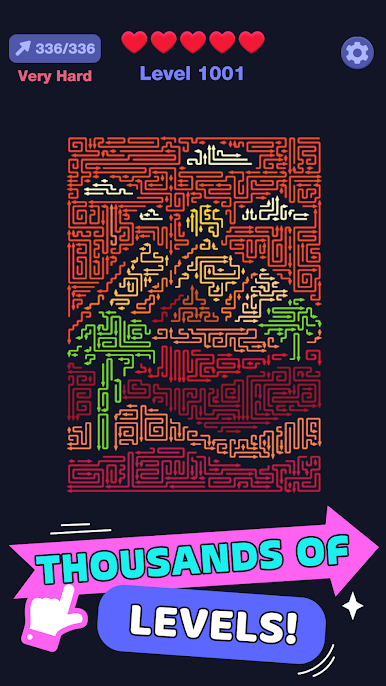
- Minimalist & Relaxing: Featuring a sleek dark mode and vibrant colorful arrows. No timers, no pressure— just pure mental stimulation.
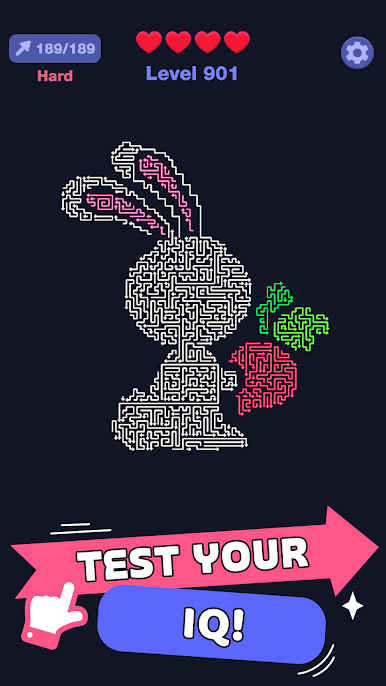
- Thousands of Handcrafted Levels: From simple entries to complex spatial thinking teasers, experience a perfect difficulty curve.
- Precision Controls: Smooth flow and responsive tap controls make every decision feel precise and satisfying.
- Offline Friendly: One of the best no wifi games to play anytime, anywhere.
Master the Maze! 🧩 Whether you want to improve your IQ, train your problem solving, or just enjoy a satisfying ""flow of logic,"" Color Maze Master is your perfect daily brain training companion.
Can you find the perfect escape route, or will your arrows go in circles?"
Play Color Maze Master: Tap & Clear on PC. It’s easy to get started.
-
Download and install BlueStacks on your PC
-
Complete Google sign-in to access the Play Store, or do it later
-
Look for Color Maze Master: Tap & Clear in the search bar at the top right corner
-
Click to install Color Maze Master: Tap & Clear from the search results
-
Complete Google sign-in (if you skipped step 2) to install Color Maze Master: Tap & Clear
-
Click the Color Maze Master: Tap & Clear icon on the home screen to start playing

