


PokerMan - Poker with friends!
Play on PC with BlueStacks – the Android Gaming Platform, trusted by 500M+ gamers.

Page Modified on: Aug 10, 2025
Play PokerMan - Poker with friends! on PC or Mac
Bring your A-game to PokerMan – Poker with friends!, the Board game sensation from PokerMan. Give your gameplay the much-needed boost with precise game controls, high FPS graphics, and top-tier features on your PC or Mac with BlueStacks.
About the Game
Looking for a laid-back way to play poker with your friends without ever worrying about running out of chips? PokerMan – Poker with friends! brings together that classic poker room vibe right on your phone—minus the hassle. Whether you’re a seasoned pro or new to the table, this board game is all about chill competition, laughs, and maybe a bit of bluffing with people you know (or people you’re about to beat!).
Game Features
-
All Kinds of Poker Modes
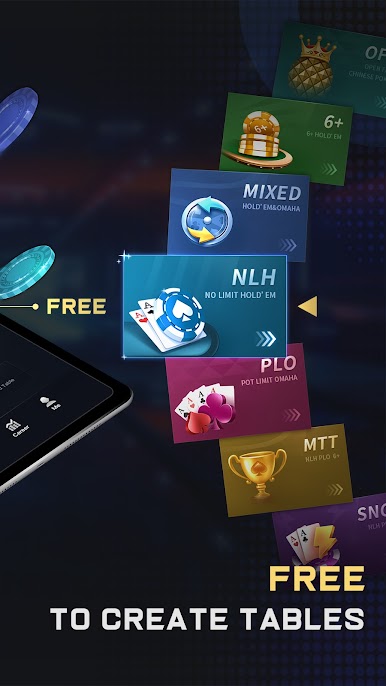
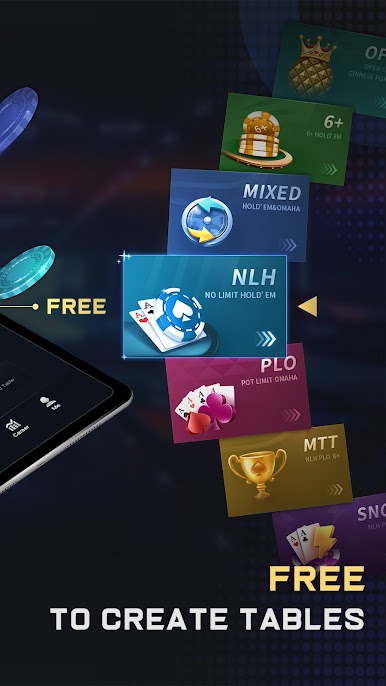
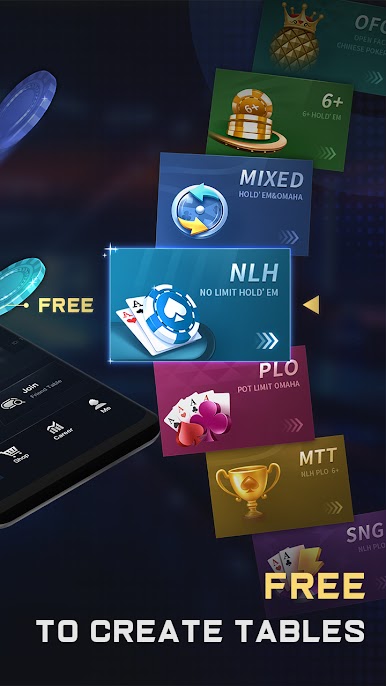
Bored with the same old version of poker? Mix things up with Texas Hold’em, Omaha (in all sorts of wild variations), OFC, NLH, SNG, and even MTT. There’s always a new way to play, and more options keep getting added. -
Truly Free Play
No sneaky charges here. Play as much as you like—there’s unlimited club chips and no paywall blocking your fun. -
Create Your Own Table
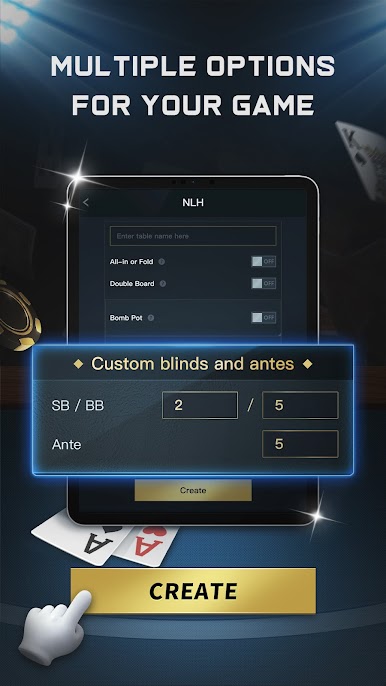
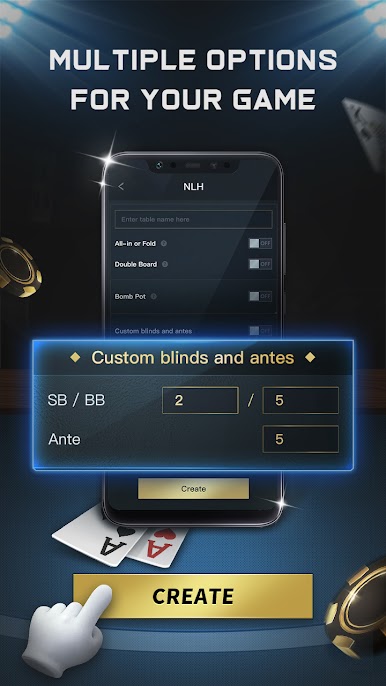
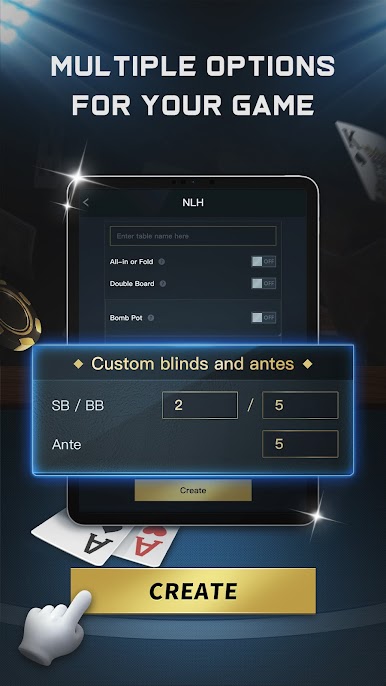
Want a private spot just for you and your friends? Set up your own game, tweak the rules however you want, and send out some invites. It’s your poker night, your way. -
Massive Poker Clubs
Got a huge group of friends? Or maybe you want to run a big club? There’s room for up to 9,999 members. That’s a lot of potential rivals. -
Authentic Look and Feel
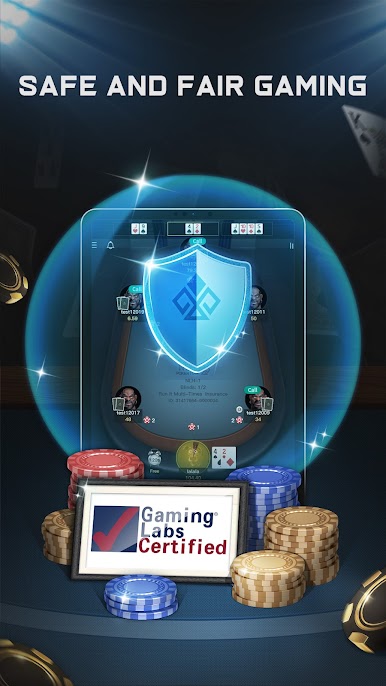
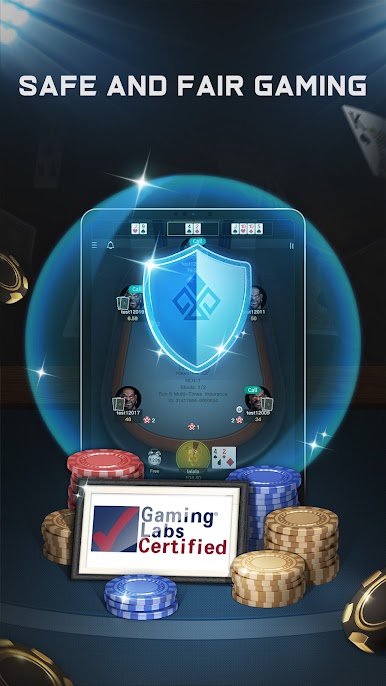
The visuals and sound effects? They’re crisp and realistic, making every hand feel like you’re sitting at a real table (without worrying about someone looking over your shoulder). -
Runs Smooth Everywhere
Works great on your phone, and runs buttery-smooth on your PC with BlueStacks, so you can keep the game going wherever you like.
Ready to top the leaderboard? We bet you do. Let precise controls and sharp visuals optimized on BlueStacks lead you to victory.
















Play PokerMan - Poker with friends! on PC. It’s easy to get started.
-
Download and install BlueStacks on your PC
-
Complete Google sign-in to access the Play Store, or do it later
-
Look for PokerMan - Poker with friends! in the search bar at the top right corner
-
Click to install PokerMan - Poker with friends! from the search results
-
Complete Google sign-in (if you skipped step 2) to install PokerMan - Poker with friends!
-
Click the PokerMan - Poker with friends! icon on the home screen to start playing

