


X-Poker - Online Home Game
Play on PC with BlueStacks – the Android Gaming Platform, trusted by 500M+ gamers.

Page Modified on: Jun 21, 2022
Overview
You can create your own private club, start a poker table with the rules you prefer, and invite your friends to play, you can chat and send funny emojis to your friends while playing on X-Poker. X-Poker strives to make playing poker on your cellphone as fun as playing on a live home game.
If you miss the fun of poker like good old times, open X-Poker and you can start to battle with friends on poker tables immediately!
[Free to use] Free to create your own private clubs!
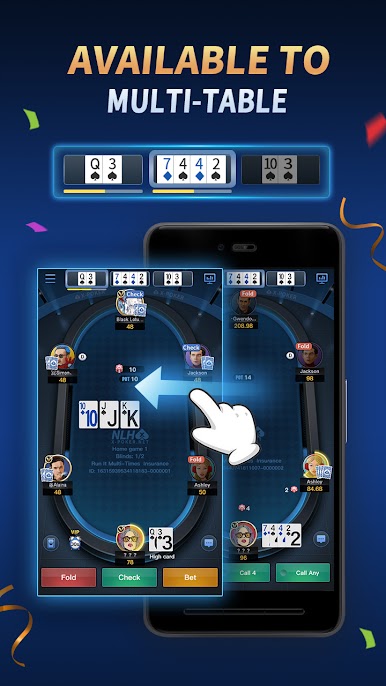
[Multi table action] Easy to play 3 tables at the same time!
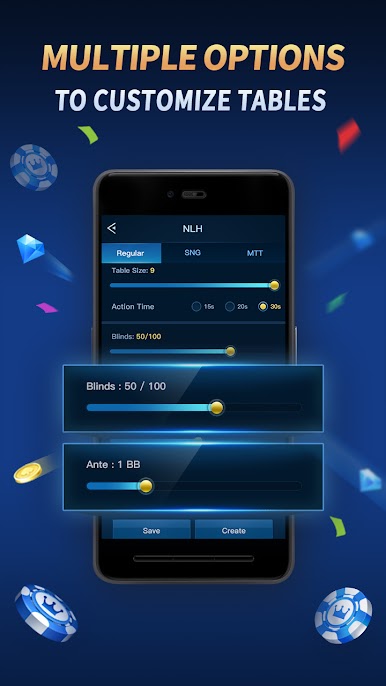
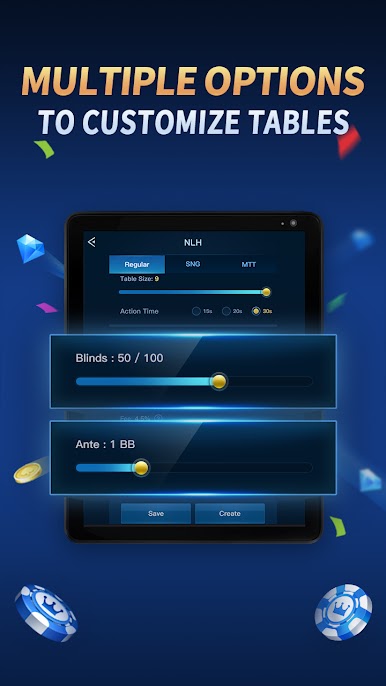
[Full control of the game] Your club, your games, your call, you are in full control!
[Jackpot] Enable the Jackpot feature now, add more excitement to the game!
[Excellent social experience] Text, voice, and funny emojis, there is so much fun to interact with friends during the game!




















Play X-Poker - Online Home Game on PC. It’s easy to get started.
-
Download and install BlueStacks on your PC
-
Complete Google sign-in to access the Play Store, or do it later
-
Look for X-Poker - Online Home Game in the search bar at the top right corner
-
Click to install X-Poker - Online Home Game from the search results
-
Complete Google sign-in (if you skipped step 2) to install X-Poker - Online Home Game
-
Click the X-Poker - Online Home Game icon on the home screen to start playing

