


Arcane Entity
Play on PC with BlueStacks – the Android Gaming Platform, trusted by 500M+ gamers.

Page Modified on: Apr 29, 2026
Play Arcane Entity on PC
Harness arcane powers, discover mighty abilities, and adapt your strategy with every run. Each battle is a test of skill and decision-making—combine magic and tactics to carve your path through an ever-changing world.
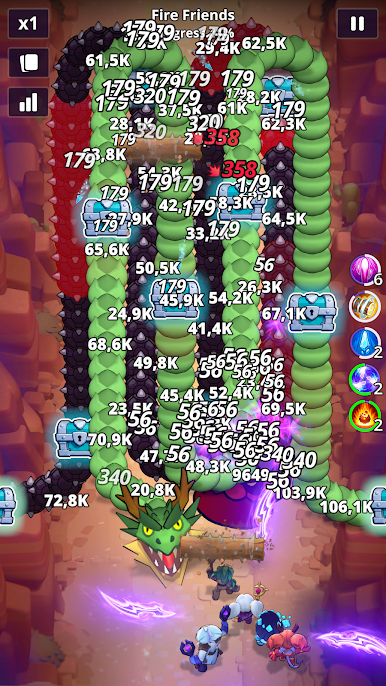
🐉Epic Beasts - Face dragons, cursed creatures, and other mythical foes
🧙Dynamic Roguelike - Discover and combine magical abilities to create unique, powerful combinations every run
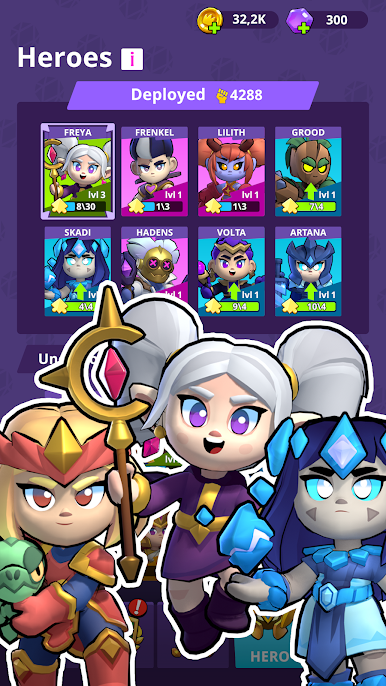
⚔️Powerful Heroes & Spells – Unlock and upgrade new heroes, each with their own skills
🏰Fast-Paced Tower Defense - Position yourself to attack and outmaneuver enemies
Master the magic! Survive the chaos!
Play Arcane Entity and conquer the battlefield!



Play Arcane Entity on PC. It’s easy to get started.
-
Download and install BlueStacks on your PC
-
Complete Google sign-in to access the Play Store, or do it later
-
Look for Arcane Entity in the search bar at the top right corner
-
Click to install Arcane Entity from the search results
-
Complete Google sign-in (if you skipped step 2) to install Arcane Entity
-
Click the Arcane Entity icon on the home screen to start playing

