


Beauty Link Match
Play on PC with BlueStacks – the Android Gaming Platform, trusted by 500M+ gamers.

Page Modified on: Aug 16, 2026
Play Beauty Link Match on PC or Mac
Bring your A-game to Beauty Link Match, the Casual game sensation from It’s Jamshed. Give your gameplay the much-needed boost with precise game controls, high FPS graphics, and top-tier features on your PC or Mac with BlueStacks.
About the Game
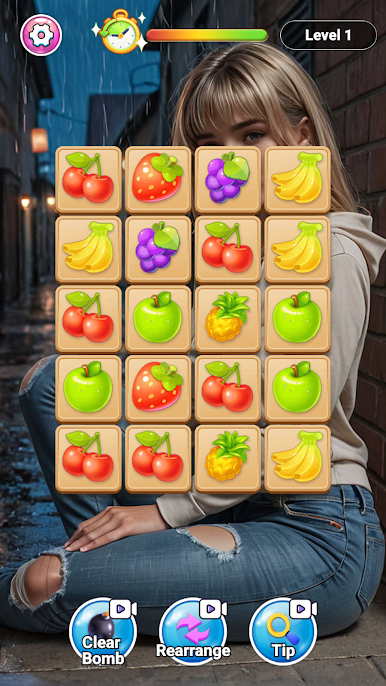
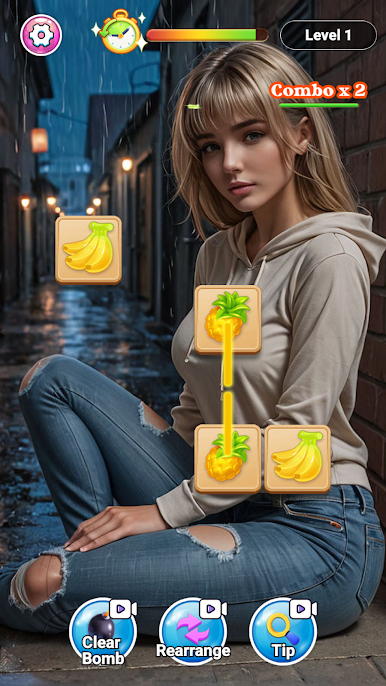
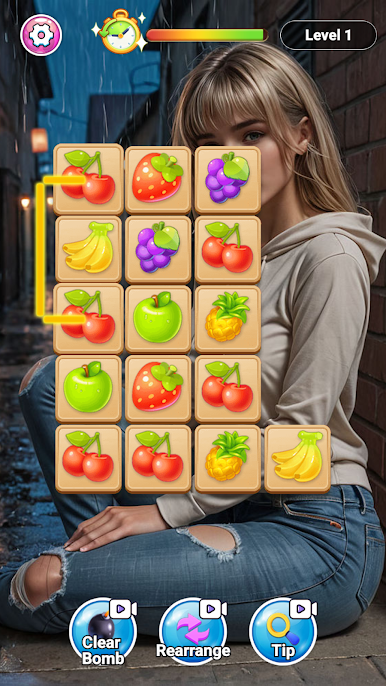
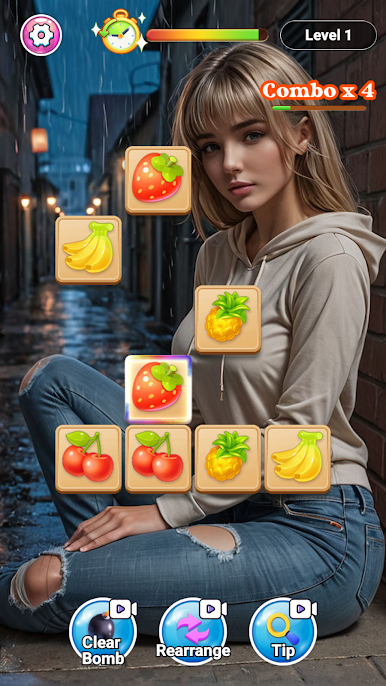
Beauty Link Match is a Casual tile-connecting puzzler that feels relaxing at first glance and surprisingly strategic once you’re in the groove. You link matching tiles to clear the board, push through stages, and reveal a growing set of elegant portraits as your reward. It’s simple to learn, pleasant to play, and easy to pick up whenever you want a quick mental refresh. Prefer a bigger view? It looks crisp on BlueStacks too.
Game Features
- Classic Link Matching: Connect identical tiles along a clear path to remove them, empty the board, and move on to the next challenge.
- Fresh Board Layouts: Levels come with new tile arrangements and patterns, keeping the puzzles feeling fresh instead of familiar.
- Portrait Gallery: Finish stages to unlock beautifully illustrated portraits, turning progress into a collection you’ll actually want to complete.
- Gradual Challenge: Early rounds teach the basics; later stages ask for smarter routes and tighter decision-making without feeling punishing.
- Quick, Satisfying Sessions: Short levels fit neatly into a break, yet still deliver that “one more puzzle” pull.
- Sharpen Your Eye: Train your pattern recognition and routing skills as you spot clean paths and plan efficient links.
- Clean, Focused Presentation: A tidy interface and smooth feedback keep attention on the puzzle, not on clutter.
- Smooth on BlueStacks: Enjoy crisp artwork and precise cursor control on BlueStacks, great for longer play sessions.
Start playing Beauty Link Match on BlueStacks and get a smoother, more comfortable PC or Mac setup.
Play Beauty Link Match on PC. It’s easy to get started.
-
Download and install BlueStacks on your PC
-
Complete Google sign-in to access the Play Store, or do it later
-
Look for Beauty Link Match in the search bar at the top right corner
-
Click to install Beauty Link Match from the search results
-
Complete Google sign-in (if you skipped step 2) to install Beauty Link Match
-
Click the Beauty Link Match icon on the home screen to start playing

