


Crazy Aim
Play on PC with BlueStacks – the Android Gaming Platform, trusted by 500M+ gamers.

Page Modified on: Sep 17, 2026
Main Crazy Aim on PC
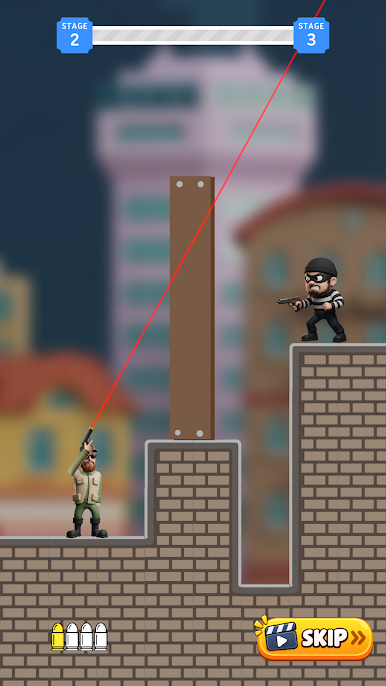
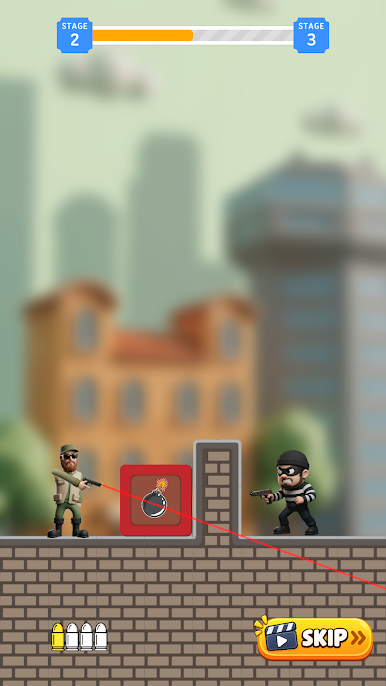
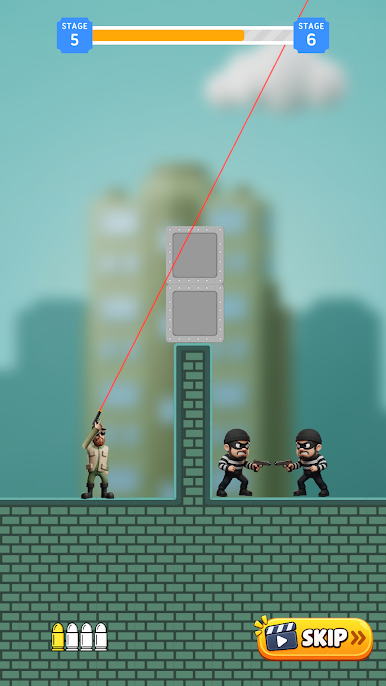
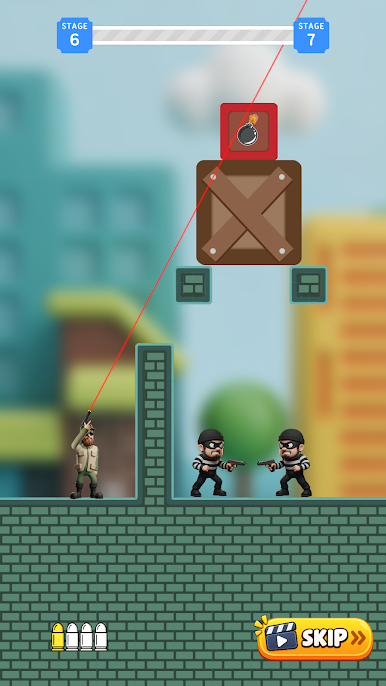
Take control of a fearless shooter and put your aiming skills to the test. Every level is a new puzzle filled with enemies, obstacles, platforms, crates, and tricky situations. Your goal is simple: take down every enemy using smart shots and perfect aim.
But it won't be that easy. Obstacles can block your path, enemies can hide behind cover, and your limited bullets mean every shot counts. Carefully plan your trajectory, find the perfect angle, and fire at the right moment.
Features:
🎯 Simple and satisfying aiming gameplay
🔫 Shoot enemies with precise, strategic shots
🧠 Solve challenging shooting puzzles
💥 Navigate obstacles and tricky environments
🏆 Complete levels and become a shooting master
⭐ Easy to learn, difficult to master
🎮 Fun casual gameplay for quick sessions
Think fast. Aim carefully. Shoot perfectly.
Can you conquer every level and prove that you have the Craziest Aim?
Play Crazy Aim on PC. It’s easy to get started.
-
Download and install BlueStacks on your PC
-
Complete Google sign-in to access the Play Store, or do it later
-
Look for Crazy Aim in the search bar at the top right corner
-
Click to install Crazy Aim from the search results
-
Complete Google sign-in (if you skipped step 2) to install Crazy Aim
-
Click the Crazy Aim icon on the home screen to start playing

