


Merge Sticker Playbook 2D
Play on PC with BlueStacks – the Android Gaming Platform, trusted by 500M+ gamers.

Page Modified on: Nov 27, 2025
Play Merge Sticker Playbook 2D on PC or Mac
Bring your A-game to Merge Sticker Playbook 2D, the Puzzle game sensation from Lion Studios Plus. Give your gameplay the much-needed boost with precise game controls, high FPS graphics, and top-tier features on your PC or Mac with BlueStacks.
Merge Sticker Playbook 2D feels like a cozy mix of a sticker album and a color-by-number puzzle. Players drag little sticker pieces around, merge matching colors to make bigger ones, then place them into a numbered outline to finish the picture. It starts easy and stays relaxing, but there is a nice logic to it. Space on the board can get tight, so planning merges and keeping colors sorted matters. When a page clicks together and the picture pops with color, it gives that tidy, satisfying feeling that merge games do well.
The art sets rotate through animals, landscapes, and famous spots, with crisp shapes that look clean once all the stickers land. The audio and animations lean soft and calm, almost ASMR, which makes it great for a quick unwind session. There are rewards and little achievements to chase, plus a growing collection that nudges players to complete more pages. Nothing stressful, no heavy text, just a simple loop that slowly adds small twists. On PC with BlueStacks, mouse drag-and-drop feels smooth and makes sorting faster, and playing in a window while doing other stuff works well. Anyone who likes merge puzzles, paint-by-number apps, or just finishing neat little scenes piece by piece will probably enjoy the groove here.
Start your journey now. Download the game on BlueStacks, invite your friends, and march on a new adventure.


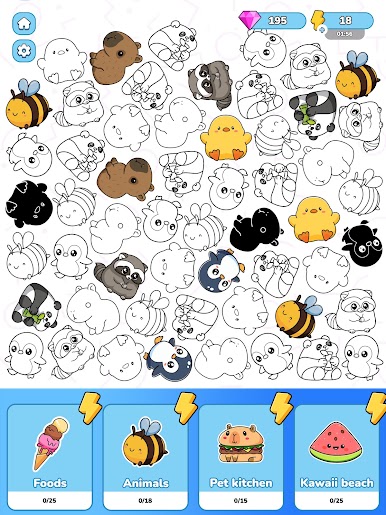
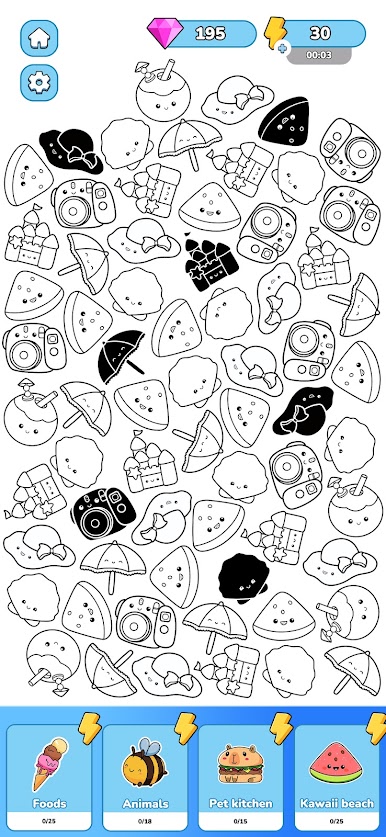
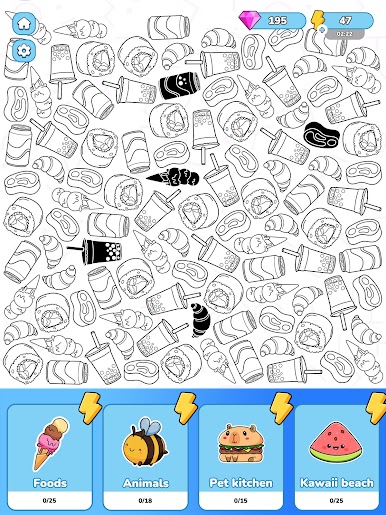
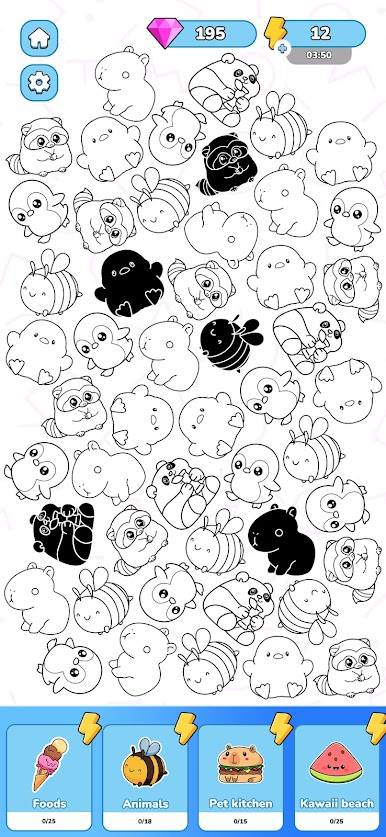
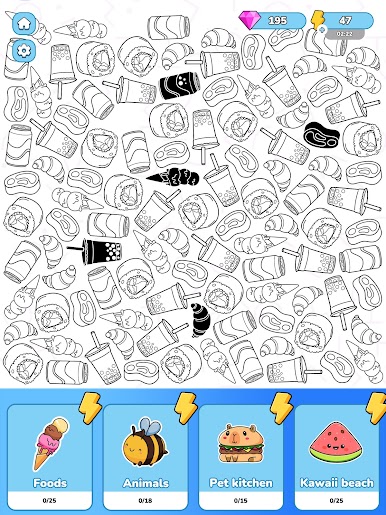
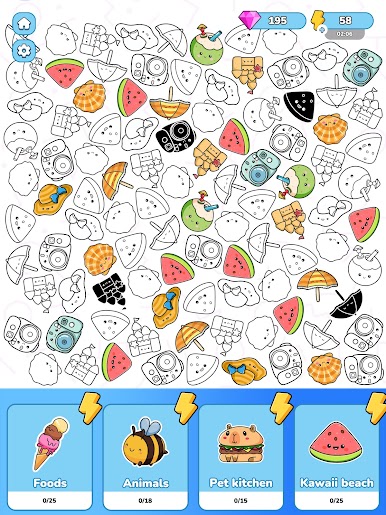
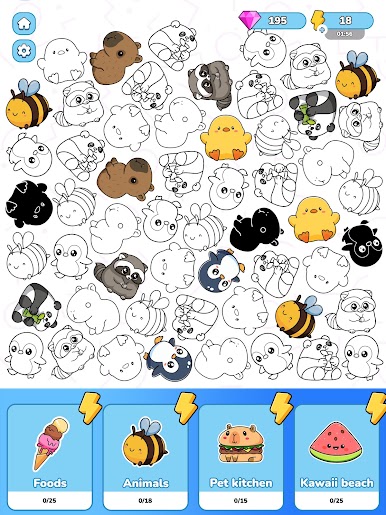
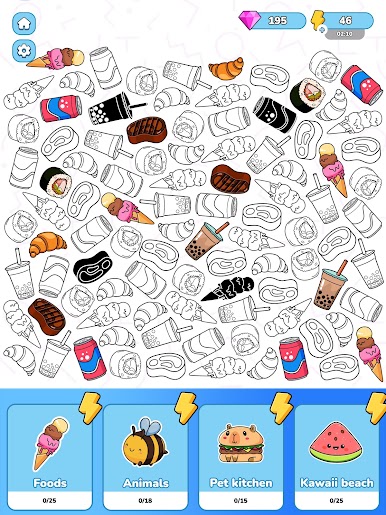
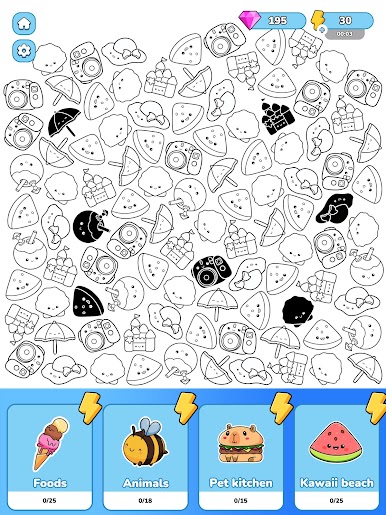
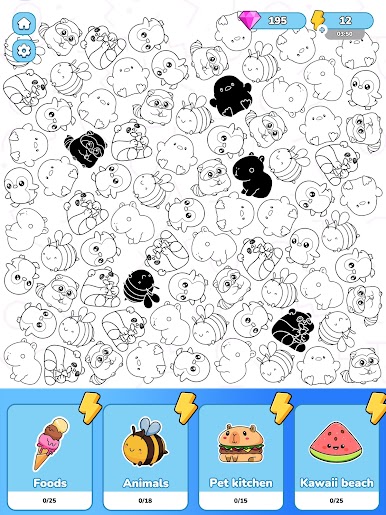
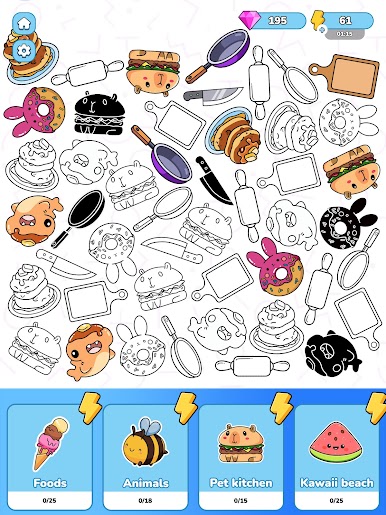
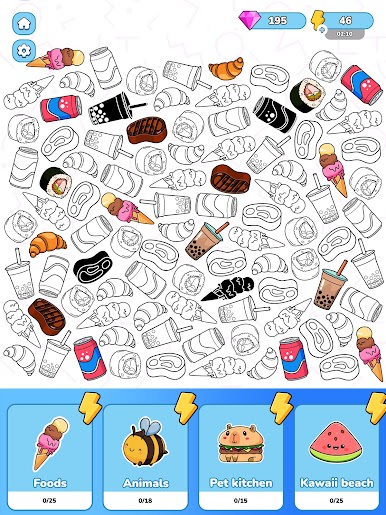
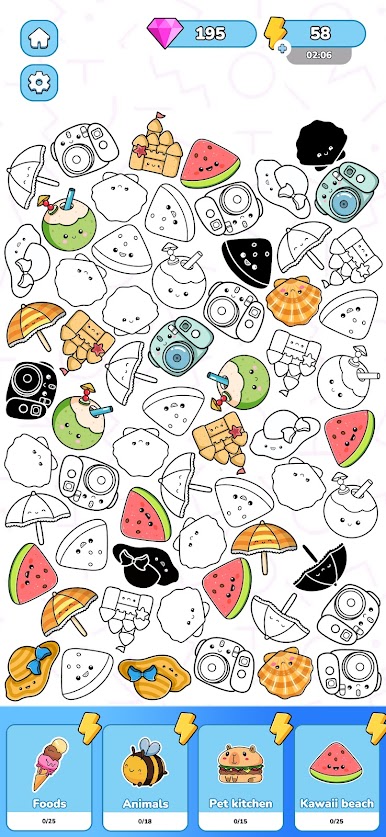
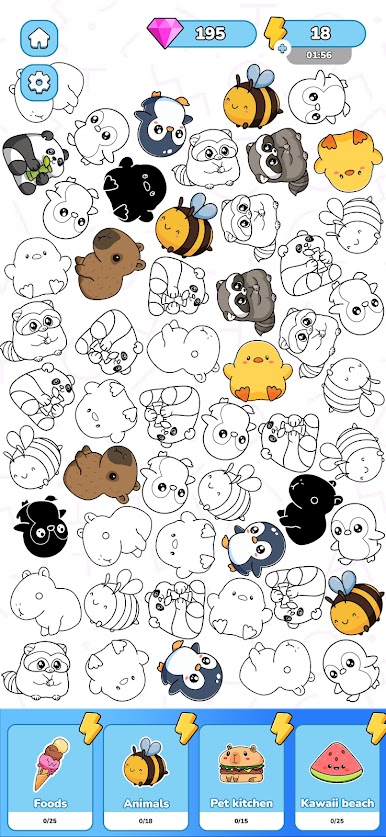

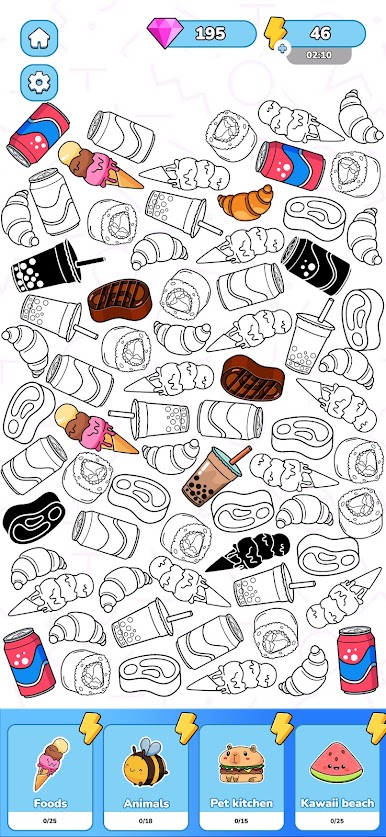
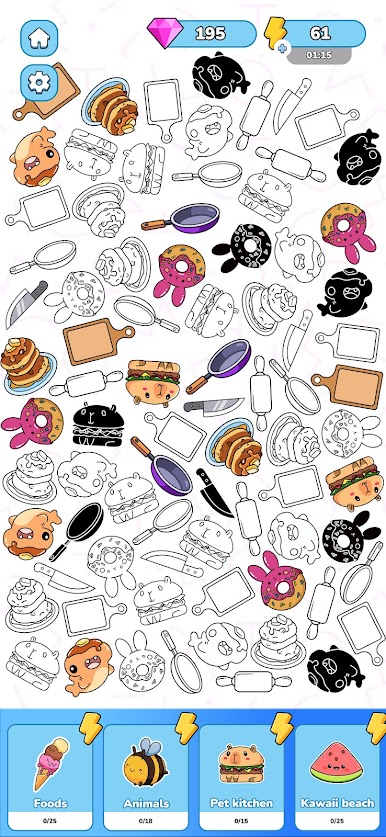
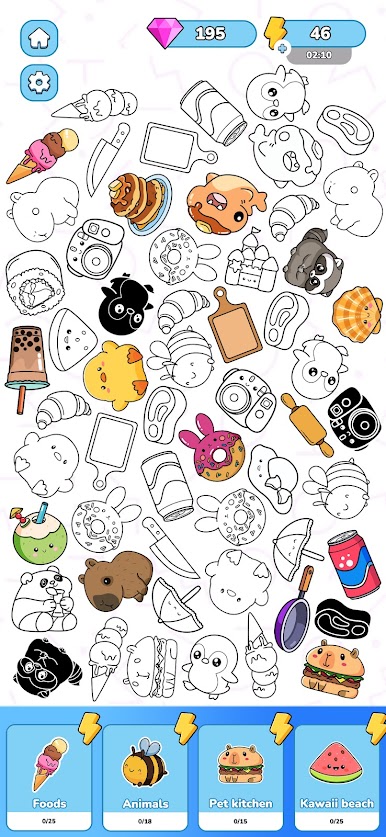
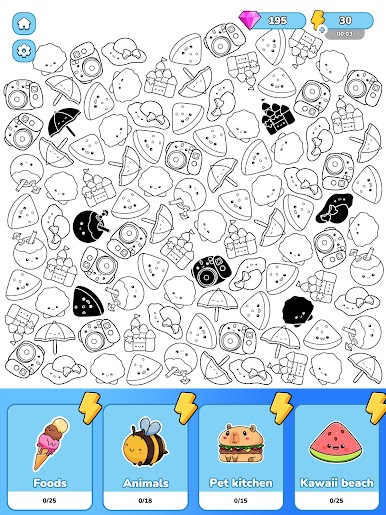
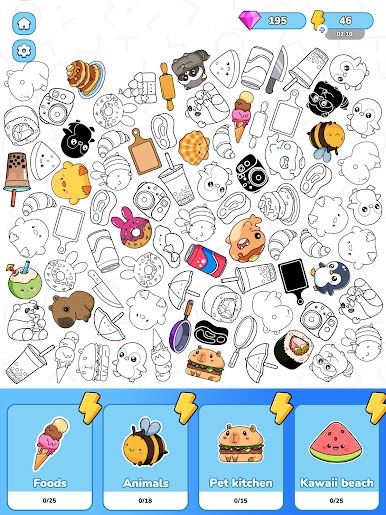
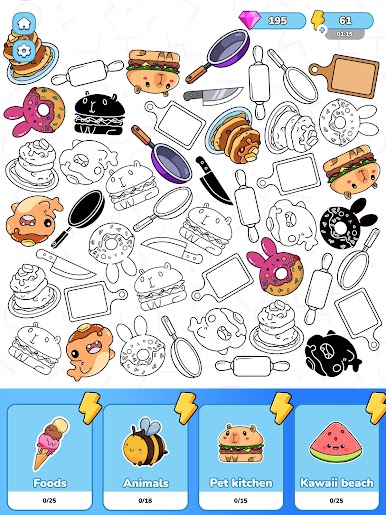
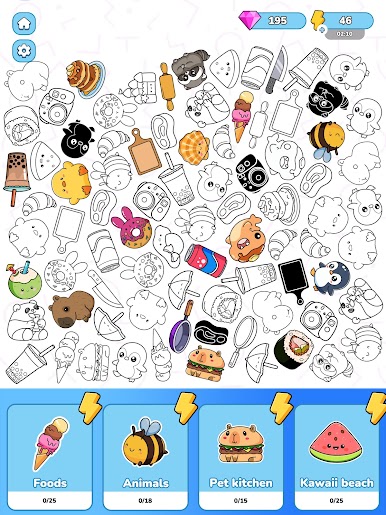
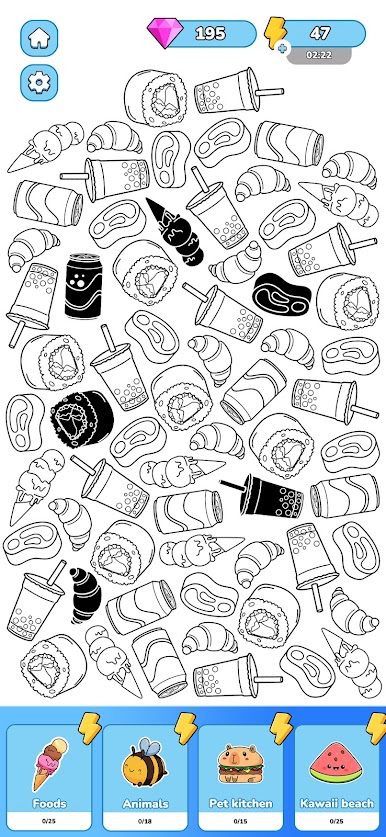
Play Merge Sticker Playbook 2D on PC. It’s easy to get started.
-
Download and install BlueStacks on your PC
-
Complete Google sign-in to access the Play Store, or do it later
-
Look for Merge Sticker Playbook 2D in the search bar at the top right corner
-
Click to install Merge Sticker Playbook 2D from the search results
-
Complete Google sign-in (if you skipped step 2) to install Merge Sticker Playbook 2D
-
Click the Merge Sticker Playbook 2D icon on the home screen to start playing

