


Zombie Rush: Idle Survival
Play on PC with BlueStacks – the Android Gaming Platform, trusted by 500M+ gamers.

Page Modified on: Jun 24, 2026
Main Zombie Rush: Idle Survival on PC
Step into the role of a strong and skilled heroine as you face waves of enemies in this fast-paced idle shooter. With simple controls and satisfying progression, you’ll grow stronger with every battle.
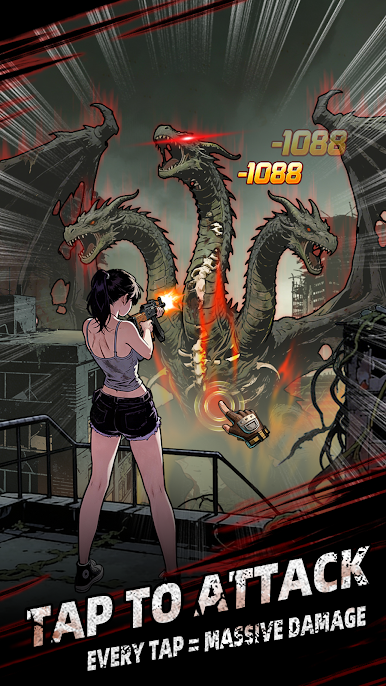
Gameplay – Simple and Engaging Tap to target enemies and progress through increasingly challenging stages. Easy to play, yet rewarding as you improve your strategy and upgrades.
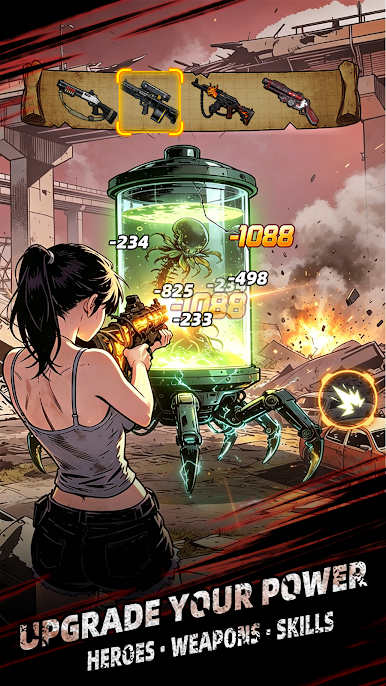
Progression – Grow Stronger Over Time Earn rewards by defeating enemies. Upgrade your weapons and abilities to boost your power. Enhance attack speed, damage, and idle income to advance further.
Features:
- Idle & Active Play – Play actively or progress while offline
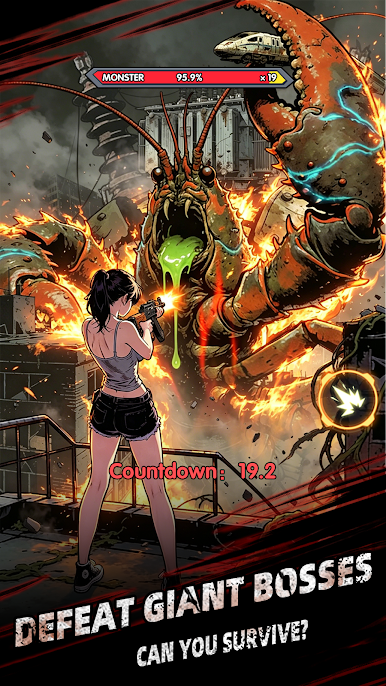
- Enemy Variety – Face different types of enemies and powerful bosses
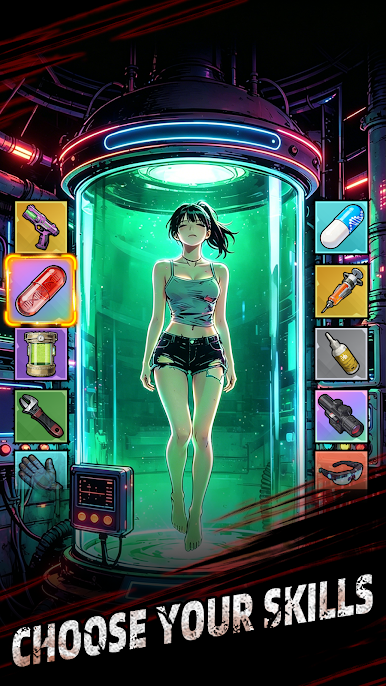
- Upgrades & Skills – Customize your build and improve efficiency
- Multiple Stages – Explore different environments and challenges
- Strong Heroine – A confident and capable survivor leading the fight
Why You’ll Love It
- Easy to pick up and play anytime
- Smooth progression with constant growth
- Relaxing idle mechanics combined with active gameplay
Take on the challenge, strengthen your abilities, and see how far you can go.
Download Zombie Rush: Idle Survival and start your survival journey today!

Play Zombie Rush: Idle Survival on PC. It’s easy to get started.
-
Download and install BlueStacks on your PC
-
Complete Google sign-in to access the Play Store, or do it later
-
Look for Zombie Rush: Idle Survival in the search bar at the top right corner
-
Click to install Zombie Rush: Idle Survival from the search results
-
Complete Google sign-in (if you skipped step 2) to install Zombie Rush: Idle Survival
-
Click the Zombie Rush: Idle Survival icon on the home screen to start playing

