

Zombie Rush: Idle Survival
Play on PC with BlueStacks – the Android Gaming Platform, trusted by 500M+ gamers.

Page Modified on: Jul 24, 2026
Play Zombie Rush: Idle Survival on PC or Mac
Explore a whole new adventure with Zombie Rush: Idle Survival, a Arcade game created by DREAMWEAVE GAMES LIMITED. Experience great gameplay with BlueStacks, the most popular gaming platform to play Android games on your PC or Mac.
About the Game
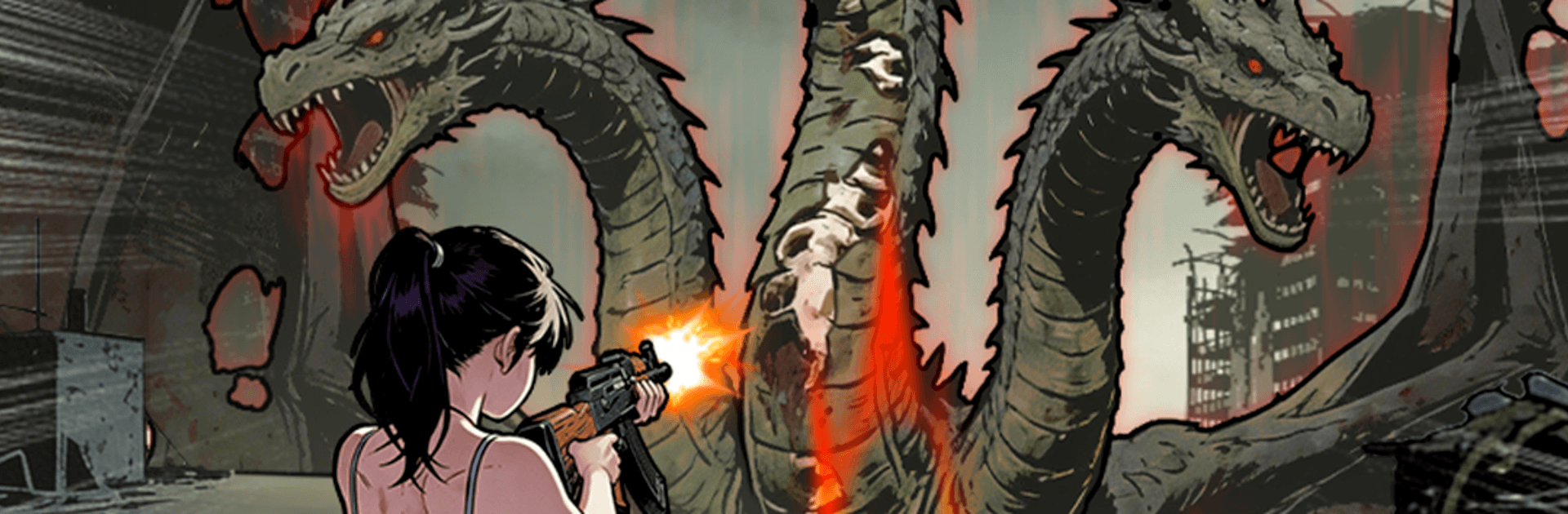
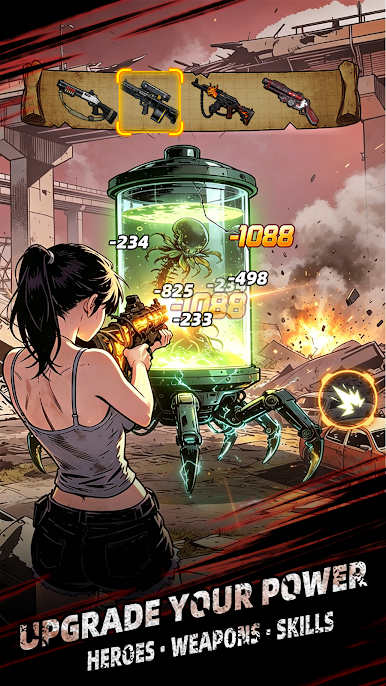
Zombie Rush: Idle Survival is a snappy Arcade shooter where a fearless heroine holds the line against endless waves of the undead. It mixes quick tap-to-aim action with laid-back, hands-off progress, so you’re always getting stronger—whether you’re playing or taking a break. Want a bigger screen and smoother controls? It also feels right at home on PC with BlueStacks.
Game Features
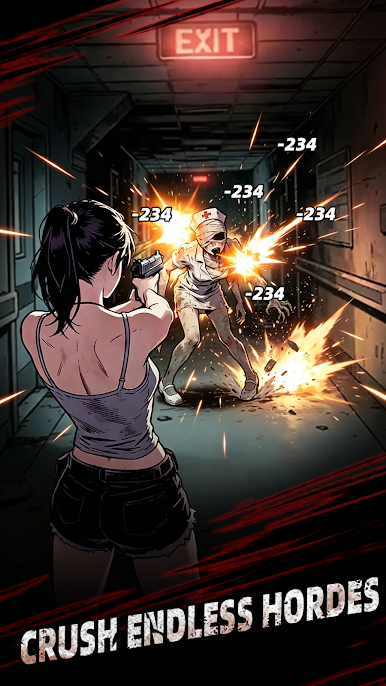
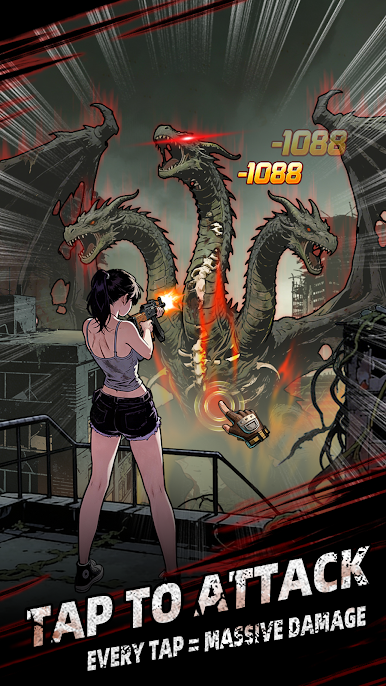
- Fast Tap-to-Shoot Combat: Pick targets on the fly, clear swarms, and keep moving. Encounters are short, punchy, and easy to jump into anytime.
- Idle Gains That Stack Up: Step away and still make progress. Come back to a pile of resources ready to pour into your build.
- Build Your Survivor: Upgrade weapons and abilities to boost damage, attack speed, and other key stats. Shape a loadout that fits your style.
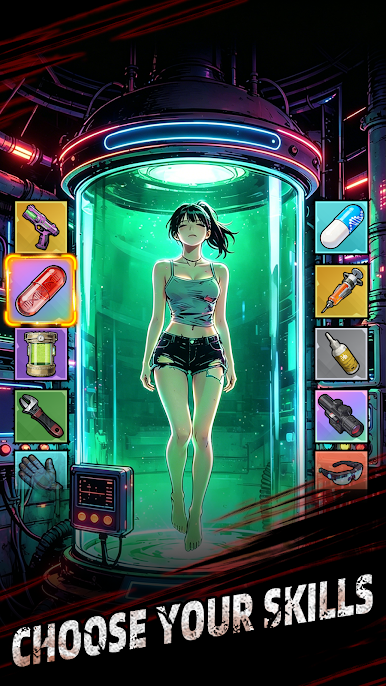
- Skills With Real Impact: Combine perks that synergize—melt crowds faster, burst down bosses, or lean into safe, steady clears.
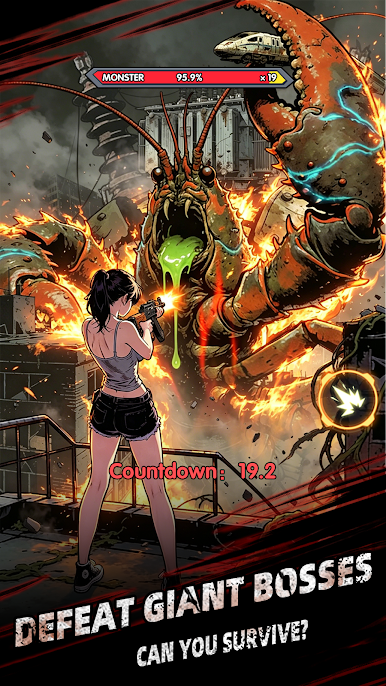
- Enemies With Attitude: From quick runners to chunky brutes and screen-filling bosses, each threat pushes you to tweak your approach.
- Stages That Keep Things Fresh: Push through distinct zones with new layouts and pacing, each bringing its own rhythm and challenge.
- Play Your Way: Perfect for one-handed sessions or longer marathons. It’s simple to learn and satisfying to master.
- Steady, Satisfying Progress: Earn, upgrade, repeat—there’s a constant sense of growth without grinding yourself into the ground.
- BlueStacks-Friendly: Prefer playing on a desktop setup? The game plays smoothly on BlueStacks for a clean view and comfortable controls.
BlueStacks gives you more room to focus on the game and less time adjusting around mobile limitations.
Play Zombie Rush: Idle Survival on PC. It’s easy to get started.
-
Download and install BlueStacks on your PC
-
Complete Google sign-in to access the Play Store, or do it later
-
Look for Zombie Rush: Idle Survival in the search bar at the top right corner
-
Click to install Zombie Rush: Idle Survival from the search results
-
Complete Google sign-in (if you skipped step 2) to install Zombie Rush: Idle Survival
-
Click the Zombie Rush: Idle Survival icon on the home screen to start playing

