

Connect Master - Match Puzzle
Play on PC with BlueStacks – the Android Gaming Platform, trusted by 500M+ gamers.

Page Modified on: Sep 4, 2026
Play Connect Master - Match Puzzle on PC or Mac
From the innovators and creators at Rooftop Game, Connect Master – Match Puzzle is another fun addition to the World of Puzzle games. Go beyond your mobile screen and play it bigger and better on your PC or Mac. An immersive experience awaits you.
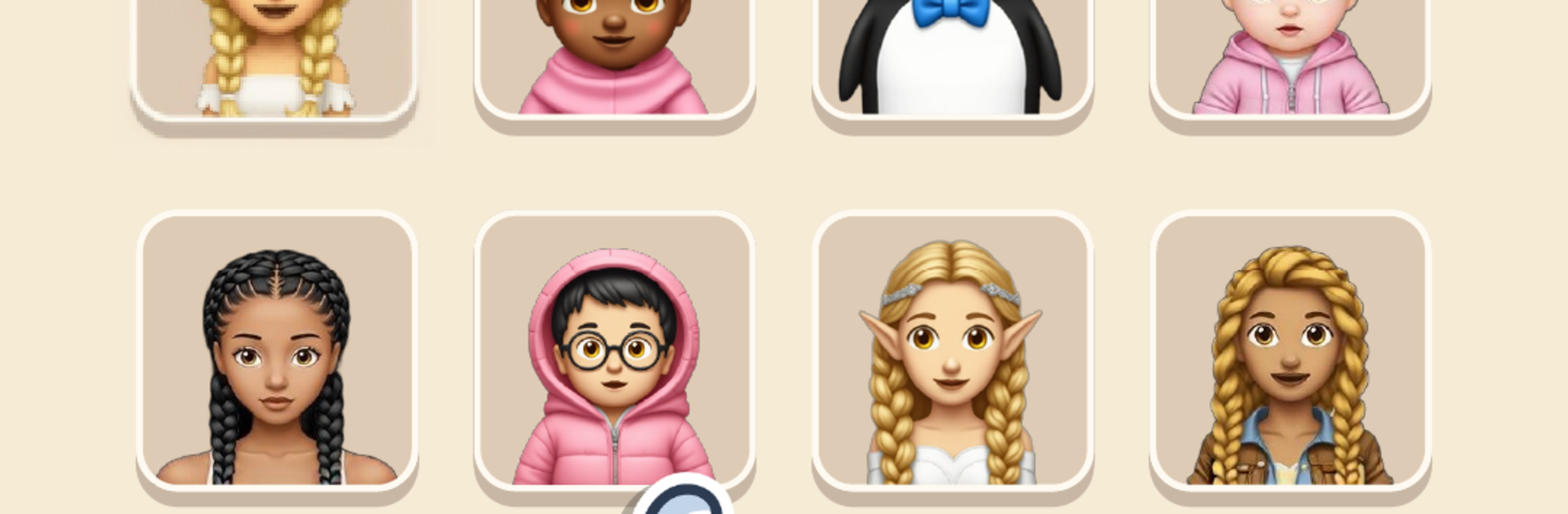
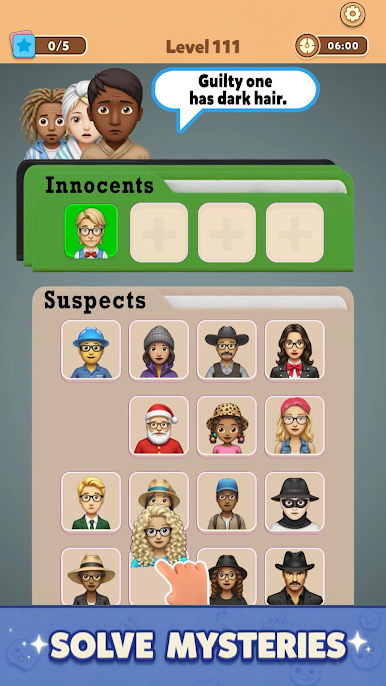
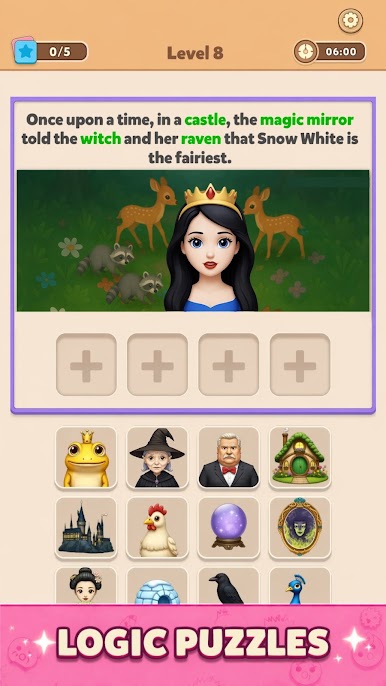
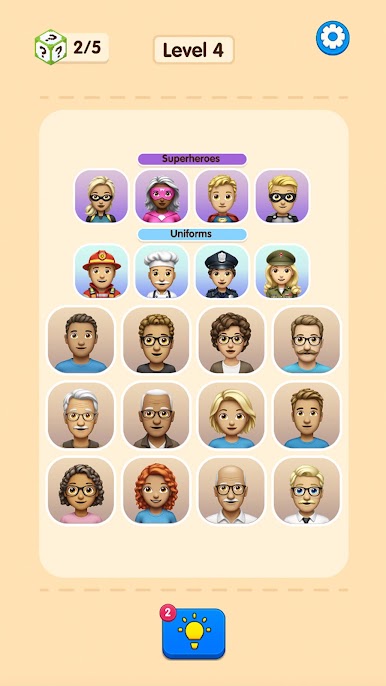
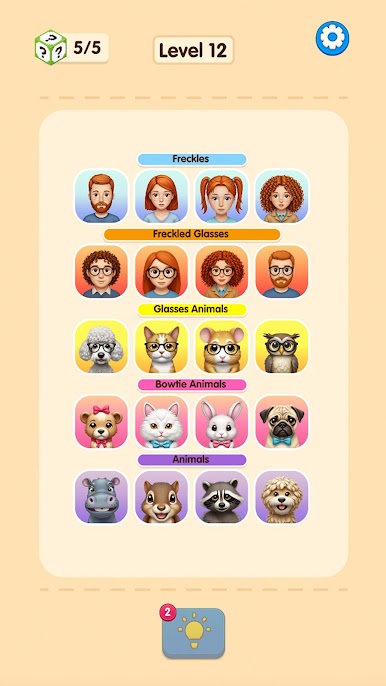
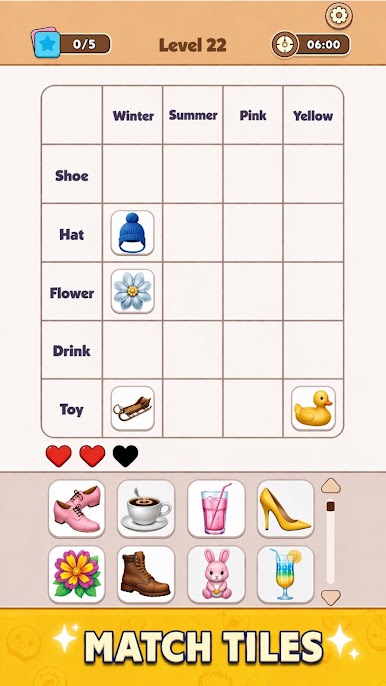
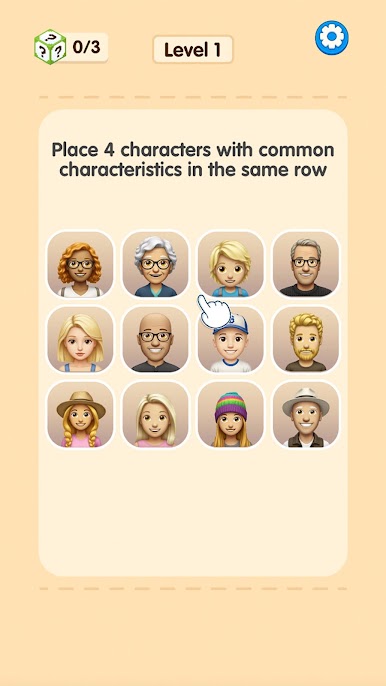
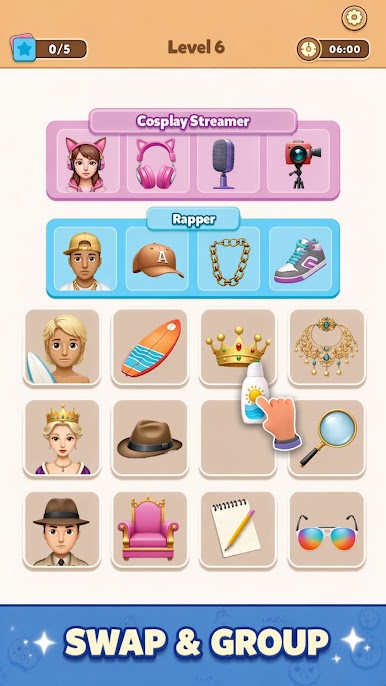
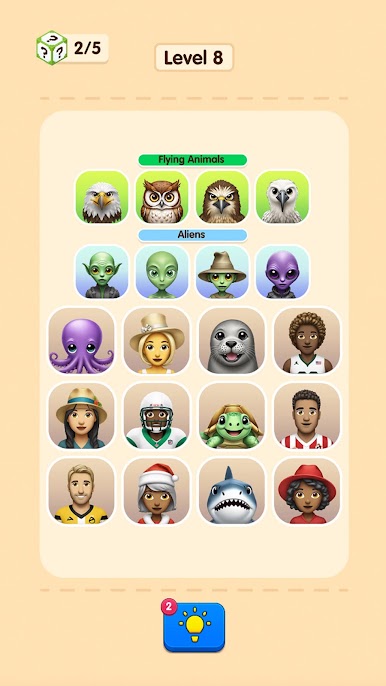
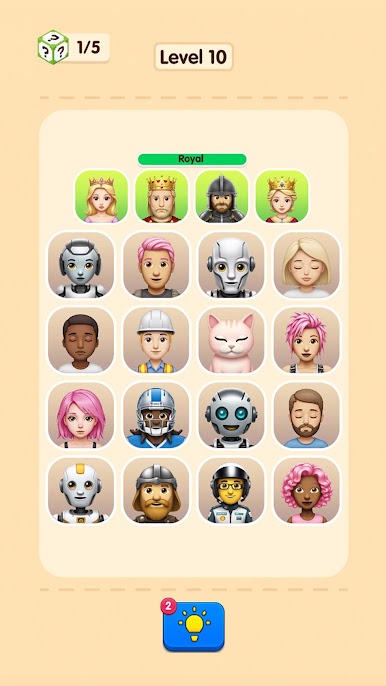
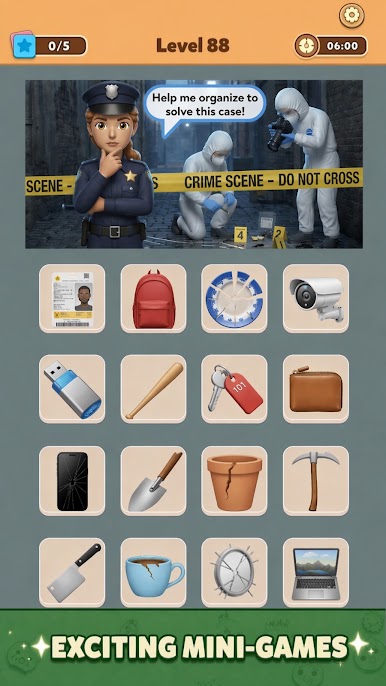
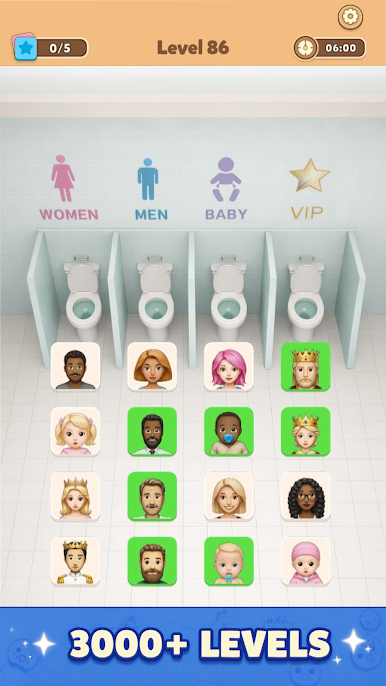
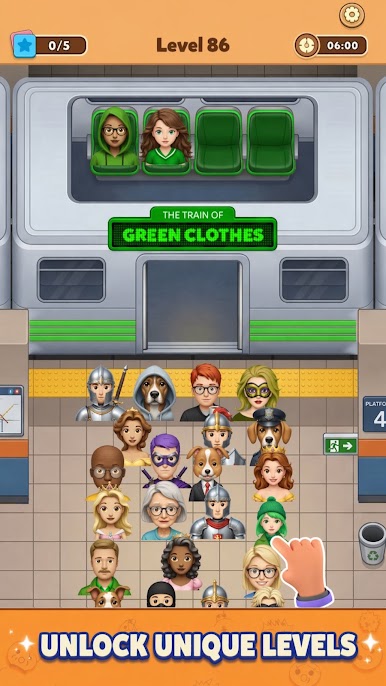
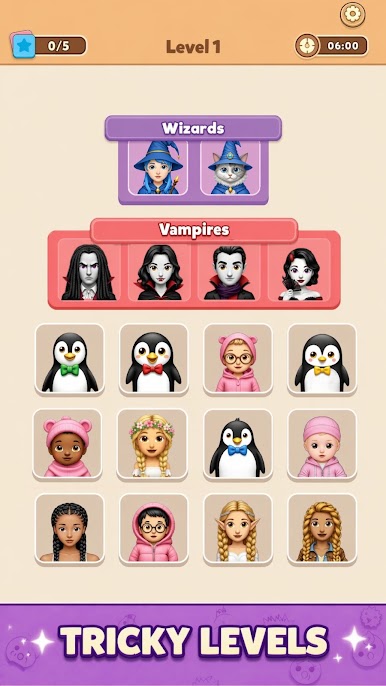
Connect Master – Match Puzzle feels like a calm sorting game with a little detective work. The screen fills with big memoji-style faces, and players swap their positions to line up four that share something in common. Sometimes it is obvious, like blue hair or round glasses. Other times it is smaller, like the same collar shape, the same shade of shirt, or a matching expression that looks almost identical until a second glance. When a row locks into place, the board gives a neat little flourish and everything feels organized again. It hits that tidy brain itch without rushing anyone.
There are no timers or lives, so it becomes a relaxing loop of scan, swap, and notice tiny details. A hint can point out two related cards if things stall, which keeps the flow moving without handing over the whole answer. New sets roll in with lots of expressive characters and fun themes, from sporty looks to party clothes to trendy styles, so the board keeps feeling fresh. Controls are simple taps and swaps, and on PC with BlueStacks the mouse makes the movements clean and the larger screen makes small differences easier to catch. The difficulty creeps up in a fair way, more about sharp eyes than complex rules, so it suits kids and adults. Anyone who enjoys visual logic puzzles, matching patterns, and the quiet satisfaction of putting things in the right place will find a chill little groove here.
Ready to top the leaderboard? We bet you do. Let precise controls and sharp visuals optimized on BlueStacks lead you to victory.
Play Connect Master - Match Puzzle on PC. It’s easy to get started.
-
Download and install BlueStacks on your PC
-
Complete Google sign-in to access the Play Store, or do it later
-
Look for Connect Master - Match Puzzle in the search bar at the top right corner
-
Click to install Connect Master - Match Puzzle from the search results
-
Complete Google sign-in (if you skipped step 2) to install Connect Master - Match Puzzle
-
Click the Connect Master - Match Puzzle icon on the home screen to start playing

