


Monster Survival 3D
Play on PC with BlueStacks – the Android Gaming Platform, trusted by 500M+ gamers.

Page Modified on: Aug 30, 2024
Overview
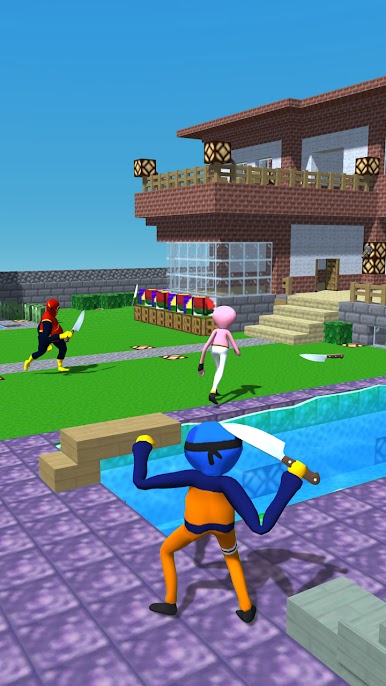
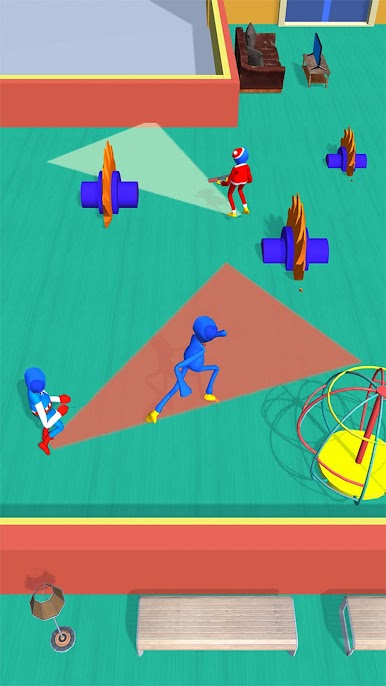
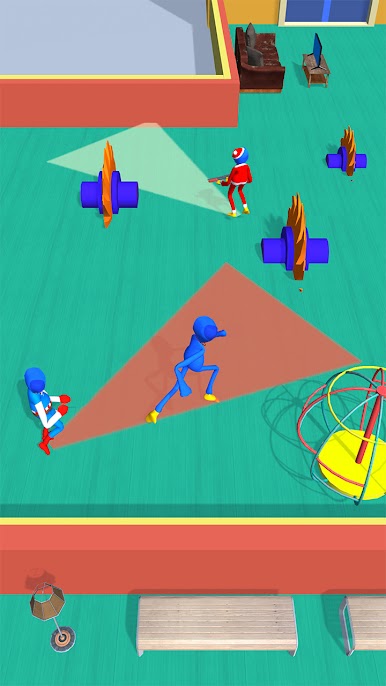
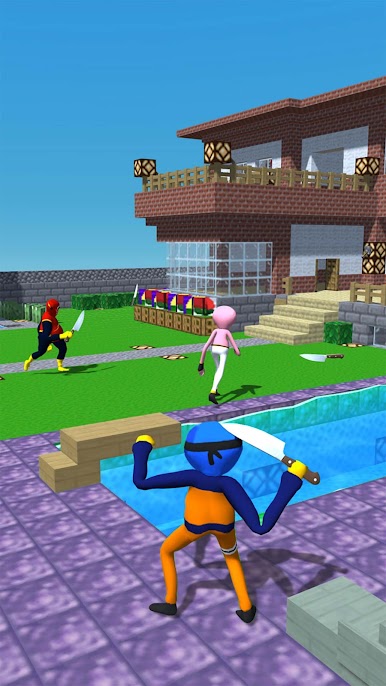
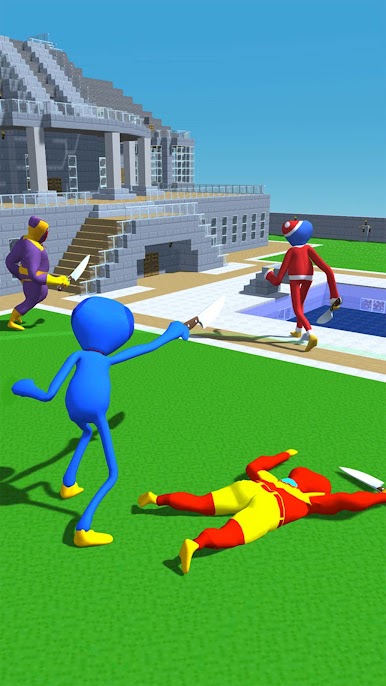
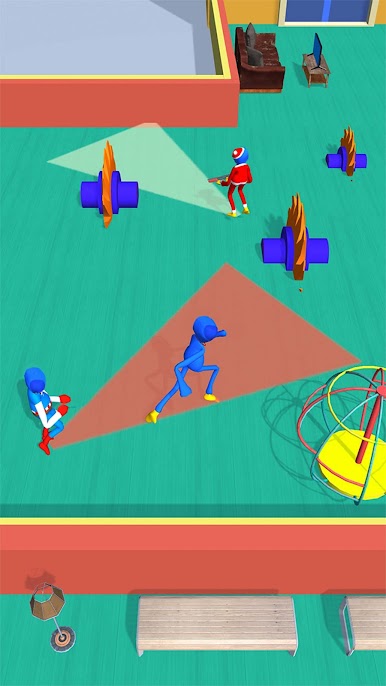
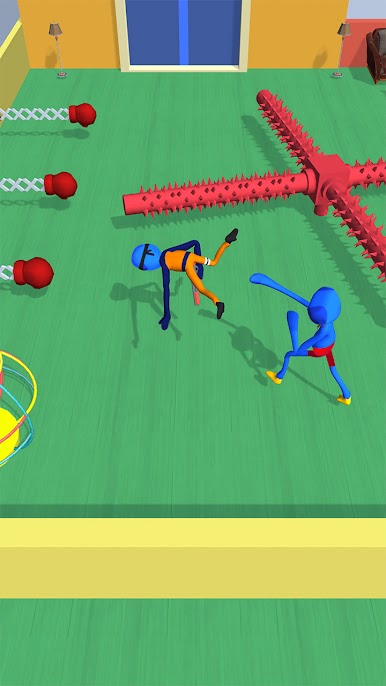
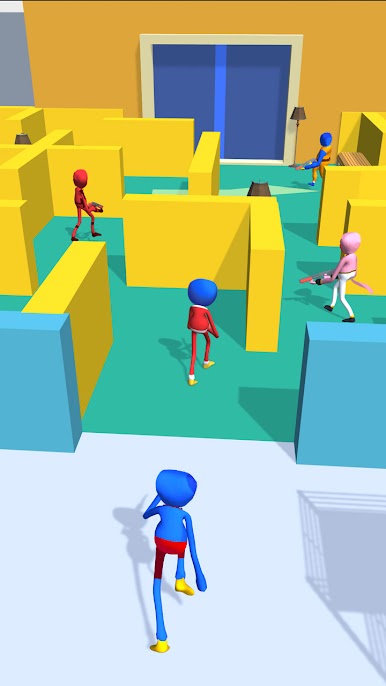
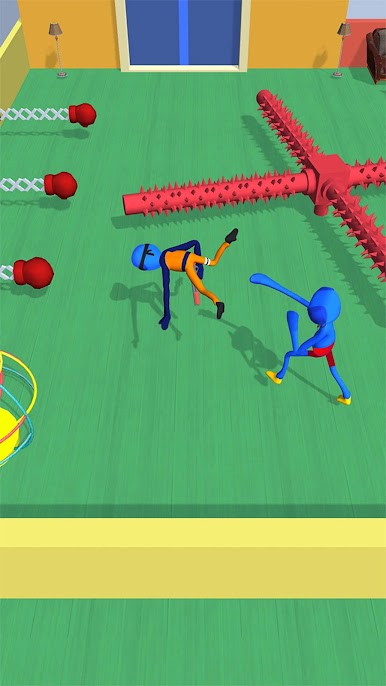
Your task is clever, quick to the only winner! You don’t have to hide and seek with Thief anymore, have to do anything to defeat him. Thief challenge has many fighting 3d games such as rock paper scissors shoot, gemstone, and candy. Enjoy this thief playtime game and fight with the big boss scary doll in the end.
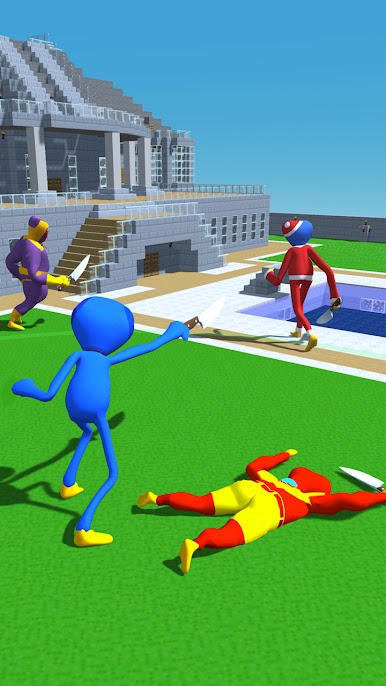
Moreover, you definitely cannot ignore the knife level - a fighting game for survival.
Let's join and enjoy this game!!!
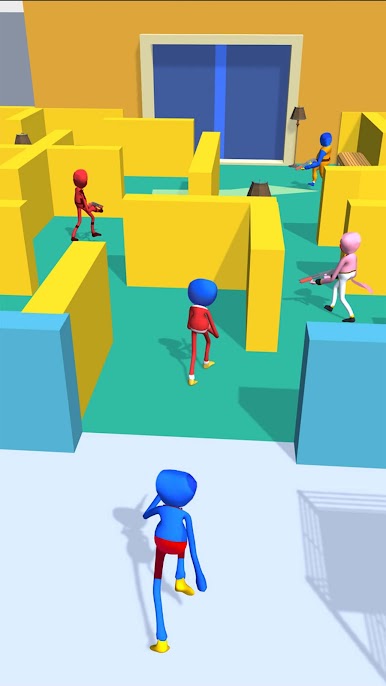
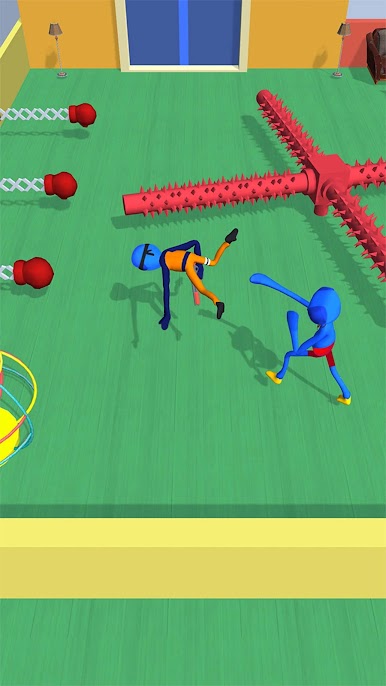
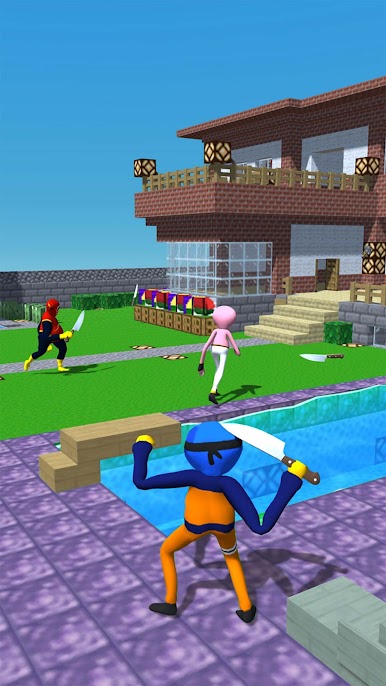
Play Monster Survival 3D on PC. It’s easy to get started.
-
Download and install BlueStacks on your PC
-
Complete Google sign-in to access the Play Store, or do it later
-
Look for Monster Survival 3D in the search bar at the top right corner
-
Click to install Monster Survival 3D from the search results
-
Complete Google sign-in (if you skipped step 2) to install Monster Survival 3D
-
Click the Monster Survival 3D icon on the home screen to start playing

