


Pocket Rogue (Simple Roguelike
Play on PC with BlueStacks – the Android Gaming Platform, trusted by 500M+ gamers.

Page Modified on: Aug 9, 2024
Play PocketRogue(Simple-RogueLike) on PC or Mac
PocketRogue(Simple-RogueLike) brings the Role Playing genre to life, and throws up exciting challenges for gamers. Developed by sadak0826, this Android game is best experienced on BlueStacks, the World’s #1 app player for PC and Mac users.
About the Game
Ever wanted a roguelike that’s all about the action, minus the fuss? PocketRogue(Simple-RogueLike)by sadak0826 makes dungeon exploring refreshingly simple—one hand and a bit of curiosity are all you need. Whether you’ve got a few minutes on the bus or you’re sneaking in a quick session before dinner, this Role Playing gem gets right to the point: find loot, battle monsters, and see just how far you can make it. Playing feels natural, especially if you fire it up on BlueStacks for a comfy gaming session on PC.
Game Features
-
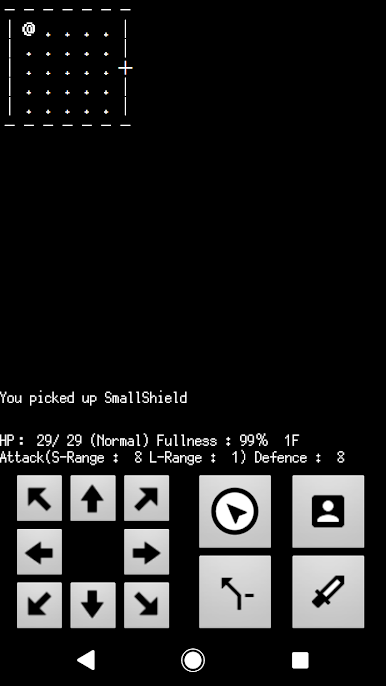
One-Hand Controls
You’ll only need a thumb to direct your journey—buttons are smart and straightforward, keeping things snappy as you sneak through each level. -
Intuitive Layout
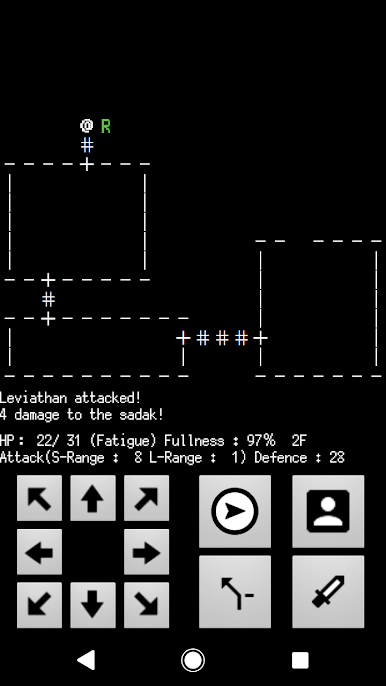
A few taps to move, check your inventory, or face down baddies. Switch between swords and bows on the fly, or manage gear and potions with just a button. -
ASCII-Style Dungeons
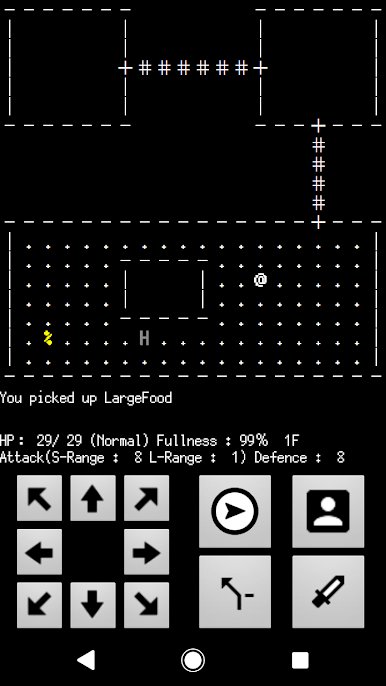
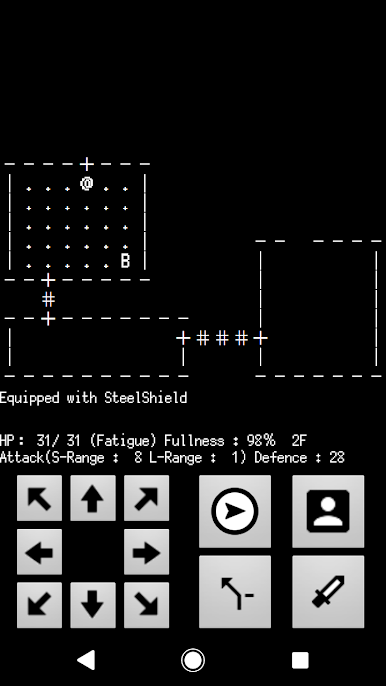
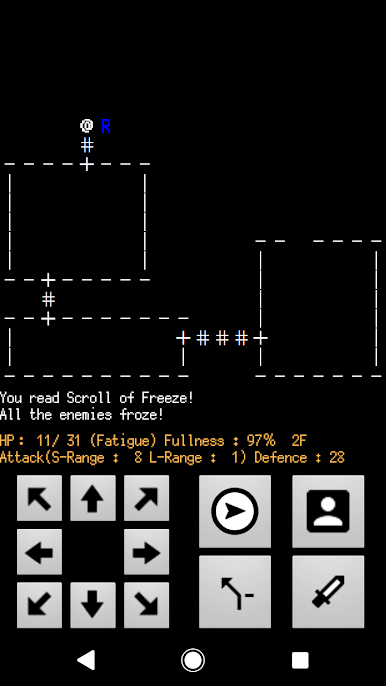
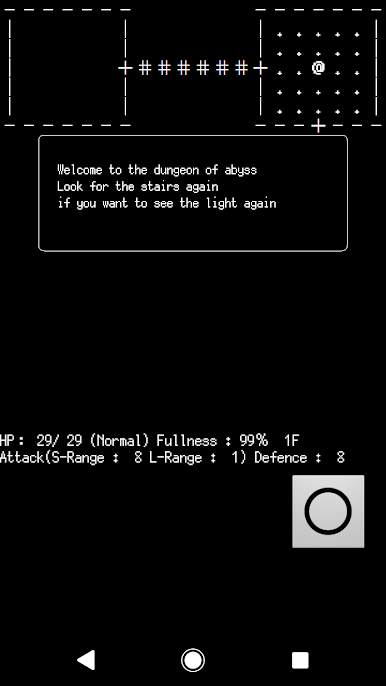
Everything’s drawn with those classic ASCII symbols, so you’ll spot monsters (A-Z), gear, traps, and hidden hints right on the map. It’s old-school but surprisingly charming. -
Quirky Monster Types
Keep an eye out: beasts, spirits, devils, and reptiles come at you in all shades—white, brown, gray, and green—adding a layer of strategy to every encounter. -
Quick Equip & Use Items
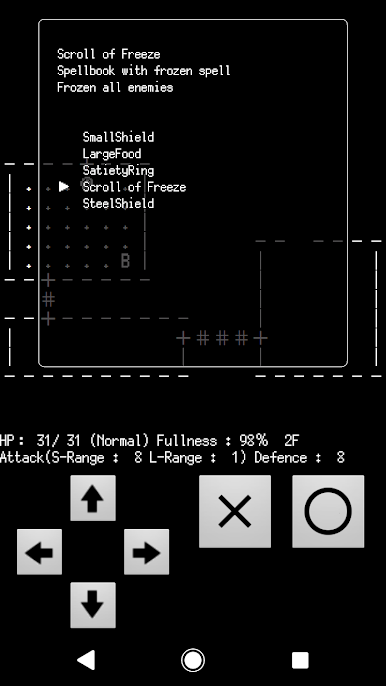
Grab swords, bows, food, spellbooks, rings, and more. Equipping or using stuff is never a hassle. Just pop open the menu and you’re set. -
Randomized Runs
Every dive into the dungeon feels different, keeping you guessing with unique layouts and surprises each time. -
Frequent Score Resets
Rankings don’t stick around forever, putting everyone on an even playing field whenever the slate wipes clean.
Get ready for a buttery smooth, high-performance gaming action only on BlueStacks.
Play Pocket Rogue (Simple Roguelike on PC. It’s easy to get started.
-
Download and install BlueStacks on your PC
-
Complete Google sign-in to access the Play Store, or do it later
-
Look for Pocket Rogue (Simple Roguelike in the search bar at the top right corner
-
Click to install Pocket Rogue (Simple Roguelike from the search results
-
Complete Google sign-in (if you skipped step 2) to install Pocket Rogue (Simple Roguelike
-
Click the Pocket Rogue (Simple Roguelike icon on the home screen to start playing

