


Turbo Ignite
Play on PC with BlueStacks – the Android Gaming Platform, trusted by 500M+ gamers.

Page Modified on: Jan 3, 2026
Play Turbo Ignite on PC
Focus on steering, timing, and staying on track as the pace ramps up and challenges keep coming. Easy to start, engaging to play, and perfect for short bursts of racing fun.
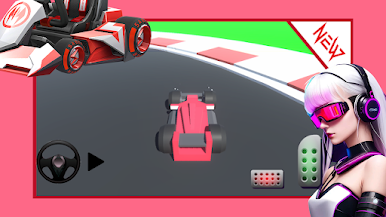
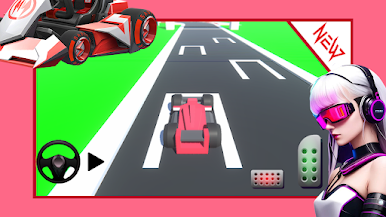
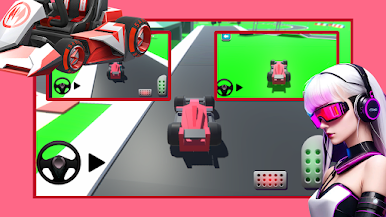
Play Turbo Ignite on PC. It’s easy to get started.
-
Download and install BlueStacks on your PC
-
Complete Google sign-in to access the Play Store, or do it later
-
Look for Turbo Ignite in the search bar at the top right corner
-
Click to install Turbo Ignite from the search results
-
Complete Google sign-in (if you skipped step 2) to install Turbo Ignite
-
Click the Turbo Ignite icon on the home screen to start playing

