


Void Skies
Play on PC with BlueStacks – the Android Gaming Platform, trusted by 500M+ gamers.

Page Modified on: Jan 18, 2026
Main Void Skies on PC
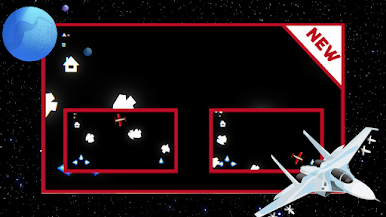
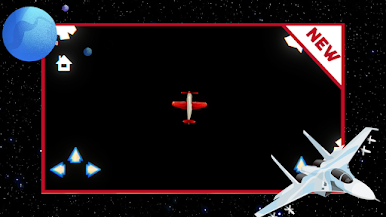
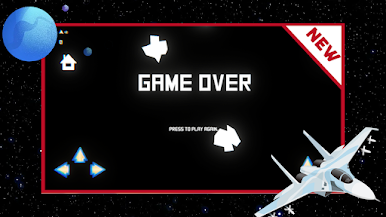
The game focuses on smooth flight mechanics and atmospheric visuals, creating a sense of scale and depth as you move through the air. Each session invites you to explore new paths, avoid obstacles, and stay in control as the skies grow more unpredictable.
Void Skies offers a calm yet engaging flying experience, blending simplicity with a strong sense of immersion.

Play Void Skies on PC. It’s easy to get started.
-
Download and install BlueStacks on your PC
-
Complete Google sign-in to access the Play Store, or do it later
-
Look for Void Skies in the search bar at the top right corner
-
Click to install Void Skies from the search results
-
Complete Google sign-in (if you skipped step 2) to install Void Skies
-
Click the Void Skies icon on the home screen to start playing

