


Sticker Book: Color By Number
Play on PC with BlueStacks – the Android Gaming Platform, trusted by 500M+ gamers.

Page Modified on: Mar 12, 2026
Play Sticker Book Puzzle on PC or Mac
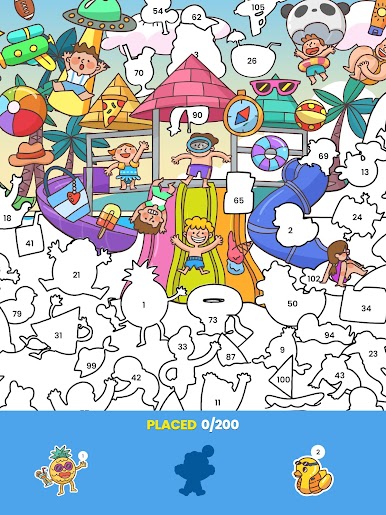
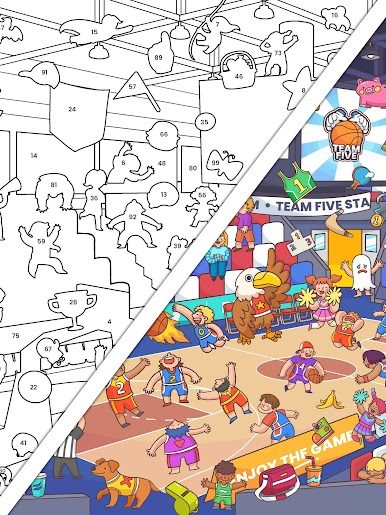
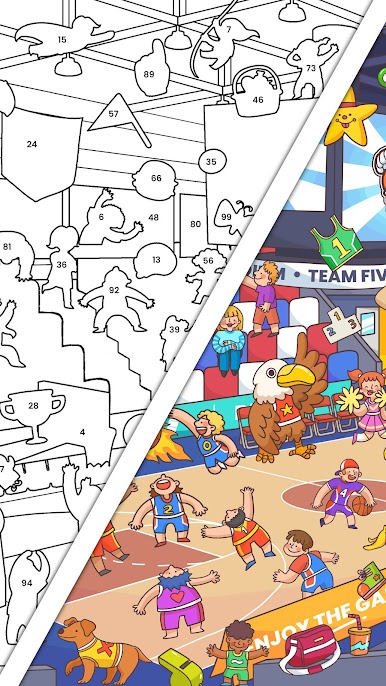
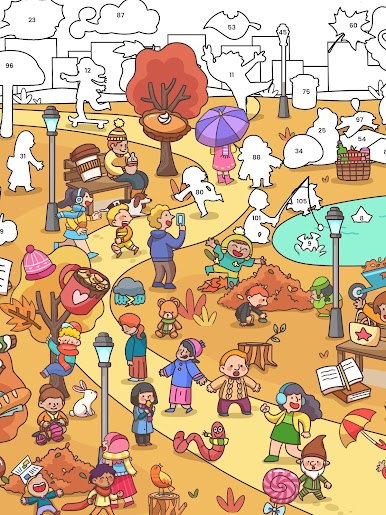
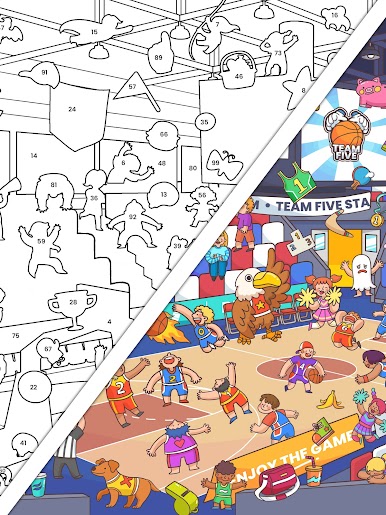
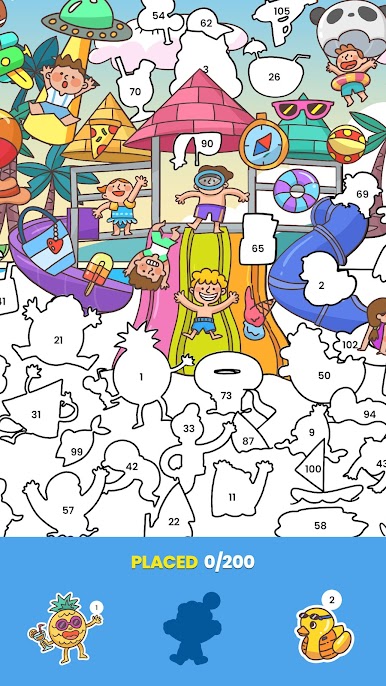
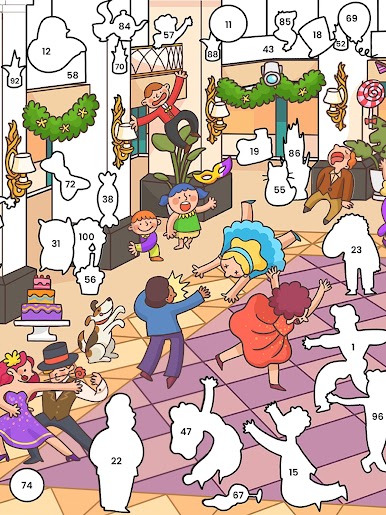
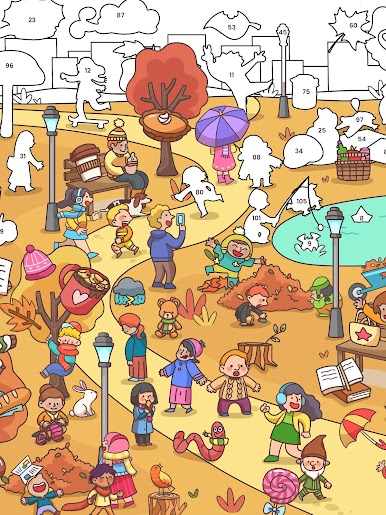
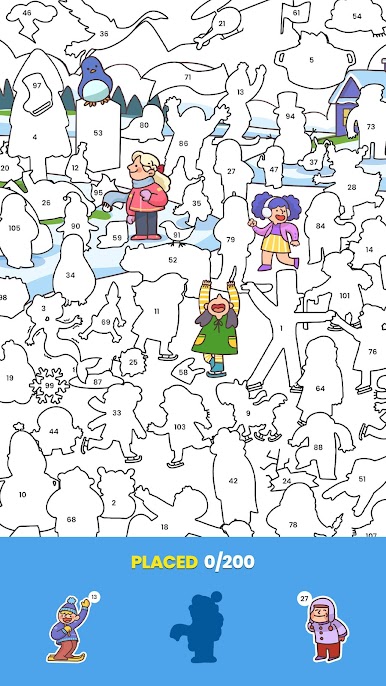
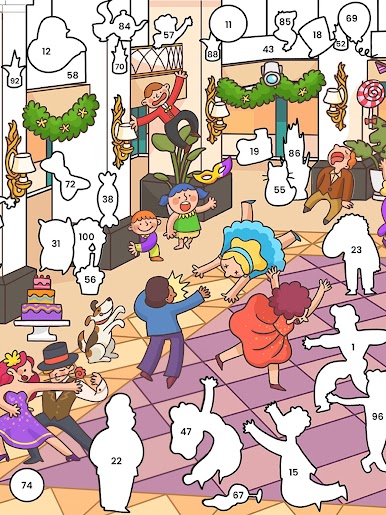
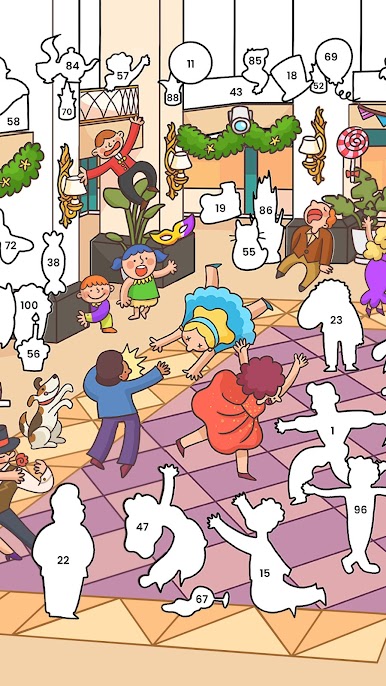
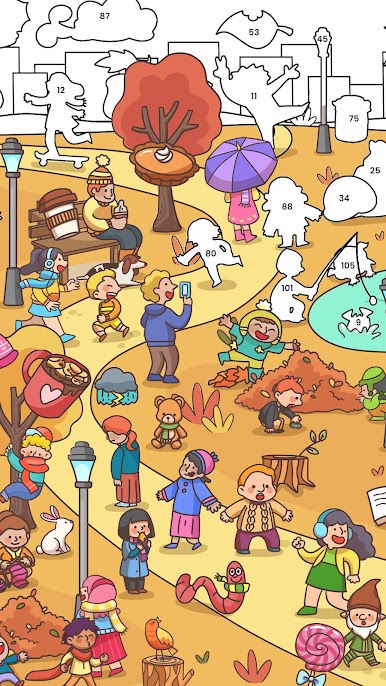
Sticker Book Puzzle is a puzzle game developed by Lion Studios Plus. BlueStacks app player is the best platform to play this Android Game on your PC or Mac for an immersive gaming experience. A creative game that combines the joy of collecting stickers with the excitement of solving puzzles. You’ll have the chance to solve a variety of puzzles in this delightful puzzle adventure, each of which presents a different challenge. You’ll accumulate stickers as you advance and use them to fill your digital sticker book, which ups the fun factor of the game. Puzzle fans of all ages will enjoy Sticker Book’s varied puzzles and charming sticker collection mechanics for hours on end.
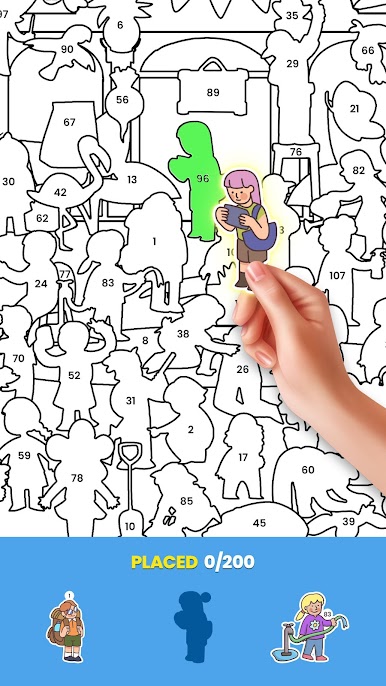
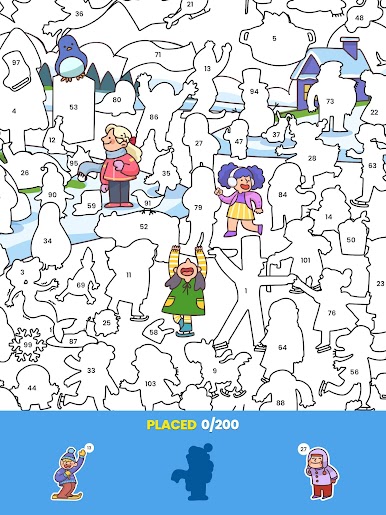
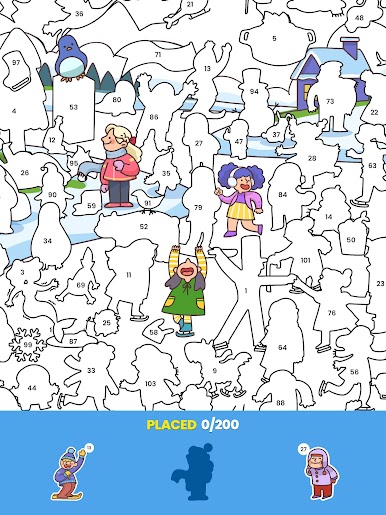
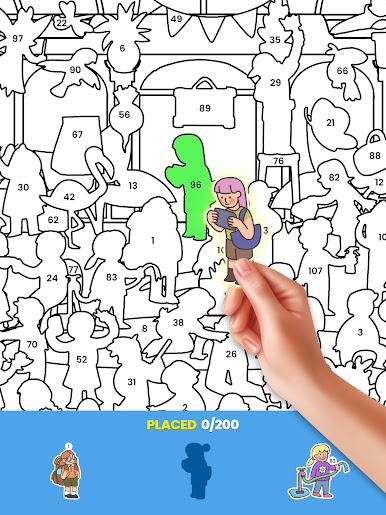
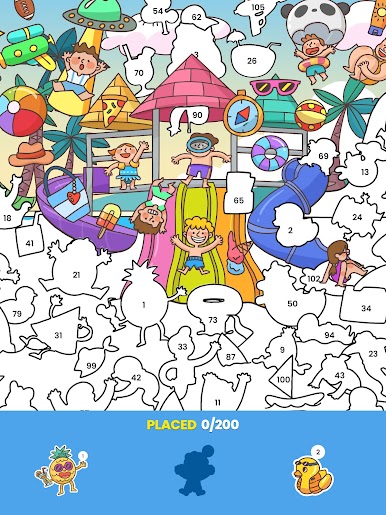
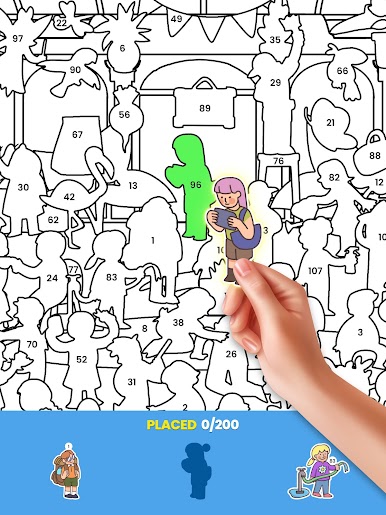
The primary gameplay objective is to solve puzzles that span numerous categories and themes. The game provides a variety of puzzle types to keep you interested, ranging from the traditional jigsaw to more difficult and interactive challenges. The sticker collection component of this game is one of its best qualities. You can add stickers to your digital sticker book as you earn them by solving puzzles successfully. In the game, collecting stickers adds a sense of accomplishment and reward, which encourages you to solve more puzzles and finish your collection. Sticker Book Puzzle features controls that are simple to use and designed for touchscreen devices.
It is simple to drag and drop puzzle pieces and use the interactive puzzle elements. A smooth and enjoyable gaming experience is guaranteed by the responsive controls. Sticker Book Puzzle offers a wide variety of puzzles to accommodate various interests and levels of expertise. Whatever your preference, the game has something for you whether you like traditional puzzles, pattern matching, or interactive challenges. The various categories and themes keep the gameplay interesting and new. The app is available for free download and use, but users can choose to make in-app purchases to add more stickers or power-ups to help them solve puzzles. These optional in-app purchases won’t stop you from enjoying the main gameplay because they are optional.
Download Sticker Book Puzzle on PC with BlueStacks.
Play Sticker Book: Color By Number on PC. It’s easy to get started.
-
Download and install BlueStacks on your PC
-
Complete Google sign-in to access the Play Store, or do it later
-
Look for Sticker Book: Color By Number in the search bar at the top right corner
-
Click to install Sticker Book: Color By Number from the search results
-
Complete Google sign-in (if you skipped step 2) to install Sticker Book: Color By Number
-
Click the Sticker Book: Color By Number icon on the home screen to start playing

