


Offline Games: No Wifi Fun
Play on PC with BlueStacks – the Android Gaming Platform, trusted by 500M+ gamers.

Page Modified on: Oct 30, 2026
Play Offline Games: No Wifi Fun on PC or Mac
Step into the World of Offline Games: No Wifi Fun, a thrilling Casual game from the house of Gameberry Labs. Play this Android game on BlueStacks App Player and experience immersive gaming on PC or Mac.
About the Game
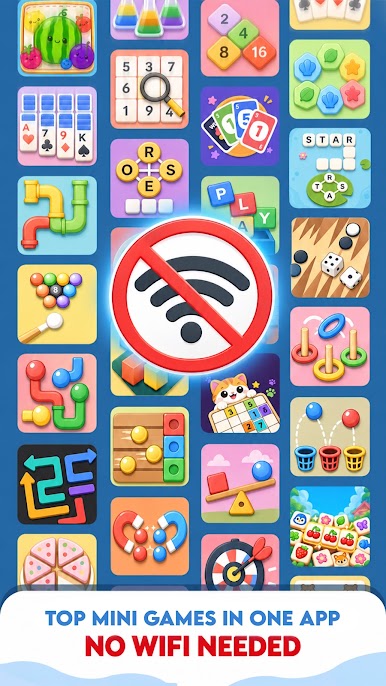
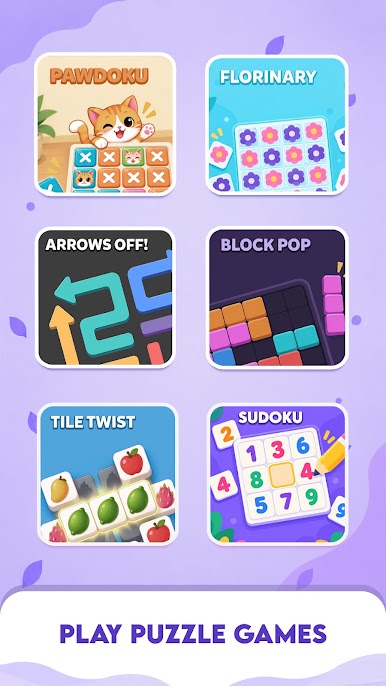
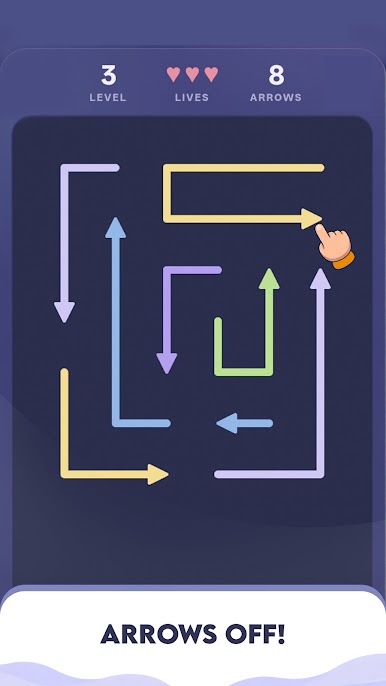
Offline Games: No Wifi Fun packs a bunch of bite-size favorites into one place—and they all work without internet. This Casual collection lets you sort colors, pop balloons, solve match puzzles, paint pixels, and unwind with relaxing flows whenever you’ve got a minute. Prefer a bigger screen? It plays great on PC with BlueStacks.
Game Features
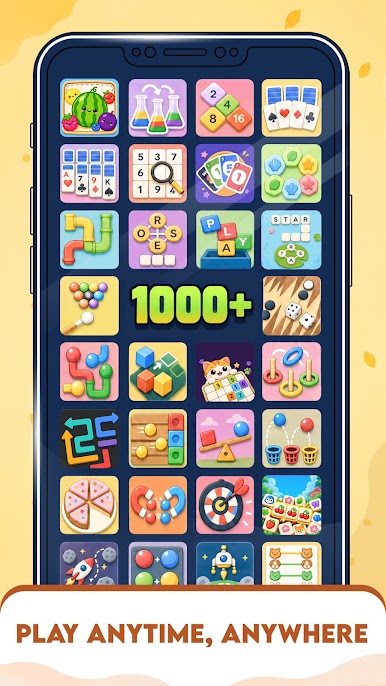
- One app, many mini-games: Jump between color sorts, escapes, matches, and creative canvases without juggling multiple downloads or menus.
- Satisfying sort-and-swipe play: Tidy up chaos in Swipe Sort, Sort City, and Sort Kingdom: Color Ball Puzzle with quick drags and clean combos.
- Relax-first puzzle vibes: Need a breather? Zen Fish Sort and Roll Out!: Color Escape Puzzle keep things mellow with gentle pacing and soothing visuals.
- Match, pop, and clear boards: From Marble Match to Balloon Pop: Color Escape, enjoy quick bursts of action and that “just one more” feeling.
- Create with color: Fill your screen with Pixel Pop – Painting Game and Diamond Coloring: Jewel Art for low-pressure, high-zen coloring sessions.
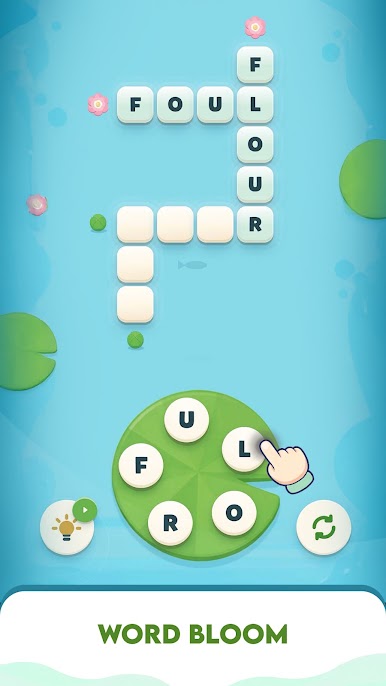
- Word and logic twists: Bubble Word Sort mixes letters with sorting, while Tail Tango – Brain Puzzle Game adds clever spatial challenges.
- Built for quick sessions: Levels are short and snappy—perfect for commutes, coffee breaks, or anytime you’ve got a spare minute.
- Simple controls that click: Tap, swipe, and release—intuitive moves that feel natural from the first puzzle to the hundredth.
- Fully playable offline: No signal? No problem. Every game inside keeps running smoothly wherever you are.
Start your journey now. Download the game on BlueStacks, invite your friends, and march on a new adventure.



Play Offline Games: No Wifi Fun on PC. It’s easy to get started.
-
Download and install BlueStacks on your PC
-
Complete Google sign-in to access the Play Store, or do it later
-
Look for Offline Games: No Wifi Fun in the search bar at the top right corner
-
Click to install Offline Games: No Wifi Fun from the search results
-
Complete Google sign-in (if you skipped step 2) to install Offline Games: No Wifi Fun
-
Click the Offline Games: No Wifi Fun icon on the home screen to start playing

