


Room Sort
Play on PC with BlueStacks – the Android Gaming Platform, trusted by 500M+ gamers.

Page Modified on: Nov 7, 2026
Play Room Sort on PC
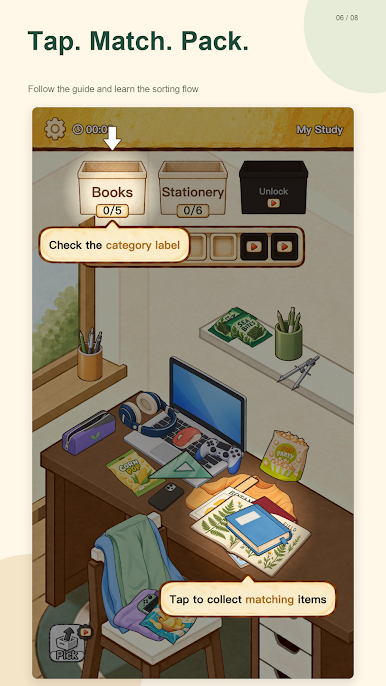
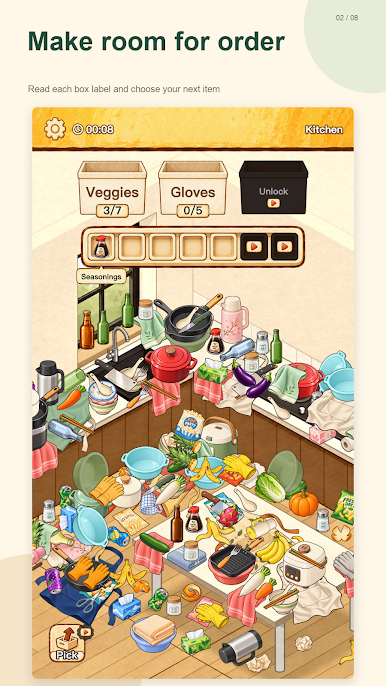
Explore cozy rooms, find the items your boxes need, and tap matching objects to pack them away. Read each box label and choose what to collect next. Items without a matching box wait in limited temporary slots, so a little planning helps you keep making space.
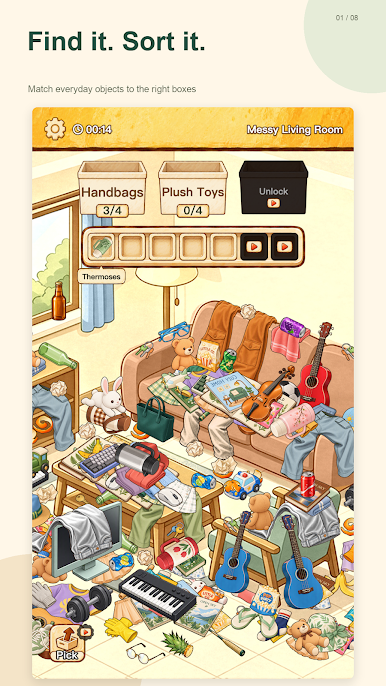
Find it. Sort it.
Look through piles of familiar objects and match them to the right boxes. Decide which items to collect first as you work through each room.
A place for your next move
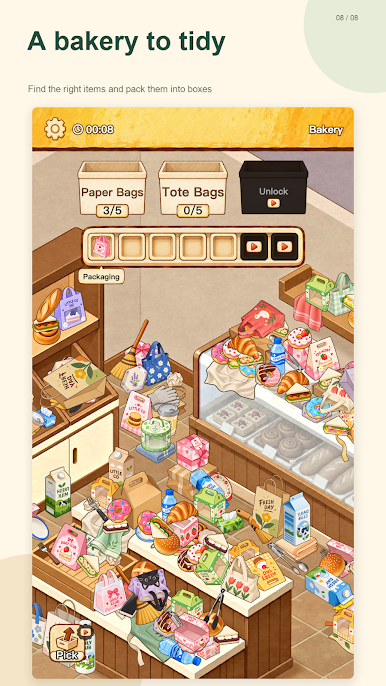
Keep an eye on your temporary slots. Make thoughtful choices before they fill up, and clear space for the next objects.
Rooms with their own character
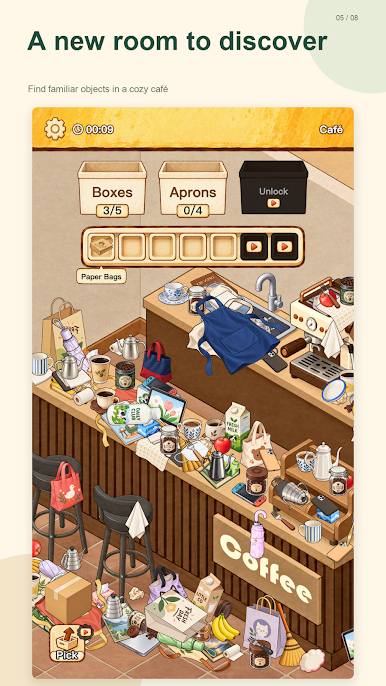
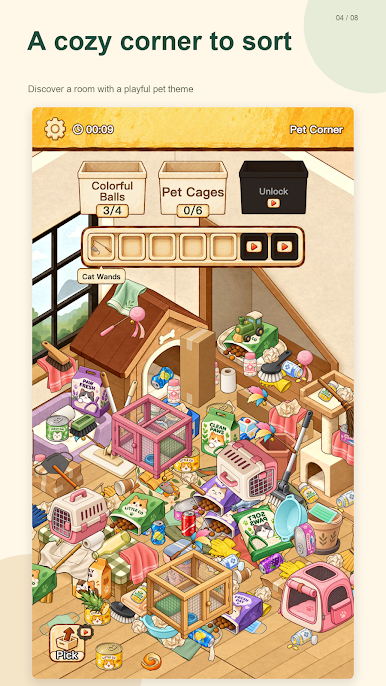
Discover living rooms, kitchens, pet corners, cafés, and other themed spaces filled with everyday things to sort.
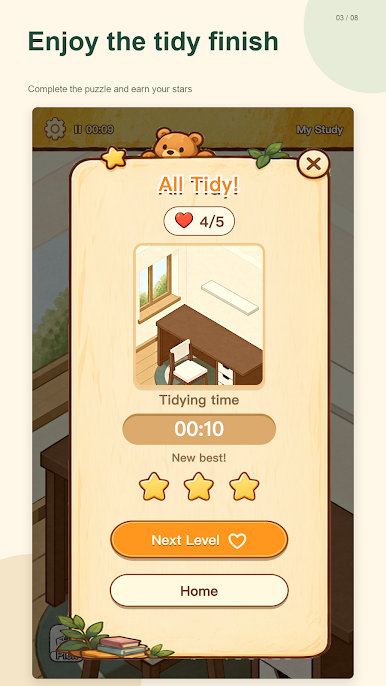
Enjoy the tidy finish
Complete puzzles, earn stars, and revisit earlier rooms to improve your best times.
Play your way
Choose from eight interface languages and adjust music, sound effects, and vibration. Your progress is saved on your device, and no account registration is required.
Room Sort is free to play and contains ads. Optional rewarded ads can provide extra space, helpful tools, or energy; interstitial ads may appear between levels. Ads and optional feedback require an internet connection.

Play Room Sort on PC. It’s easy to get started.
-
Download and install BlueStacks on your PC
-
Complete Google sign-in to access the Play Store, or do it later
-
Look for Room Sort in the search bar at the top right corner
-
Click to install Room Sort from the search results
-
Complete Google sign-in (if you skipped step 2) to install Room Sort
-
Click the Room Sort icon on the home screen to start playing

