


Open world 3d Bus Simulator
Play on PC with BlueStacks – the Android Gaming Platform, trusted by 500M+ gamers.

Page Modified on: Feb 15, 2026
Main Open world 3d Bus Simulator on PC
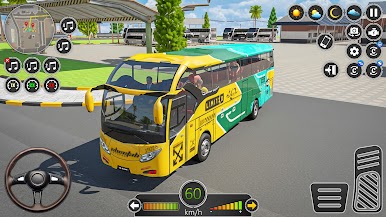
Included different levels based in city and off-road locations.
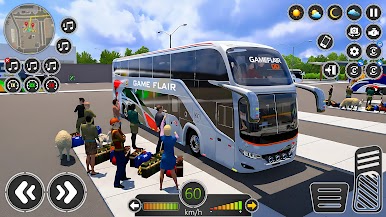
You can take part in various missions such as passenger transport, simple bus parking, parking challenges, and off-road parking tasks.
These missions focus on driving control and parking skills.
Features of Bus Simulator GF: City Coach
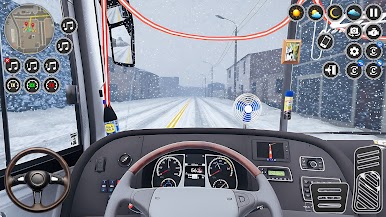
Multiple camera angles for immersive driving.
Dynamic traffic and living city streets.
Smooth tilt, button, or steering controls.
Play offline anytime, anywhere.
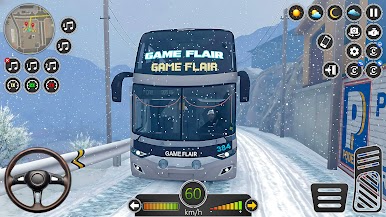
Different weather conditions for realistic challenges.
Free navigation on streets, highways, and off-road areas.
Unlock and upgrade multiple buses.
Mission-based gameplay including passenger transport, off-road challenges, and city routes.
As a player of the transport bus, car driving, Taxi driving, Police chase, Ambulance game and truck driving share your thoughts and suggestions. Your ideas keep the city moving! Drive, explore, complete missions, and be part of perfecting the offline bus.
CHEAT CODES:
City bus RN – 11
Luxury Coach – 22
Luxury bus NG – 33
City bus NG – 44
Taxi – 00
Offroad SUV – 77
Police Car – 66
Truck – 88
Public Bus – 55
Luxury Car – 99
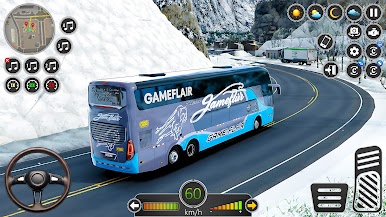
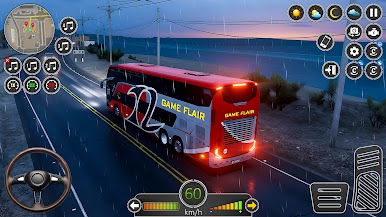
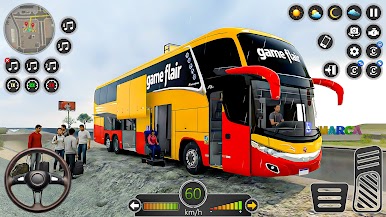
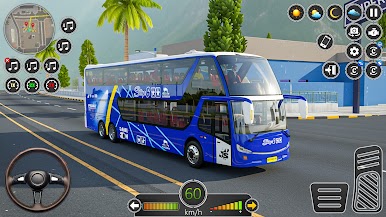
Play Open world 3d Bus Simulator on PC. It’s easy to get started.
-
Download and install BlueStacks on your PC
-
Complete Google sign-in to access the Play Store, or do it later
-
Look for Open world 3d Bus Simulator in the search bar at the top right corner
-
Click to install Open world 3d Bus Simulator from the search results
-
Complete Google sign-in (if you skipped step 2) to install Open world 3d Bus Simulator
-
Click the Open world 3d Bus Simulator icon on the home screen to start playing

