


Cafeland - Restaurant Cooking
Play on PC with BlueStacks – the Android Gaming Platform, trusted by 500M+ gamers.

Page Modified on: Sep 9, 2026
Main Cafeland - Restaurant Cooking on PC
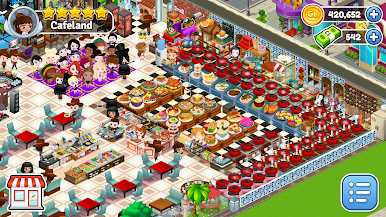
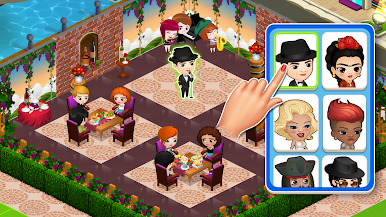
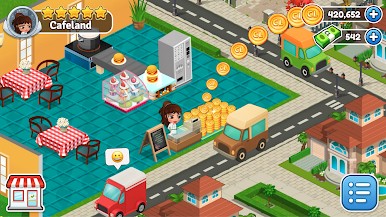
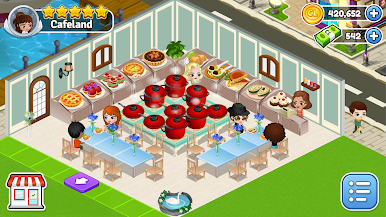
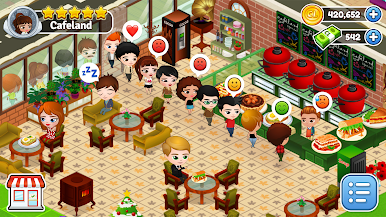
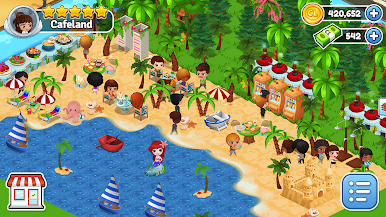
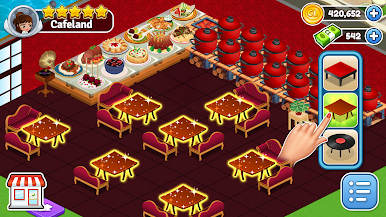
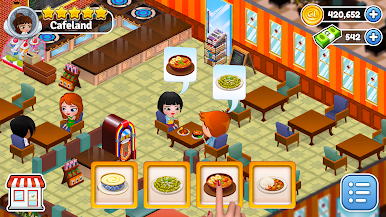
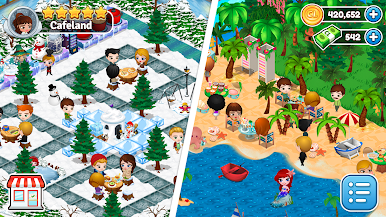
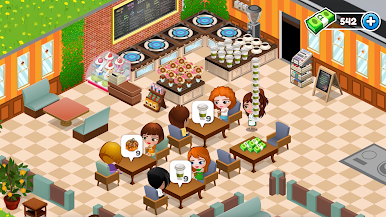
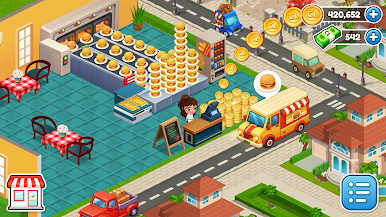
Don't be good, be great! Decorate and design the place of your dreams in this cooking simulation madness! Prepare delicious bakery desserts, burgers, pizzas, and drinks. Cook tasty food to keep your customers happy – from the creators who brought you Facebook games like Cafeland and supermarket game Marketland. It’s a fun-tastic new cooking game!
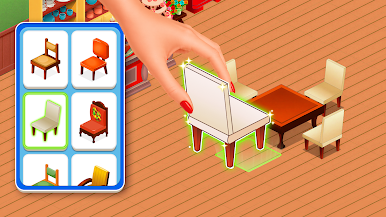
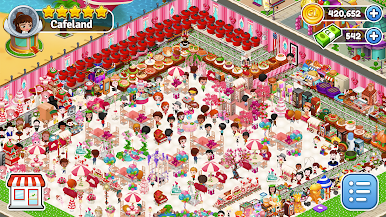
In Cafeland, we have dozens of different dishes: pies, desserts, appetizers, fast food and many more which make this the perfect kitchen eat-venture game! Not to mention that there are hundreds of shiny new items to decorate your cafe. Are you ready to be the owner of your cafe business in this cooking game? Then start your restaurant game in Cafeland because this place is for you, Chef!
Facing issues while playing Cafeland, or have suggestions/feedback? We would love to hear from you!
Use the Contact button in Settings while you are in the game or email us at: cafelandmobile@gamegos.com.

Play Cafeland - Restaurant Cooking on PC. It’s easy to get started.
-
Download and install BlueStacks on your PC
-
Complete Google sign-in to access the Play Store, or do it later
-
Look for Cafeland - Restaurant Cooking in the search bar at the top right corner
-
Click to install Cafeland - Restaurant Cooking from the search results
-
Complete Google sign-in (if you skipped step 2) to install Cafeland - Restaurant Cooking
-
Click the Cafeland - Restaurant Cooking icon on the home screen to start playing

