


Littlest Pet Shop
Play on PC with BlueStacks – the Android Gaming Platform, trusted by 500M+ gamers.

Page Modified on: May 24, 2018
Overview
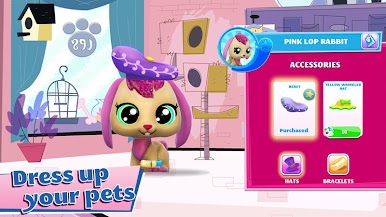
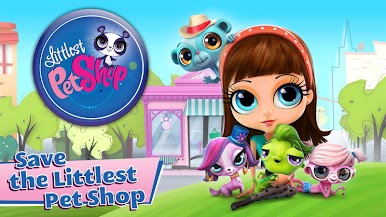
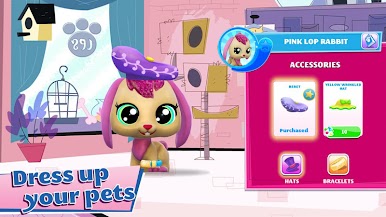
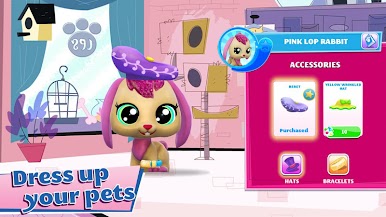
Help BLYTHE and her friends Minka, Penny, Pepper, Russell, Sunil, Vinnie and Zoe to adopt, take care of and entertain cute little pets!
* 150 pets to collect! Dogs, cats, bears and more!
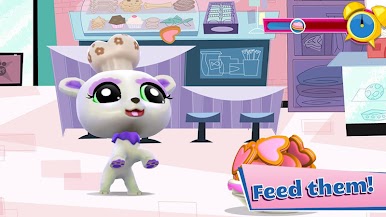
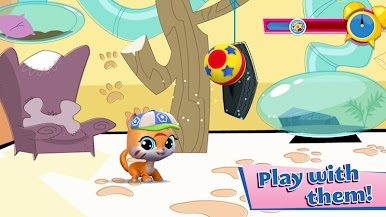
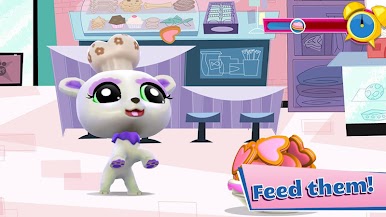
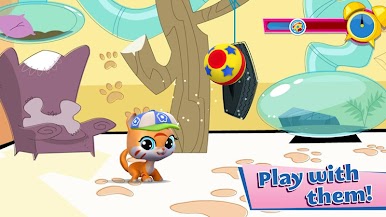
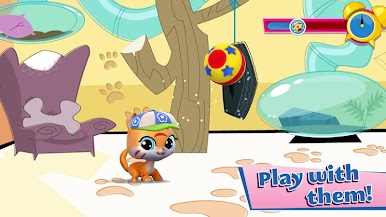
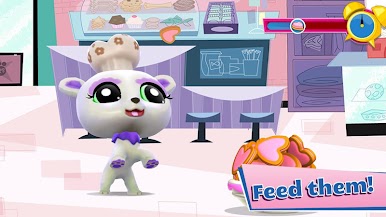
* Wash them, feed them and play with them in fun mini-games.
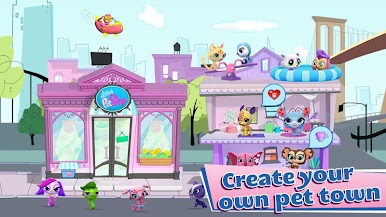
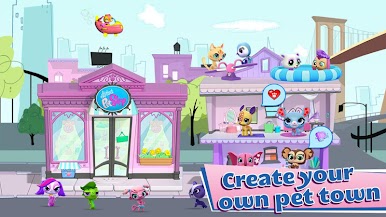
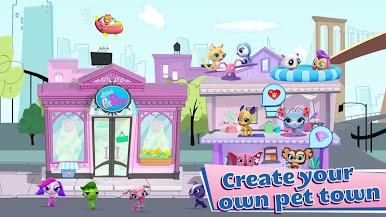
* Build houses and play areas to welcome and entertain even more pets.
_____________________________________________
This game contains advertising for Gameloft’s products or some third parties which will redirect you to a third-party site. You can disable your device’s ad identifier being used for interest-based advertising in the settings menu of your device. This option can be found in the Settings app > Accounts (Personal) > Google > Ads (Settings and Privacy) > Opt out of interest-based ads.
Certain aspects of this game will require the player to connect to the Internet.
___________________________________
Privacy Policy : http://www.gameloft.com/privacy-notice/
Terms of Use : http://www.gameloft.com/conditions/
End User License Agreement : http://www.gameloft.com/eula/


Play Littlest Pet Shop on PC. It’s easy to get started.
-
Download and install BlueStacks on your PC
-
Complete Google sign-in to access the Play Store, or do it later
-
Look for Littlest Pet Shop in the search bar at the top right corner
-
Click to install Littlest Pet Shop from the search results
-
Complete Google sign-in (if you skipped step 2) to install Littlest Pet Shop
-
Click the Littlest Pet Shop icon on the home screen to start playing

