

蒼天英雄誌
Play on PC with BlueStacks – the Android Gaming Platform, trusted by 500M+ gamers.

Page Modified on: Nov 6, 2025
Play 蒼天英雄誌 on PC or Mac
Explore a whole new adventure with 蒼天英雄誌, a Role Playing game created by Gamepanda. Experience great gameplay with BlueStacks, the most popular gaming platform to play Android games on your PC or Mac.
About the Game
Step into a lively reimagining of the Three Kingdoms era with 蒼天英雄誌, a role-playing adventure crafted by Gamepanda. Here, you’ll find a blend of cute, eye-catching hero designs, epic battles, and simple game controls that don’t demand a manual to enjoy. Whether you’re collecting legendary generals or chatting it up with other players, there’s always something happening — and if you’re using BlueStacks, the action feels even bigger.
Game Features
-
Top-Tier Voice Acting
The main cast and story scenes come alive thanks to the voices of some of Japan’s most famous voice actors — you might recognize Kugimiya Rie or Shimono Hiro! It’s a treat that adds a layer of personality to every conversation and battle. -
Daily Freebies & Hero Rewards
Every day brings a fresh stash of ingots and bonus loot. You’ll find grabbing powerful orange-ranked generals isn’t a grind, making it easy to try different team combos and ramp up your fighting power with little effort. -
Unique Art Style & Special Effects
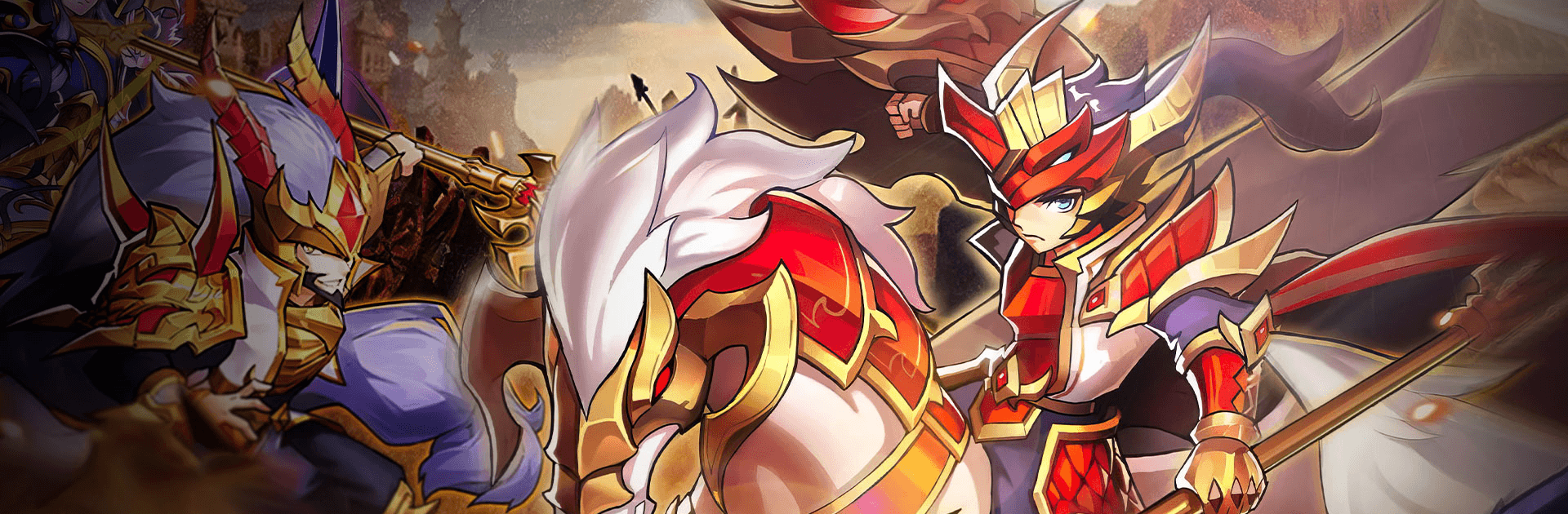
Love visuals? The game’s characters have a quirky, chibi-inspired look with tons of personality. Battles get a boost with flashy moves, break-the-screen-style effects, and air-combo finishers that keep things feeling intense and fun. -
Chat Anytime, Your Way
Whether you’re a talker or a typer, the game’s got you covered with voice and text chat built right in. Jump into real-time banter, swap strategies, or just make new friends while you take on the Central Plains. -
Quick Play, No All-Nighters Needed
Forget endless grinding or all-night marathons. With battle speed-ups and handy sweep functions, it’s easy to get rewards, tackle missions, and see real progress without burning out.
Ready to top the leaderboard? We bet you do. Let precise controls and sharp visuals optimized on BlueStacks lead you to victory.












Play 蒼天英雄誌 on PC. It’s easy to get started.
-
Download and install BlueStacks on your PC
-
Complete Google sign-in to access the Play Store, or do it later
-
Look for 蒼天英雄誌 in the search bar at the top right corner
-
Click to install 蒼天英雄誌 from the search results
-
Complete Google sign-in (if you skipped step 2) to install 蒼天英雄誌
-
Click the 蒼天英雄誌 icon on the home screen to start playing

