


Micmic Fun: Voice Party Game
Play on PC with BlueStacks – the Android Gaming Platform, trusted by 500M+ gamers.

Page Modified on: Sep 21, 2026
Main Micmic Fun: Voice Party Game on PC
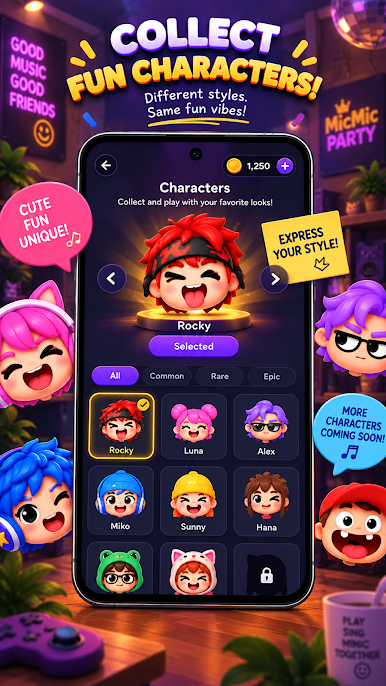
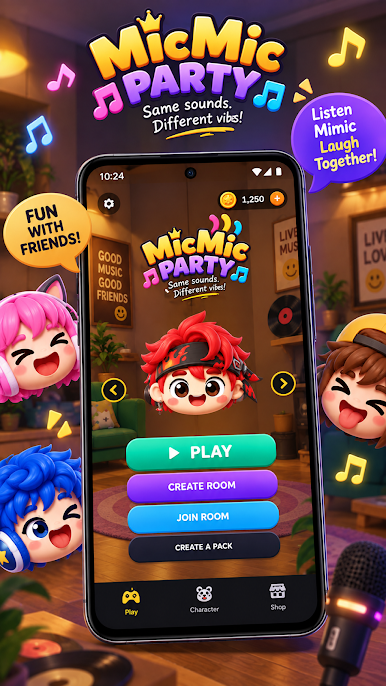
Micmic Fun is a fun voice party game for friends and groups. Listen to a sound, make your best impression, and see how your voice compares. Every round gives you one chance to show your creativity.
Jump into a party game where every sound becomes a challenge. Listen carefully, imitate sounds, and try to match the pitch and rhythm. Each voice challenge brings a new opportunity to surprise your friends.
Key Features of the app “Micmic Fun: Voice Party Game”
• Fun voice challenges for friends
• Join a voice party game with your group
• Try a new challenge every round
• Listen and imitate sounds
• Test your sound imitation skills
• One attempt per round
• Funny challenges for groups
• Play a casual party game together
Play With Friends. Start a voice challenge, make your best impression, and see who can match the sound. Create funny moments with friends and enjoy a party game where everyone gets involved.
Download Micmic Fun and get ready for your next voice challenge.


Play Micmic Fun: Voice Party Game on PC. It’s easy to get started.
-
Download and install BlueStacks on your PC
-
Complete Google sign-in to access the Play Store, or do it later
-
Look for Micmic Fun: Voice Party Game in the search bar at the top right corner
-
Click to install Micmic Fun: Voice Party Game from the search results
-
Complete Google sign-in (if you skipped step 2) to install Micmic Fun: Voice Party Game
-
Click the Micmic Fun: Voice Party Game icon on the home screen to start playing

