


Warhammer Colour: The App
Play on PC with BlueStacks – the Android Gaming Platform, trusted by 500M+ gamers.

Page Modified on: Jul 15, 2026
Play Warhammer Colour: The App on PC
Inside this latest version of the app:
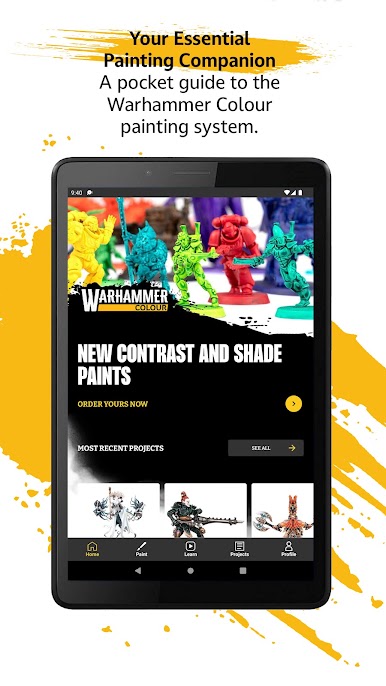
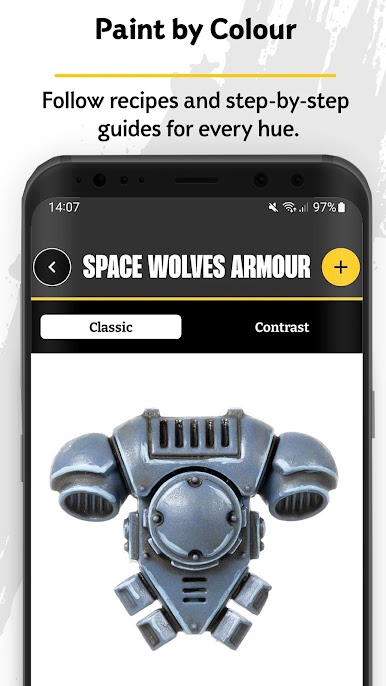
- Take full advantage of Contrast paints with our guides
- Explore high-resolution images for your painting reference
- Navigate easily with improved search, sorting, and refinement functionality
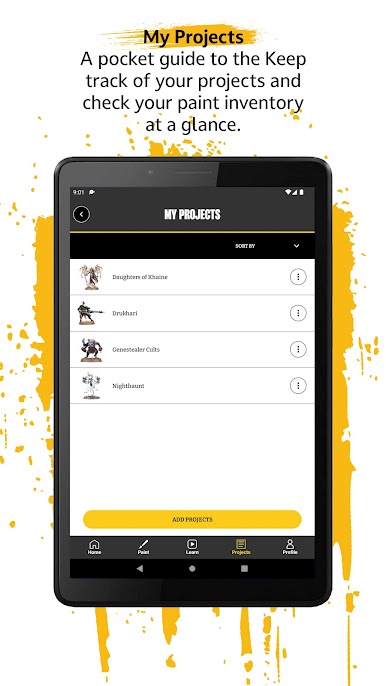
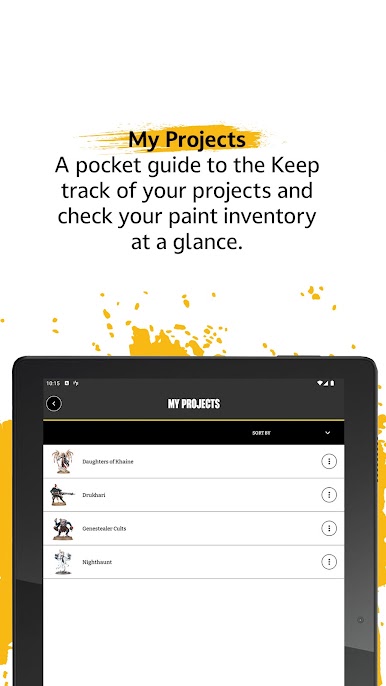
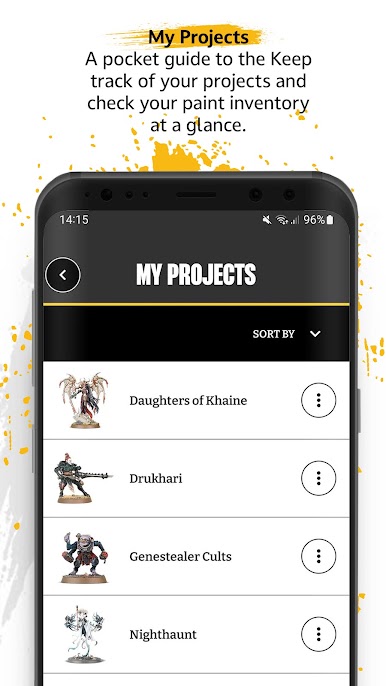
-Use the Projects feature to organise all your favourite painting guides in custom lists
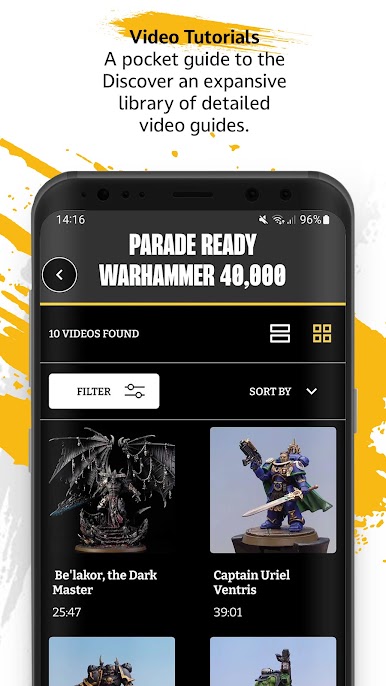
- Get breakdowns of key painting techniques, from shading to using Contrast paints
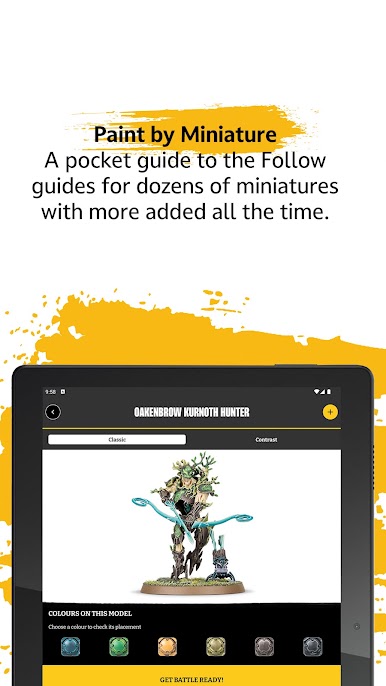
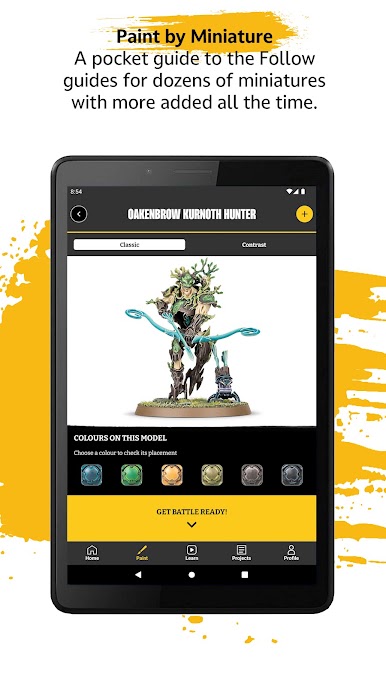
- Paint loads of colours with step-by-step instructions
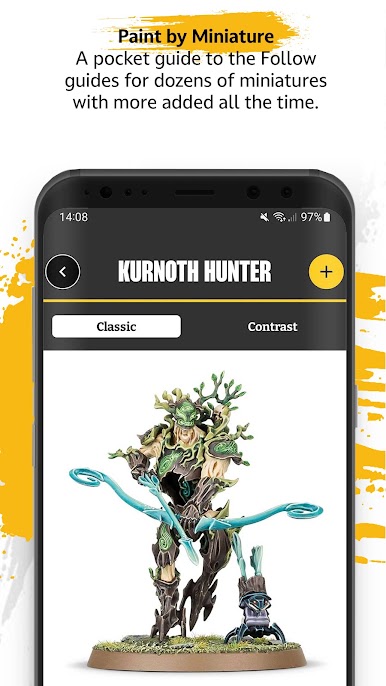
- Explore detailed colour schemes for a wide variety of miniatures, with new guides added all the time
- Discover techniques and tips for basing your miniatures
- Use the Inventory and Wishlist to manage your paint collection and prepare for your next project




Play Warhammer Colour: The App on PC. It’s easy to get started.
-
Download and install BlueStacks on your PC
-
Complete Google sign-in to access the Play Store, or do it later
-
Look for Warhammer Colour: The App in the search bar at the top right corner
-
Click to install Warhammer Colour: The App from the search results
-
Complete Google sign-in (if you skipped step 2) to install Warhammer Colour: The App
-
Click the Warhammer Colour: The App icon on the home screen to start playing

