


Dungeon Link
Play on PC with BlueStacks – the Android Gaming Platform, trusted by 500M+ gamers.

Page Modified on: Apr 25, 2026
Overview
Help the charming warriors ambush monsters in diverting puzzle maps. Discover new characters and powerful heroes along the adventure.
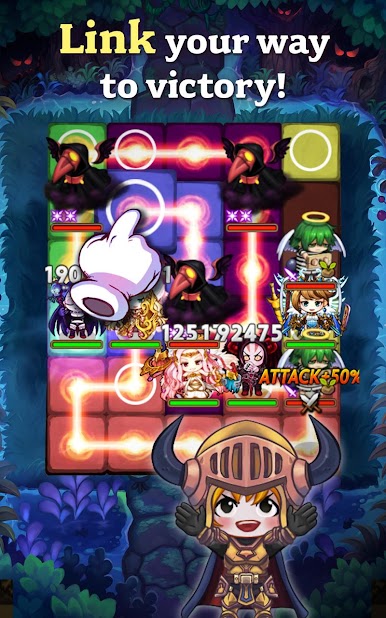
Link your own path to victory in this highly addicting puzzle RPG!
Solve & Strategize with simple touch-and-drag controls
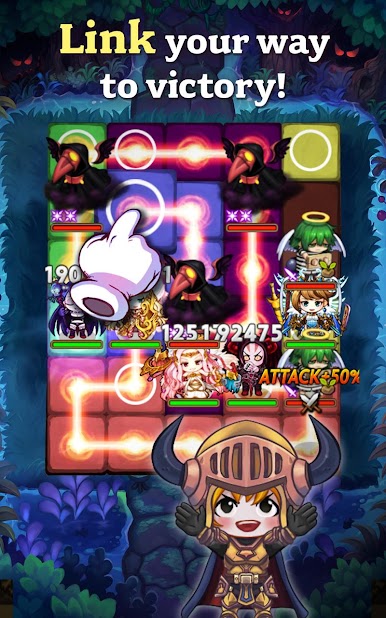
- Link tiles on the entire board to unleash maximum strength attacks
- Use your intellect to link tiles for explosive combos and fierce attacks!
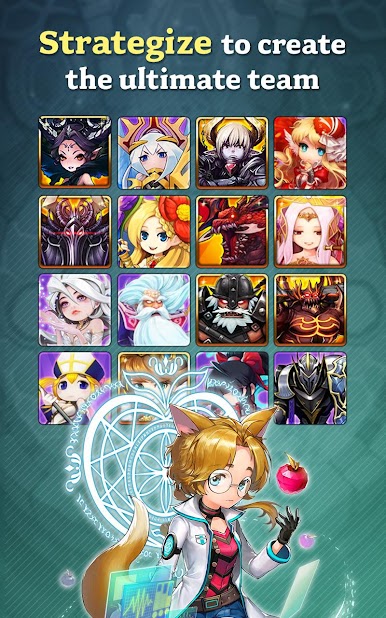
Collect & Customize
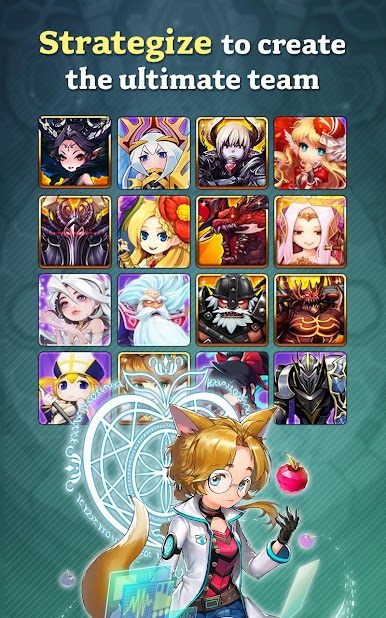
- Level Up and Enhance more than 250 heroes
- Learn your hero's special attacks to gain the upper hand
Invite your friends to join the adventure!
- Make friends and combine forces to conquer the toughest dungeons
- Earn bigger rewards by working together with friends
Special Dungeons, PVP, and Boss Raids!
- Clear special dungeons to collect rare heroes
- Compete against other adventurers in PVP to prove your team's strength, power, and skill
- Engage in Boss Raids for awesome rewards
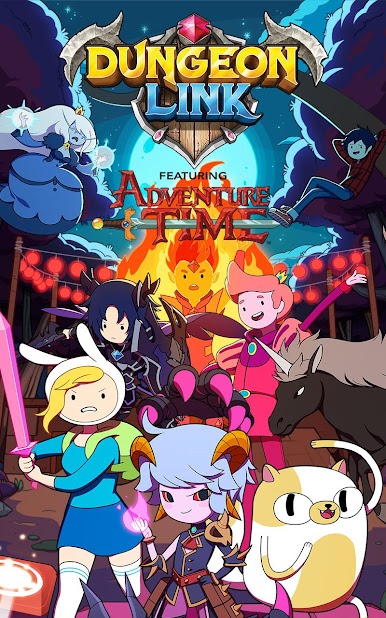
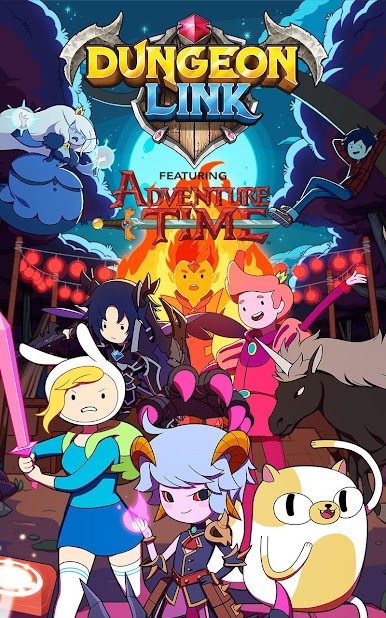
Navigate the world of Dungeon Link with Finn and Jake from Adventure Time!
*Access authority notice for gameplay
STORAGE: The authority is required to store game data and will not access personal files such as photos.
PHONE: The authority is required to proceed with in-game events and rewards and will not affect calls.
CONTACTS: The authority is required to sync your friend list with HIVE.
** This game is available in English.
** There may be additional costs when trying to obtain certain items.
* GAMEVIL Official Website : https://www.withhive.com
* GAMEVIL Customer Support : https://m.withhive.com/customer/inquire
Terms of Service: http://terms.withhive.com/terms/policy/view/M5
Privacy Policy: http://terms.withhive.com/terms/policy/view/M5








Play Dungeon Link on PC. It’s easy to get started.
-
Download and install BlueStacks on your PC
-
Complete Google sign-in to access the Play Store, or do it later
-
Look for Dungeon Link in the search bar at the top right corner
-
Click to install Dungeon Link from the search results
-
Complete Google sign-in (if you skipped step 2) to install Dungeon Link
-
Click the Dungeon Link icon on the home screen to start playing

