


Ragdoll Gun: Flip & Shoot
Play on PC with BlueStacks – the Android Gaming Platform, trusted by 500M+ gamers.

Page Modified on: Nov 13, 2026
Overview
HOW TO PLAY
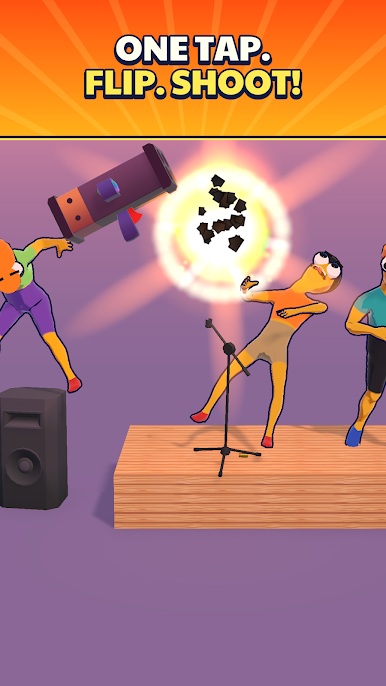
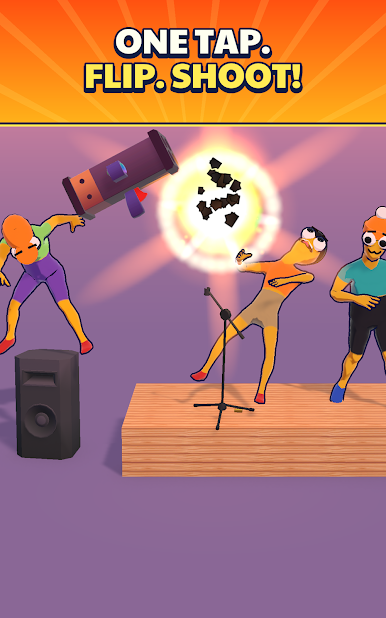
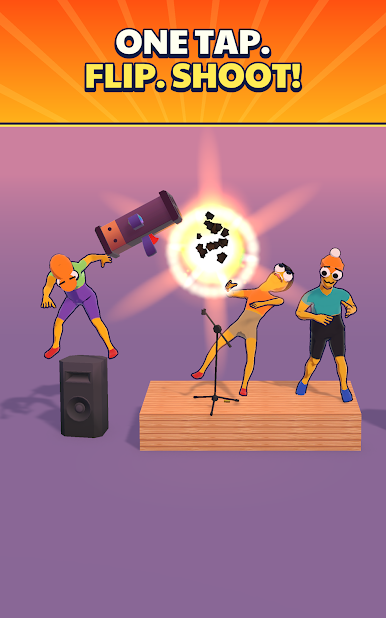
• Tap anywhere to shoot – every shot makes the gun jump and spin
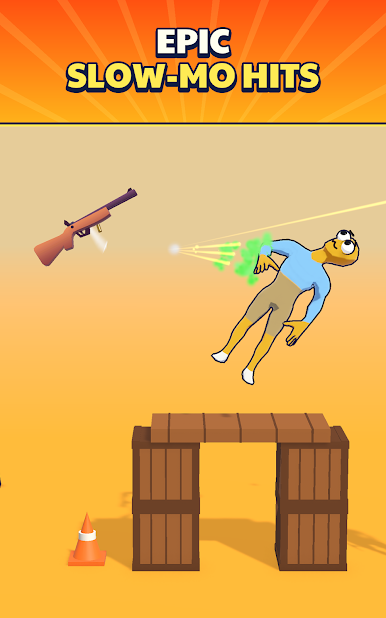
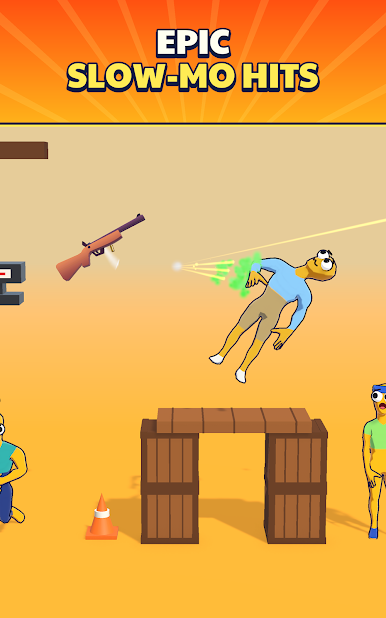
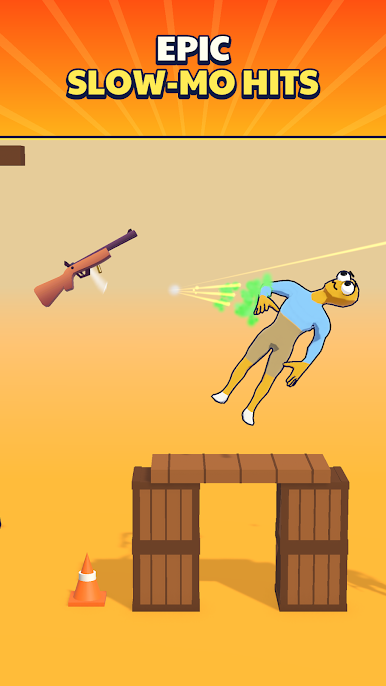
• Line up the barrel with an enemy to trigger slow-motion hits
• Clear every enemy before the timer runs out
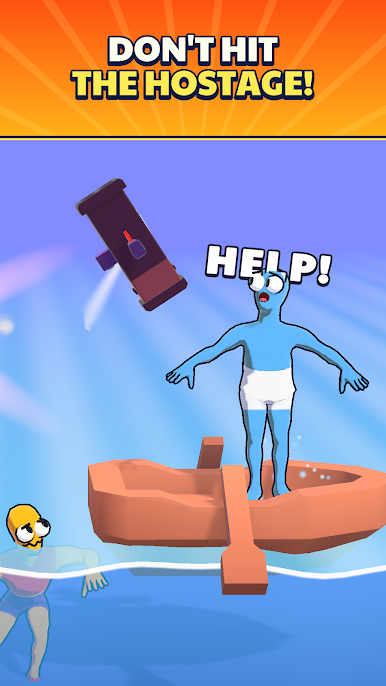
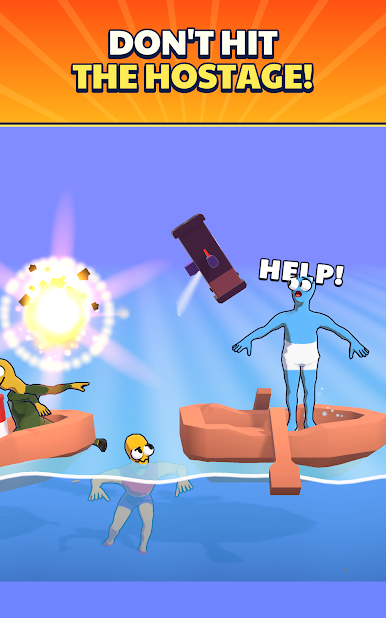
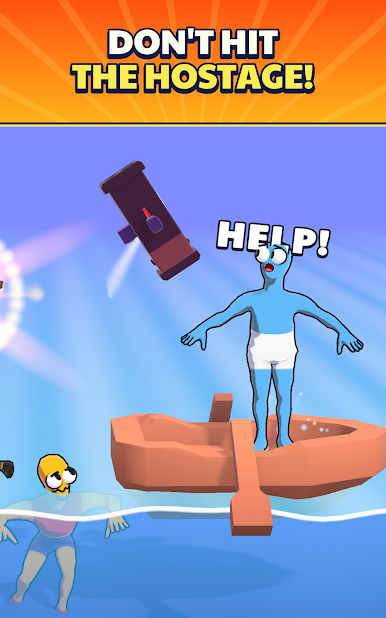
• Never hit the hostages – one mistake and it's game over!
WHY YOU'LL LOVE IT
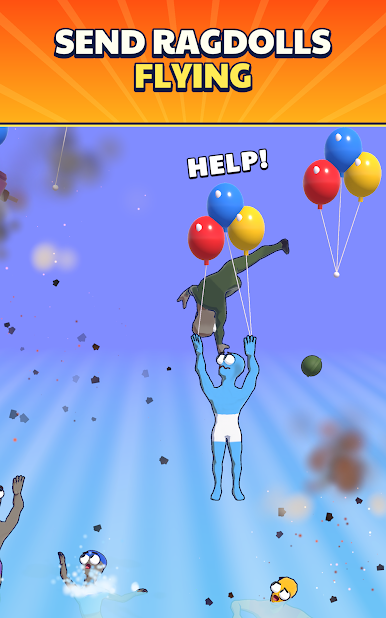
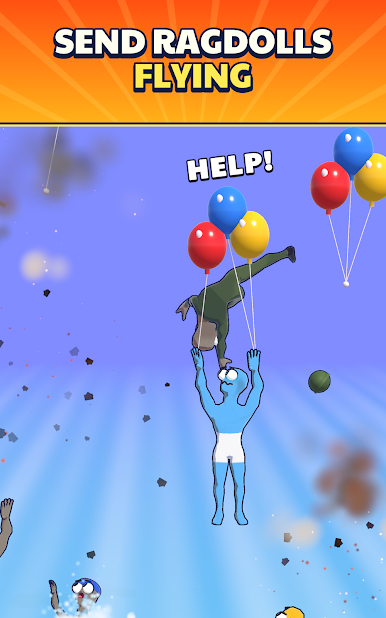
• Satisfying ragdoll physics – enemies tumble, flip and crash differently every time
• Chain reactions: explosive barrels, toppling crate towers and bouncing bullets off steel
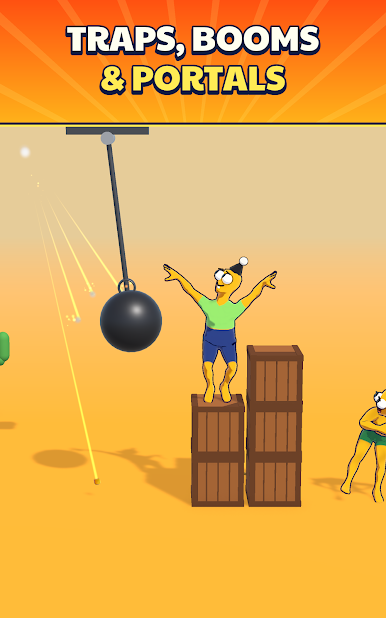
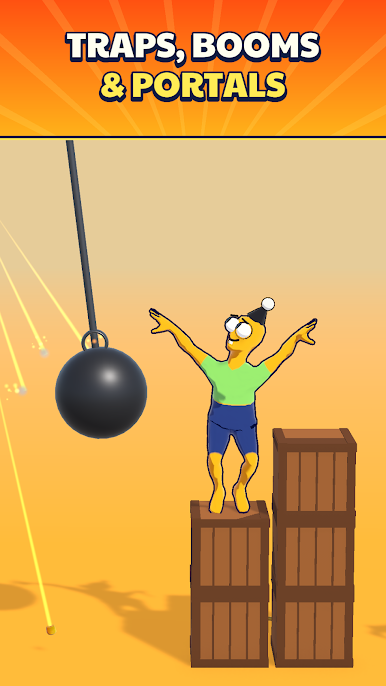
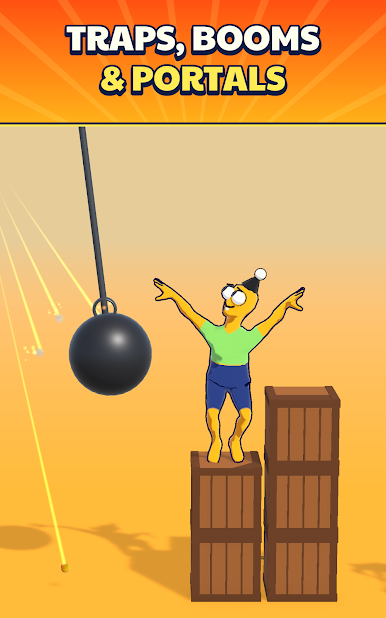
• Clever traps: drop anvils, swing wrecking balls, pop balloons, launch gas canisters and shoot through portals
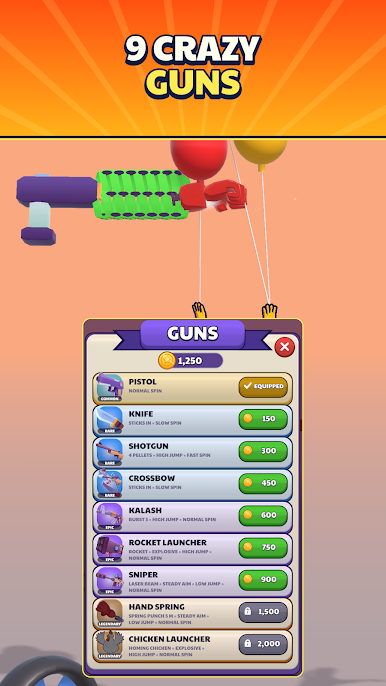
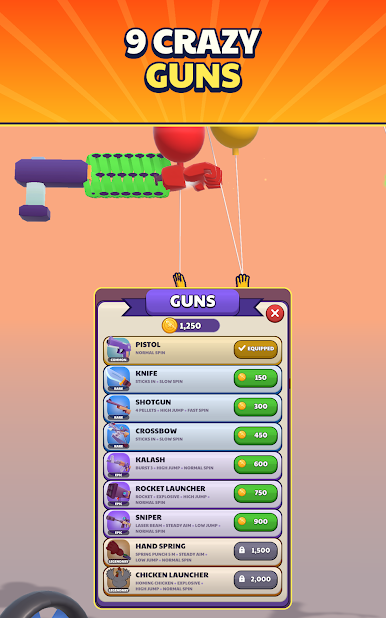
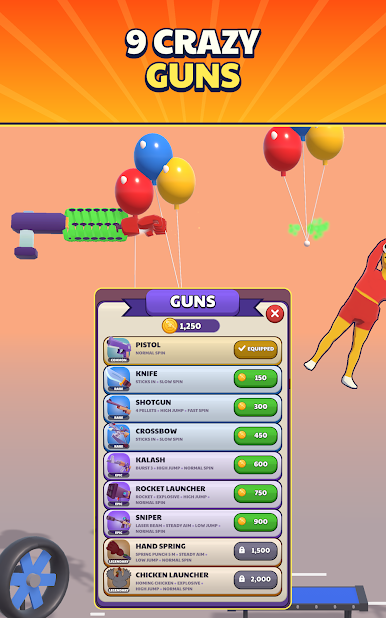
• 9 wild weapons: pistol, knife, shotgun, crossbow, rifle, rocket launcher, sniper, spring glove and the legendary chicken launcher
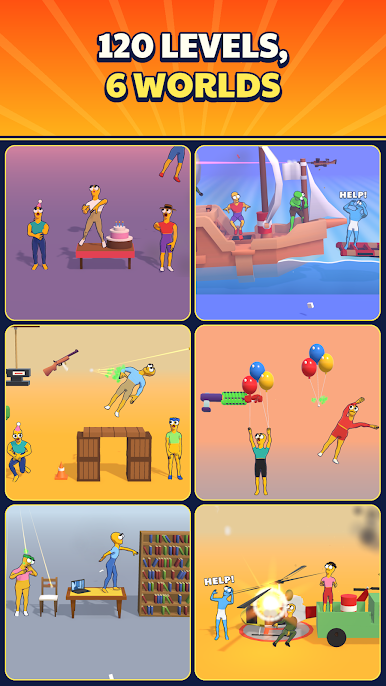
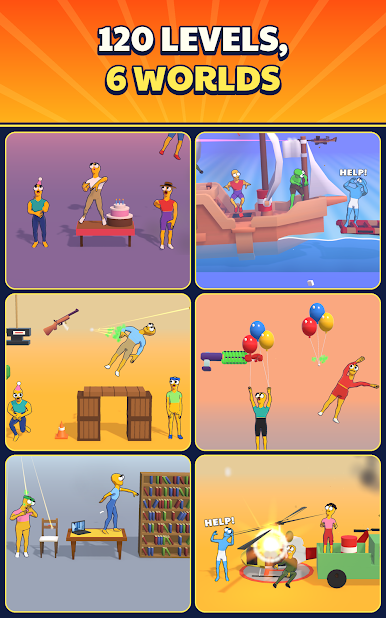
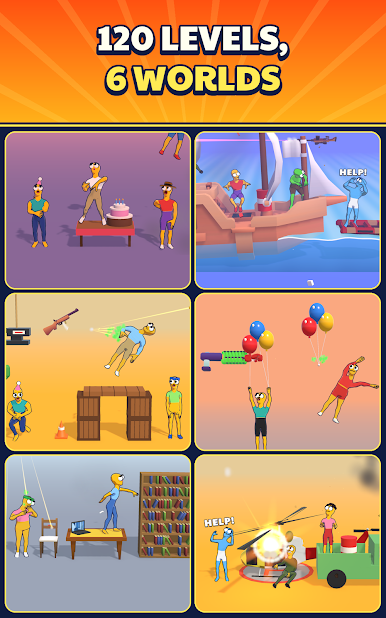
• 120 handcrafted levels across 6 worlds: party, gym, beach, construction site, circus and special ops
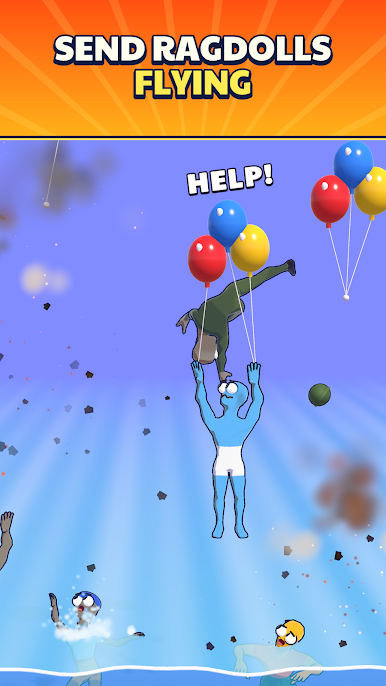
• Water levels with boats, inflatables and a hungry shark
Quick to learn, hard to master – perfect for a few minutes of chaotic fun. Grab your gun and start flipping!

Play Ragdoll Gun: Flip & Shoot on PC. It’s easy to get started.
-
Download and install BlueStacks on your PC
-
Complete Google sign-in to access the Play Store, or do it later
-
Look for Ragdoll Gun: Flip & Shoot in the search bar at the top right corner
-
Click to install Ragdoll Gun: Flip & Shoot from the search results
-
Complete Google sign-in (if you skipped step 2) to install Ragdoll Gun: Flip & Shoot
-
Click the Ragdoll Gun: Flip & Shoot icon on the home screen to start playing

