


Gangs Fighter Grand City
Play on PC with BlueStacks – the Android Gaming Platform, trusted by 500M+ gamers.

Page Modified on: Jun 25, 2025
Main Gangs Fighter Grand City on PC
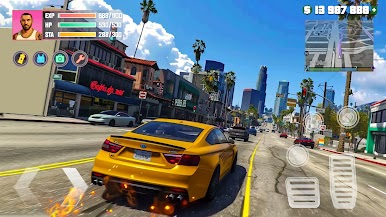
🔹 Immersive Open-World Gameplay 🏙️
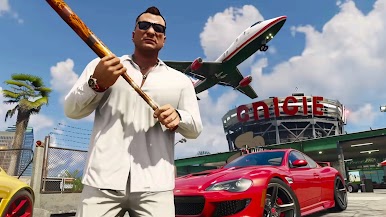
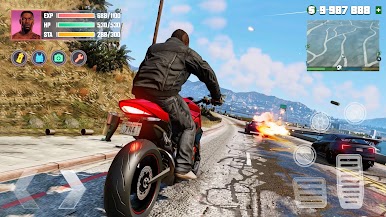
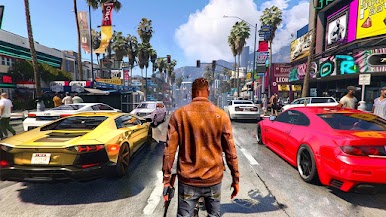
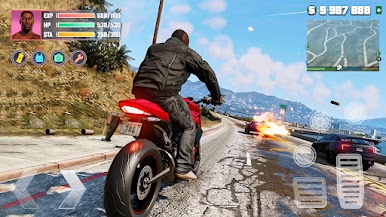
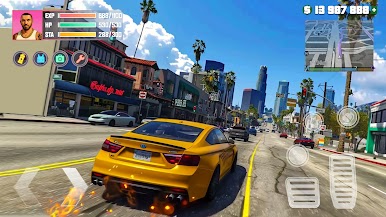
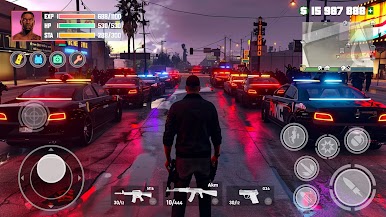
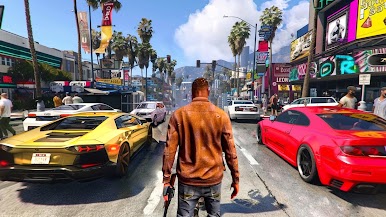
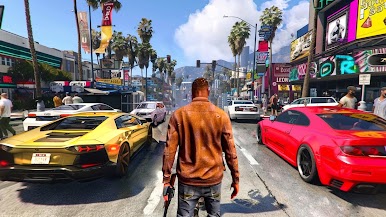
Explore a massive city full of thrilling missions, rival gangs, and hidden secrets. Choose your path will you clean up the streets or rise as the ruthless leader who controls them? 👊
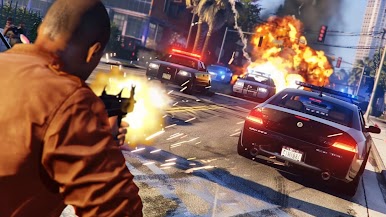
💥Intense Fighting Action 🥊
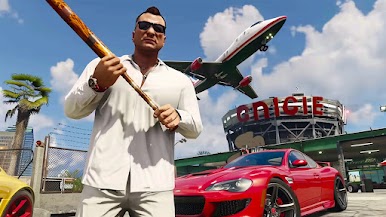
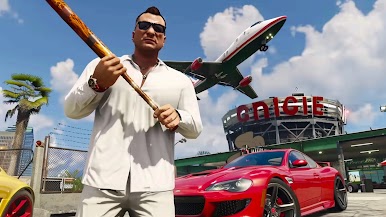
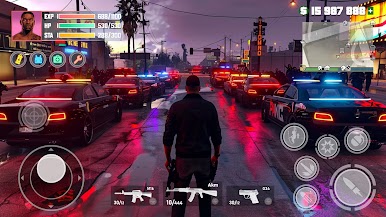
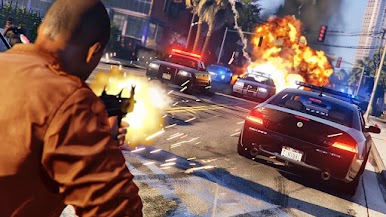
Engage in epic street fights, use a variety of weapons , and unleash powerful special moves to defeat enemies. Prove your street-fighting skills in intense gang wars. 💣
🚀 Upgrade Your Character and Arsenal 🔧
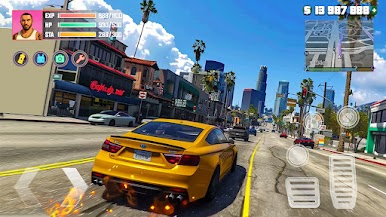
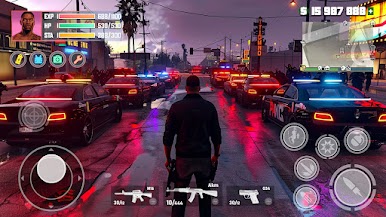
Level up, unlock new abilities ⚡, and customize your fighter’s gear 🧢. Equip powerful weapons and items to dominate your foes and rule the city!
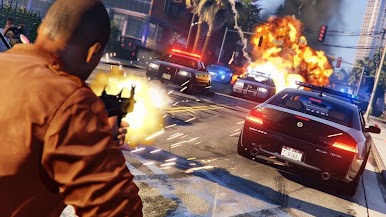
🌆 Join the Gang War 💥
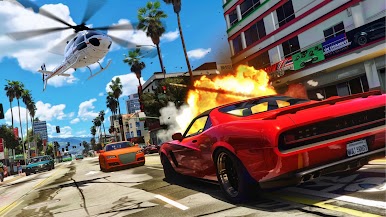
Take on rival gangs in the battle for control over the city. Will you lead your gang to victory 🏆 and reign supreme, or will enemies overtake you? 👑
🎯 High-Energy Missions 💥
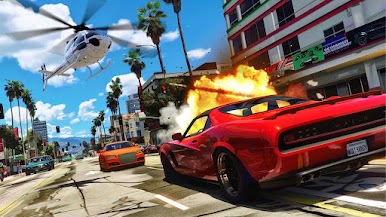
Complete action-packed missions , from street brawls to heists , and experience fast-paced combat like never before.
Are you ready to fight for survival and rise to the top? Download Gangs Fighter Grand City now and unleash your inner fighter in the battle for dominance! 🔥
Download now and join the fight! 💥
Play Gangs Fighter Grand City on PC. It’s easy to get started.
-
Download and install BlueStacks on your PC
-
Complete Google sign-in to access the Play Store, or do it later
-
Look for Gangs Fighter Grand City in the search bar at the top right corner
-
Click to install Gangs Fighter Grand City from the search results
-
Complete Google sign-in (if you skipped step 2) to install Gangs Fighter Grand City
-
Click the Gangs Fighter Grand City icon on the home screen to start playing

