

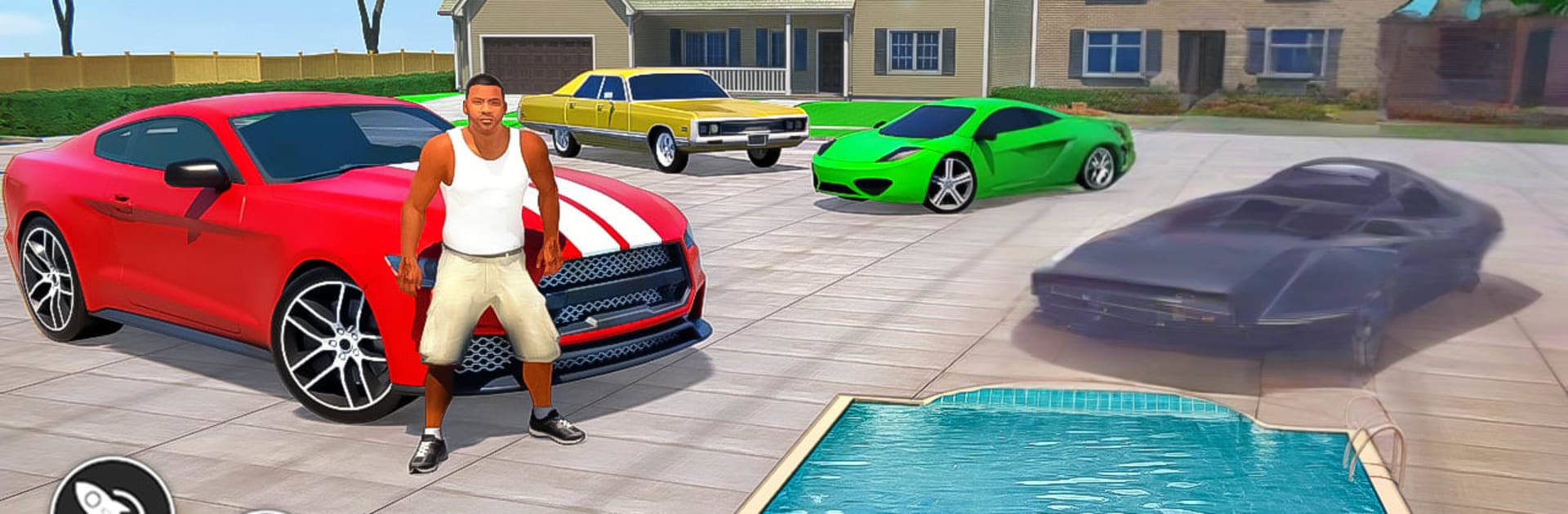
Grand Mafia Vegas Simulator
Play on PC with BlueStacks – the Android Gaming Platform, trusted by 500M+ gamers.

Page Modified on: Aug 28, 2024
Play Grand Mafia Vegas Simulator on PC or Mac
Join millions to experience Grand Mafia Vegas Simulator, an exciting Simulation game from Play Paradigm. With BlueStacks App Player, you are always a step ahead of your opponent, ready to outplay them with faster gameplay and better control with the mouse and keyboard on your PC or Mac.
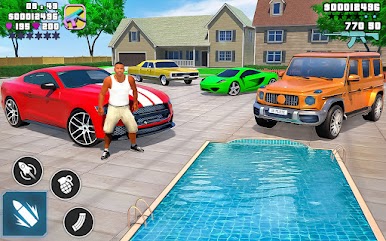
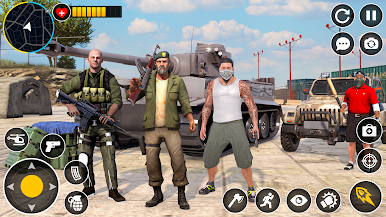
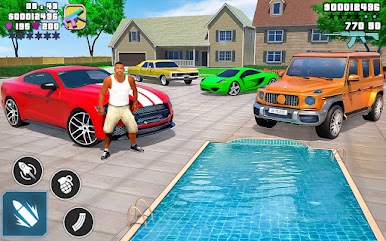
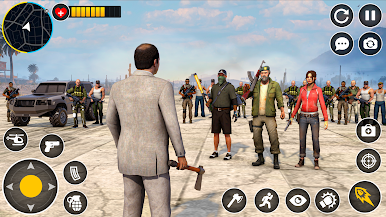
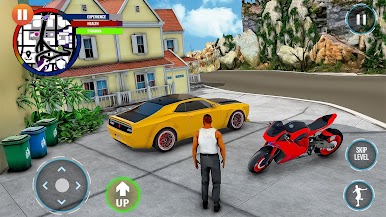
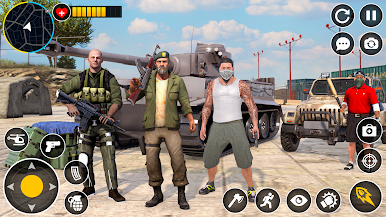
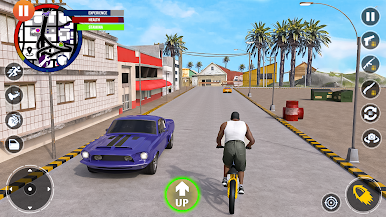
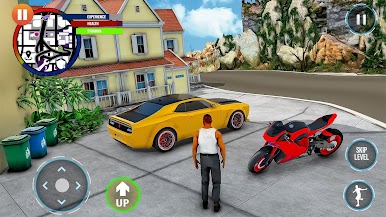
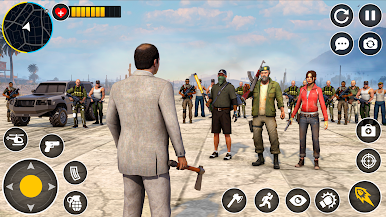
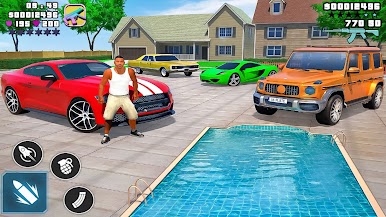
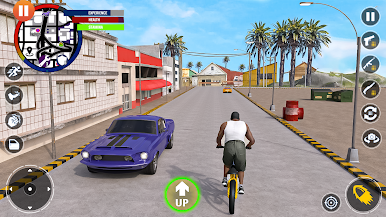
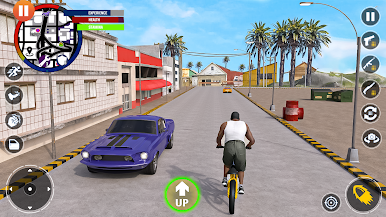
Grand Mafia Vegas Simulator plays like a big open world crime toybox. The city is chopped into neighborhoods, each run by a different boss, and the whole loop is about grabbing territory, pushing back rival crews, and setting up money makers so the empire keeps growing. Shootouts are loud and frequent, with simple aiming and lots of enemies, then it flips to quick jobs like bank hits, gun deals, and street races when a change of pace is needed. There is a light strategy layer under it all. Players recruit muscle, cut deals with bent cops and slippery officials, and keep casinos, bars, and black markets running so heat stays low and cash stays high.
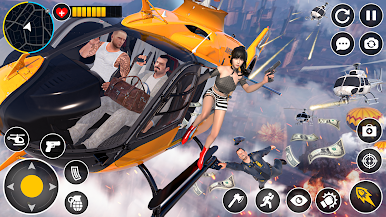
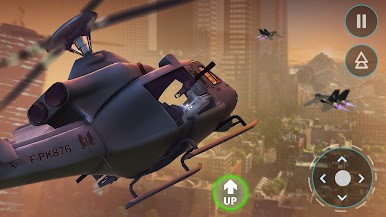
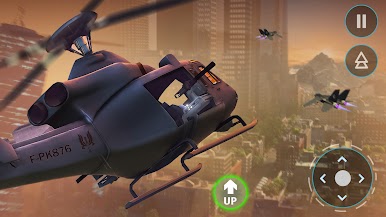
Driving is fast and a bit floaty in a fun way, bikes slice through traffic, and there are boats and even a helicopter if someone wants the skyline view. The game even has old school phone codes that grant toys and tricks, things like spawning vehicles, a super jump, slow motion, sky fall, and yes, infinite health when that one alley turns into a warzone. It is not a story-first game, it is about chaos and control, buying better weapons, expanding the crew, and knocking rival bosses off the map. On PC with BlueStacks, mouse aim and keyboard driving make the chases and big firefights feel cleaner, and the frame rate holds when sirens flare and bullets start to fly. Lots of short missions, plenty of icons to clear, and that sandbox feeling of doing the wrong thing in just the right way.
Start your journey now. Download the game on BlueStacks, invite your friends, and march on a new adventure.
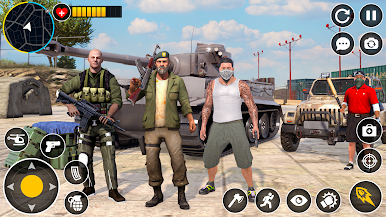
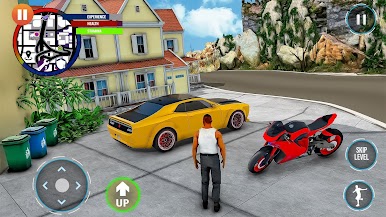
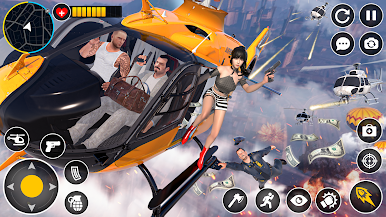
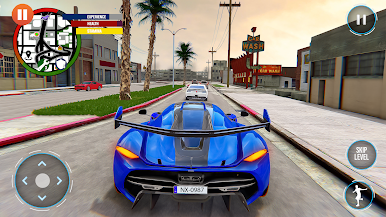
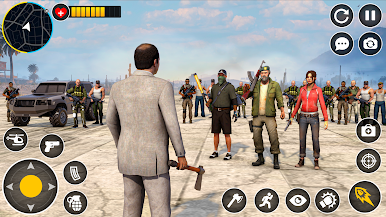
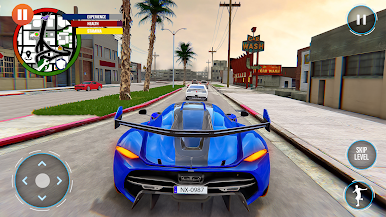
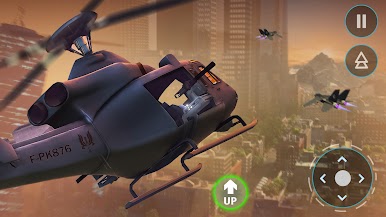
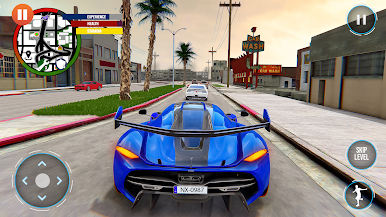
Play Grand Mafia Vegas Simulator on PC. It’s easy to get started.
-
Download and install BlueStacks on your PC
-
Complete Google sign-in to access the Play Store, or do it later
-
Look for Grand Mafia Vegas Simulator in the search bar at the top right corner
-
Click to install Grand Mafia Vegas Simulator from the search results
-
Complete Google sign-in (if you skipped step 2) to install Grand Mafia Vegas Simulator
-
Click the Grand Mafia Vegas Simulator icon on the home screen to start playing

