


World Champion 3D Cricket Game
Play on PC with BlueStacks – the Android Gaming Platform, trusted by 500M+ gamers.

Page Modified on: Jan 27, 2026
Main World Champion 3D Cricket Game on PC
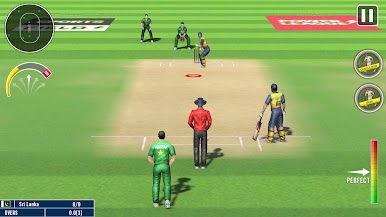
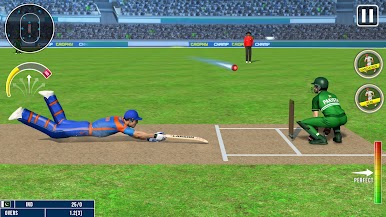
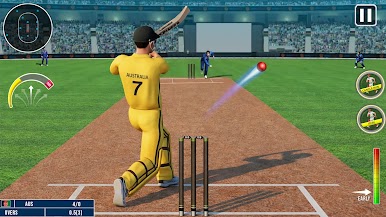
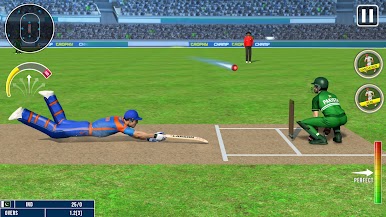
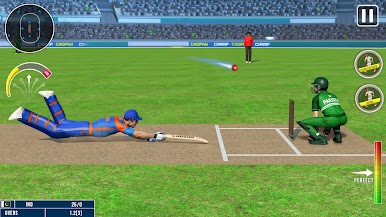
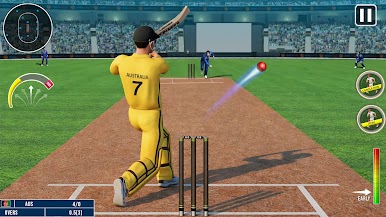
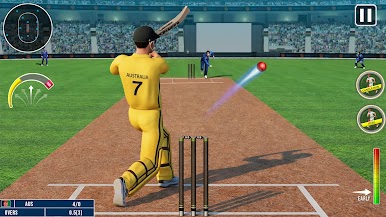
Play thrilling matches in this mobile cricket game featuring popular formats like T20 cricket, One Day cricket, and intense Super Over cricket challenges. Whether you are focusing on aggressive batting or smart bowling strategies, this cricket game lets you enjoy complete control over batting and bowling action. Time your shots perfectly, bowl with precision, and experience realistic cricket movement in every over.
This 3D cricket game offers multiple tournaments and quick match modes designed for both casual players and competitive cricket lovers. Enjoy the fast paced cricket matches that test your skills, reflexes, and strategy. From power shots to accurate deliveries, every moment of this cricket action game feels engaging and rewarding.
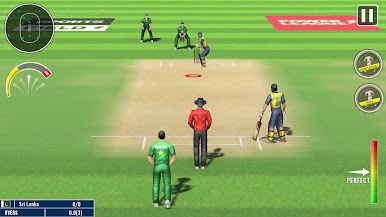
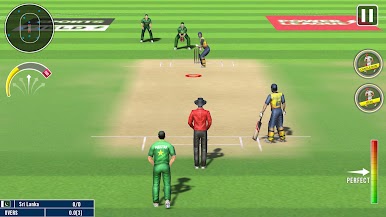
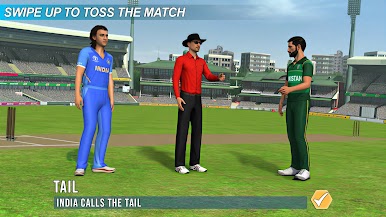
Play in large cricket stadiums filled with energetic crowds and realistic environments. The smooth controls and optimized performance make this an enjoyable offline cricket game that you can play anytime, anywhere. Whether you are new to cricket games or an experienced player, this cricket game for mobile delivers consistent sports excitement.
Features
• Realistic 3D cricket game with immersive cricket action
• Smooth batting bowling mechanics with responsive controls
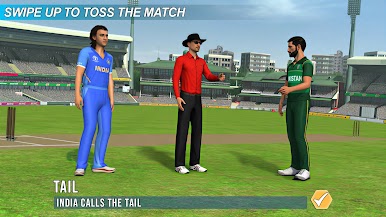
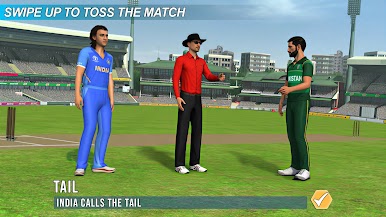
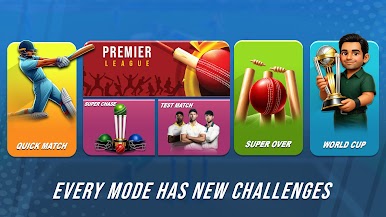
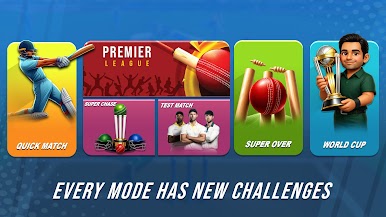
• Multiple match formats including T20, One Day and Super Over
• Detailed cricket stadiums with lively crowd atmosphere
• Fast paced cricket gameplay with skill-based mechanics
• Tournament mode and quick matches for endless cricket fun
• Optimized offline cricket game for smooth mobile performance
If you are searching for cricket games that combine realistic gameplay, competitive matches, and smooth controls, this cricket game is the perfect choice. Enjoy high-quality cricket action, strategic gameplay, and nonstop entertainment in one complete 3D cricket game.
Play World Champion 3D Cricket Game on PC. It’s easy to get started.
-
Download and install BlueStacks on your PC
-
Complete Google sign-in to access the Play Store, or do it later
-
Look for World Champion 3D Cricket Game in the search bar at the top right corner
-
Click to install World Champion 3D Cricket Game from the search results
-
Complete Google sign-in (if you skipped step 2) to install World Champion 3D Cricket Game
-
Click the World Champion 3D Cricket Game icon on the home screen to start playing

