

Soccer Clash 3D: Football Game
Play on PC with BlueStacks – the Android Gaming Platform, trusted by 500M+ gamers.

Page Modified on: May 22, 2026
Play Soccer Clash 3D: Football Game on PC or Mac
Explore a whole new adventure with Soccer Clash 3D: Football Game, a Sports game created by The Game Burg. Experience great gameplay with BlueStacks, the most popular gaming platform to play Android games on your PC or Mac.
About the Game
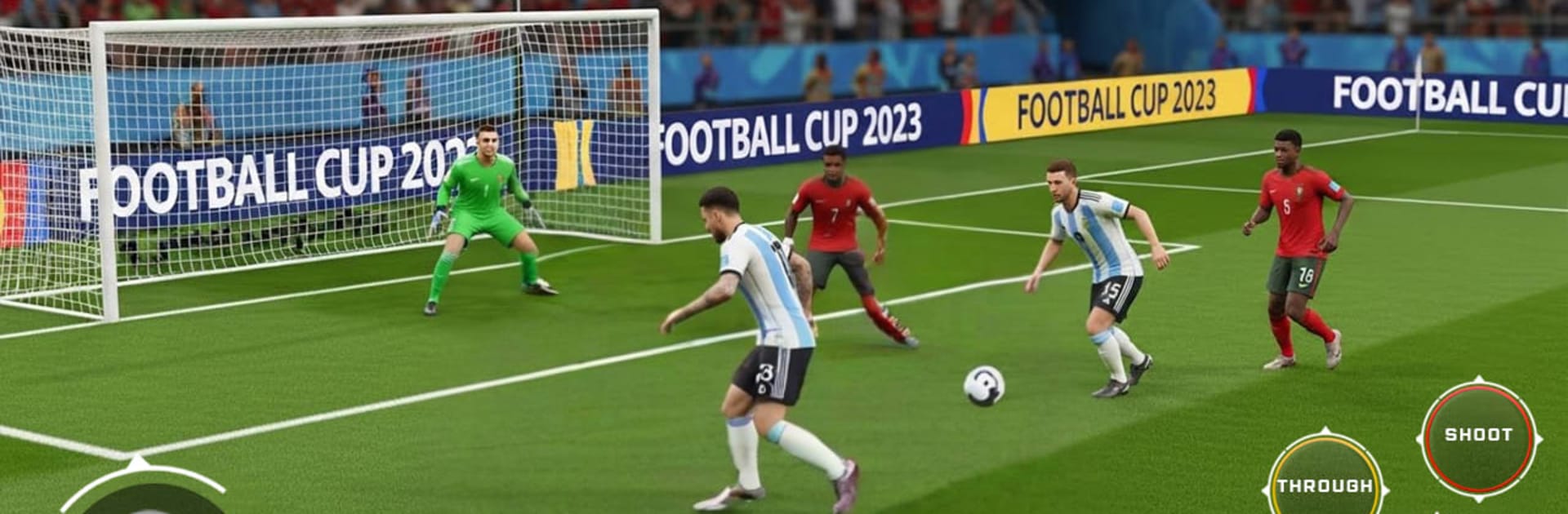
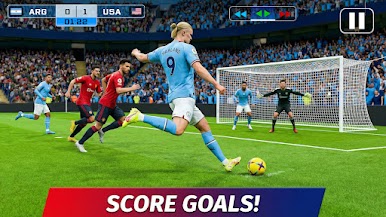
Soccer Clash 3D: Football Game is a quick, pick-up-and-play take on the beautiful game that still gives you room to outsmart, outplay, and outscore. Build a scrappy club, sharpen your squad, and work your way through tough opponents—no internet needed. Matches are fast, controls feel natural, and every goal has a little drama to it.
Game Features
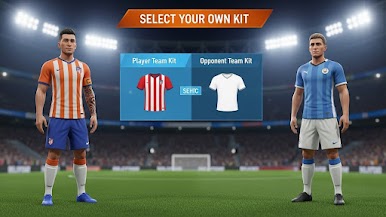
– Build Your Club: Start with a modest team and turn it into a contender by training players, improving their stats, and finding the right lineup for each match.
– Career, League, and Tournaments: Move from early challenges to bigger stages across multiple modes, each with its own rhythm and pace.
– 1v1 Showdowns: Test your nerve in head-to-head matches against AI that ramps up in difficulty, rewarding smart play and clean finishes.
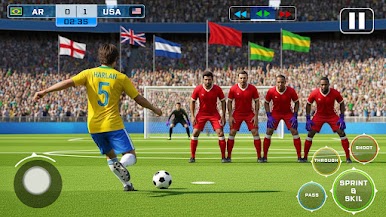
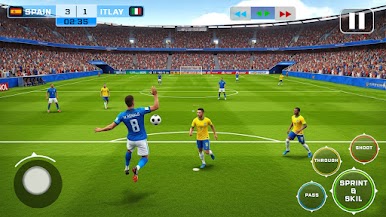
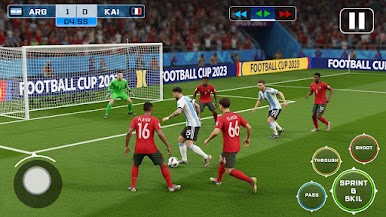
– Simple, Skillful Controls: Pass, shoot, and tackle with intuitive touch input. Pull off cheeky skill moves, bend free kicks around the wall, and keep your cool from the spot.
– Quick Matches, Real Progress: Jump in for a few minutes or grind a longer session. Win games, earn rewards, and use them to push your club higher up the ranks.
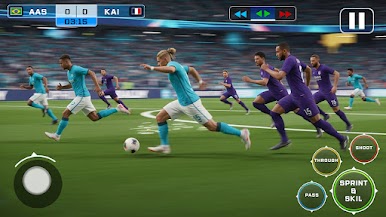
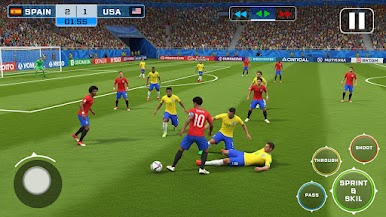
– Smooth 3D Presentation: Clean animations and satisfying camera angles make every tackle, counter, and goal feel crisp.
– Fully Offline Play: No Wi‑Fi? No problem. Play anywhere—on a flight, on the couch, or on your commute.
– Great on BlueStacks: Prefer a bigger screen and tighter controls? It runs smoothly there too, with crisp visuals and responsive input.
BlueStacks gives you more room to focus on the game and less time adjusting around mobile limitations.
Play Soccer Clash 3D: Football Game on PC. It’s easy to get started.
-
Download and install BlueStacks on your PC
-
Complete Google sign-in to access the Play Store, or do it later
-
Look for Soccer Clash 3D: Football Game in the search bar at the top right corner
-
Click to install Soccer Clash 3D: Football Game from the search results
-
Complete Google sign-in (if you skipped step 2) to install Soccer Clash 3D: Football Game
-
Click the Soccer Clash 3D: Football Game icon on the home screen to start playing

