


Bubble Pop
Play on PC with BlueStacks – the Android Gaming Platform, trusted by 500M+ gamers.

Page Modified on: Oct 1, 2026
Play Bubble Pop on PC
How to Play
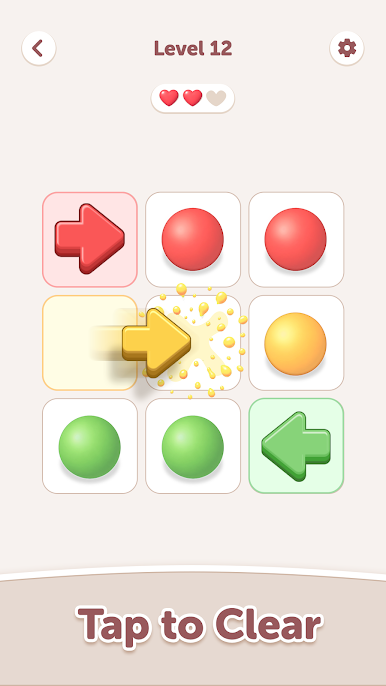
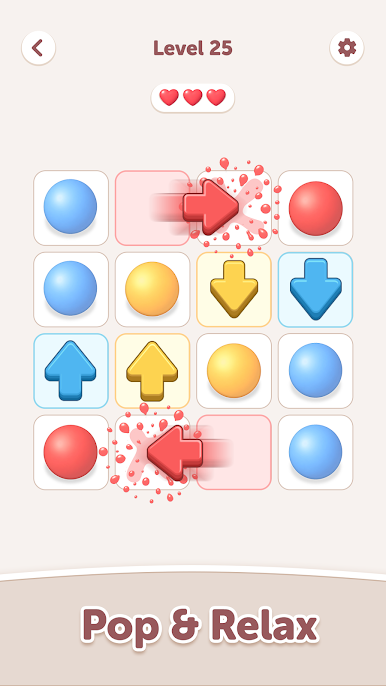
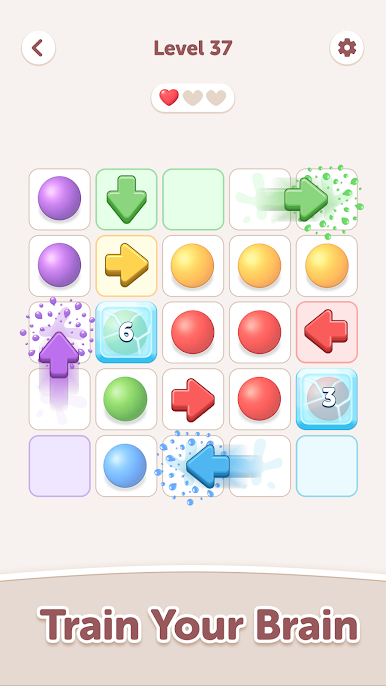
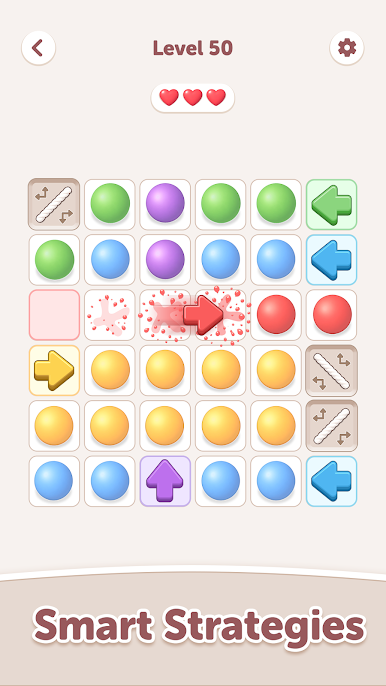
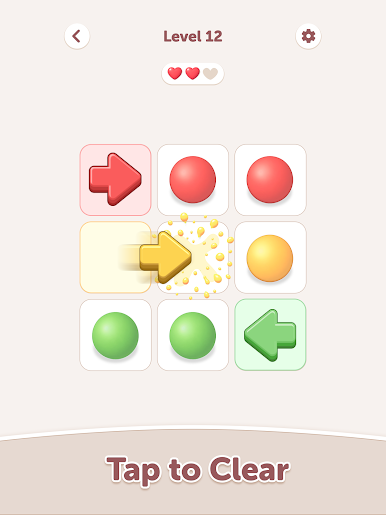
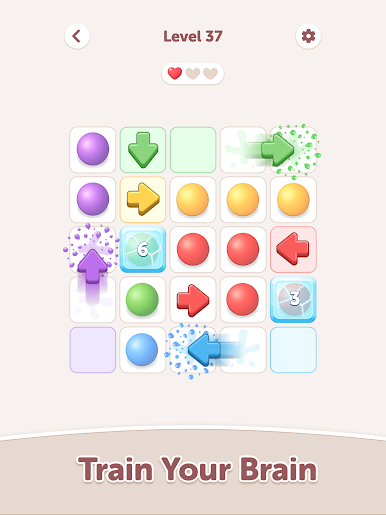
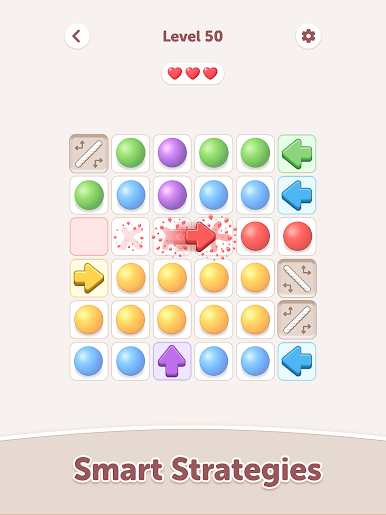
- Tap an arrow to fire it into the grid.
- The arrow travels forward and pops every bubble of its matching color in its path.
- Bubbles of other colors block the shot, so the order you fire in decides what you can reach.
- Clear every bubble on the board to finish the level.
Special Pieces
- Trampolines bounce an arrow in a new direction, opening paths across the board
- Splitters divide one arrow into multiple shots travelling in fixed directions
- Ice bubbles need more than one hit before they break
Features
- New layouts and colour combinations introduced steadily across the level list
- Simple one-tap controls with no timers and no move pressure
- 3D bubble visuals with smooth pop animations
Plan the order, use the trampolines and splitters to reach awkward corners, and clear the grid in as few shots as you can.

Play Bubble Pop on PC. It’s easy to get started.
-
Download and install BlueStacks on your PC
-
Complete Google sign-in to access the Play Store, or do it later
-
Look for Bubble Pop in the search bar at the top right corner
-
Click to install Bubble Pop from the search results
-
Complete Google sign-in (if you skipped step 2) to install Bubble Pop
-
Click the Bubble Pop icon on the home screen to start playing

