


Slow Mo Hit
Play on PC with BlueStacks – the Android Gaming Platform, trusted by 500M+ gamers.

Page Modified on: Nov 6, 2026
Play Slow Mo Hit on PC
That is the whole game. One touch, one line, one release.
How to Play
- Press and hold anywhere to drop into slow motion.
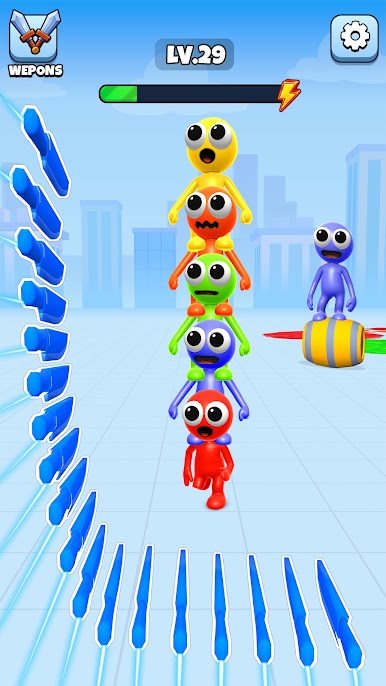
- Drag to draw a line. Blades load along it as you go.
- Release to return to full speed and fire every blade at once.
What You Are Shooting Through
- Explosive barrels that chain into whatever is near them
- Falling crates that change the stage as they drop
Features
- One-finger controls, no buttons and no tutorial to sit through
- Hand-built stages where order and angle both matter
- Neon visuals tuned around the moment the blades land
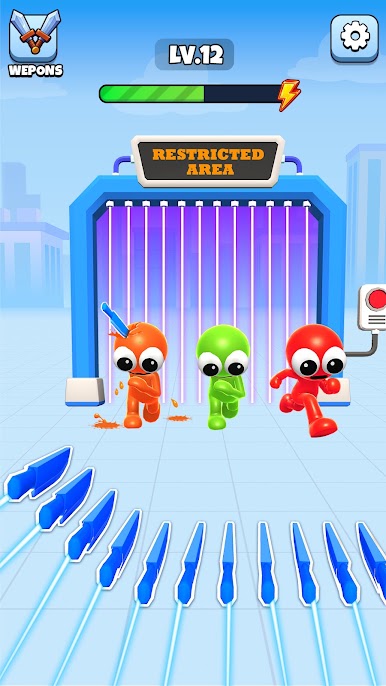
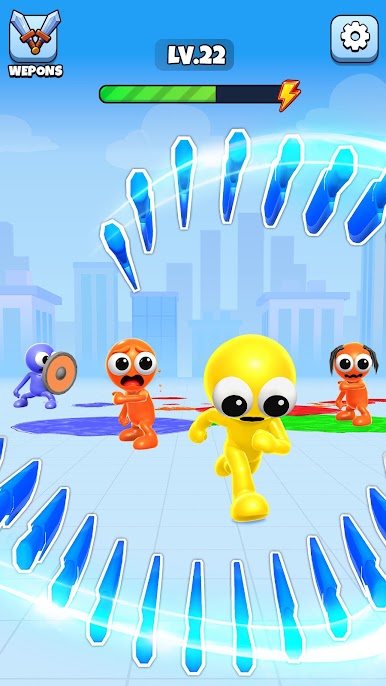
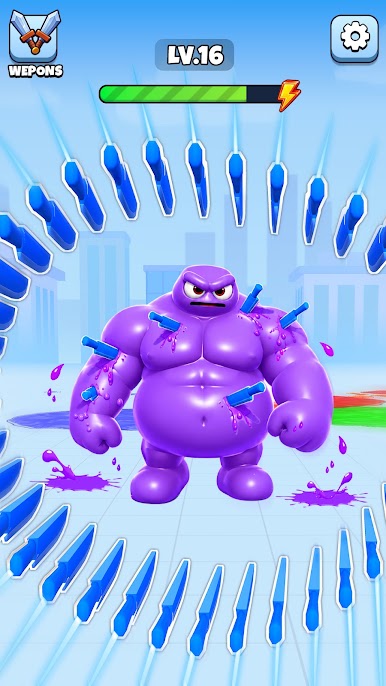
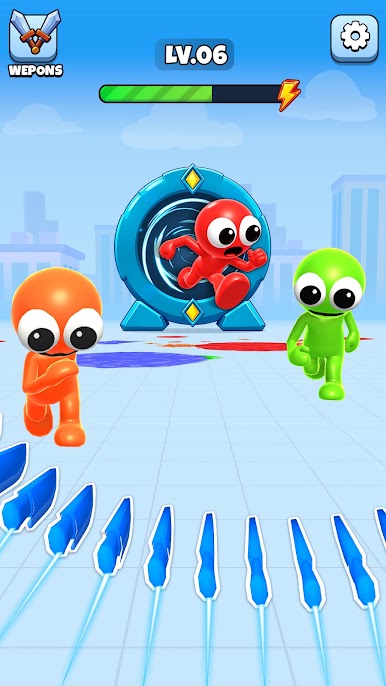
Play Slow Mo Hit on PC. It’s easy to get started.
-
Download and install BlueStacks on your PC
-
Complete Google sign-in to access the Play Store, or do it later
-
Look for Slow Mo Hit in the search bar at the top right corner
-
Click to install Slow Mo Hit from the search results
-
Complete Google sign-in (if you skipped step 2) to install Slow Mo Hit
-
Click the Slow Mo Hit icon on the home screen to start playing

