

Real Soccer League Simulator
Play on PC with BlueStacks – the Android Gaming Platform, trusted by 500M+ gamers.

Page Modified on: Aug 11, 2026
Play Real Soccer League Simulator on PC or Mac
Real Soccer League Simulator by Games Edge has plenty to keep you busy. BlueStacks lets you play it on PC or Mac with more screen space, better control, and fewer mobile limits.
About the Game
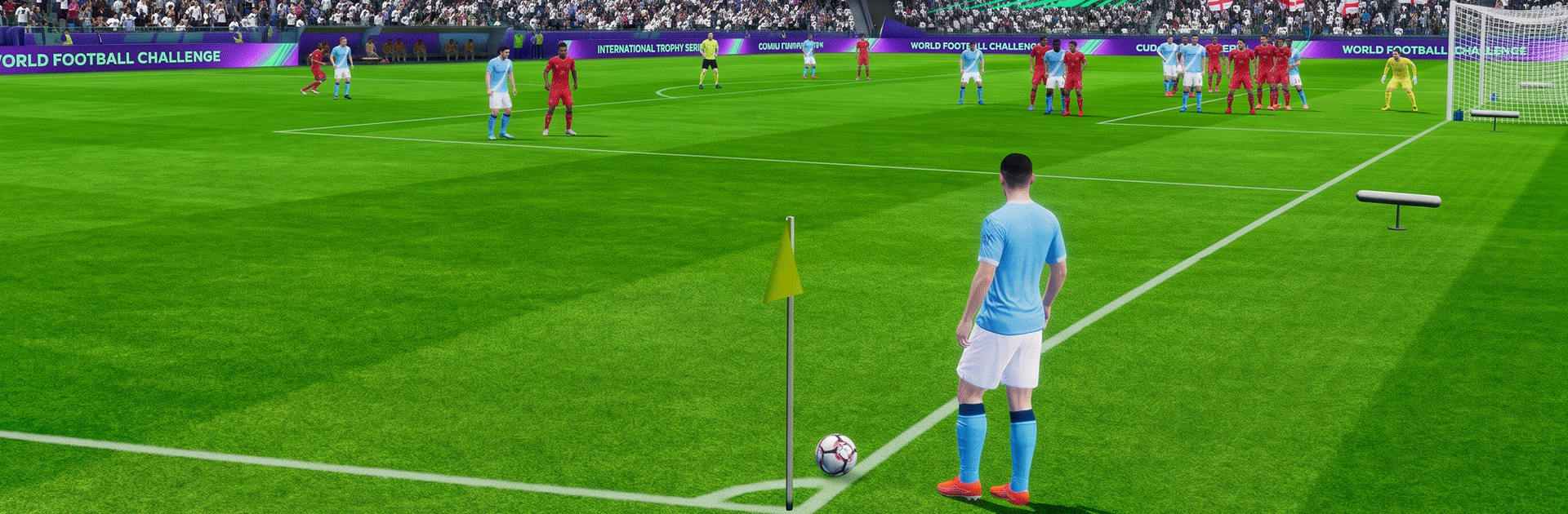
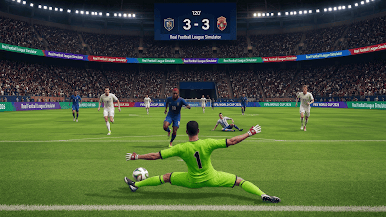
Real Soccer League Simulator puts you in the scorer’s boots, stripping soccer down to its most thrilling moment—the strike. This Sports game blends quick-fire drills, tense penalties, and clever target challenges into sessions that are easy to pick up and hard to put down; it also feels great on BlueStacks. Expect tight controls, believable ball movement, and that sweet rush when the net ripples.
Game Features
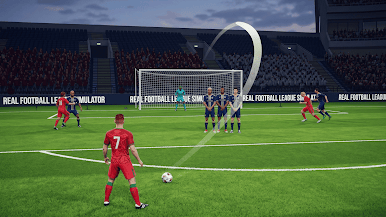
- Precision Shooting: Aim, set your power, and curl or blast the ball into corners from all kinds of angles.
- Penalty Pressure: Keep your cool from the spot, read the keeper, and place kicks with confidence.
- Target Trials: Smash moving and static targets, thread shots through tight gaps, and chase clean, satisfying hits.
- Authentic Ball Physics: Spin, dip, and bounce behave the way you expect, so technique actually matters.
- Responsive Controls: Snappy swipes and taps let you line up a shot without fighting the controls.
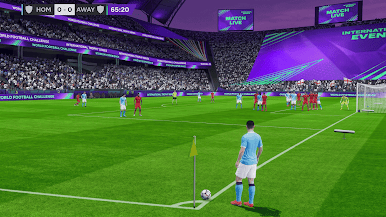
- Stadium Atmosphere: Roaring crowds, bright lights, and slick camera angles make goals feel highlight‑worthy.
- Progressive Challenge: Early drills ease you in; tougher setups, tighter windows, and timers ramp up the intensity.
- Quick Sessions or Long Runs: Knock out a level in a minute or keep pushing through a streak of scenarios.
- Play Offline: Enjoy the action wherever you are, no connection required.
- Team Colors: Pick kit colors that match your style before you step up to the ball.
BlueStacks gives you more room to focus on the game and less time adjusting around mobile limitations.
Play Real Soccer League Simulator on PC. It’s easy to get started.
-
Download and install BlueStacks on your PC
-
Complete Google sign-in to access the Play Store, or do it later
-
Look for Real Soccer League Simulator in the search bar at the top right corner
-
Click to install Real Soccer League Simulator from the search results
-
Complete Google sign-in (if you skipped step 2) to install Real Soccer League Simulator
-
Click the Real Soccer League Simulator icon on the home screen to start playing

