


Let's Go Legends!
Play on PC with BlueStacks – the Android Gaming Platform, trusted by 500M+ gamers.

Page Modified on: Aug 4, 2026
Play Let's Go Legends! on PC
The king has vanished…
Darkness is spreading across the kingdom…
And guess what? YOU might just be the next Legend to rise!
You're not a hero—yet. But destiny won't wait.
Grab your sword, rally your crew, and dive into a wild adventure packed with charm, chaos, and courage.
Small heroes. Big adventure. Epic stakes.
The kingdom needs a legend—will it be you?
✨Game Highlights✨
▶︎ Power Up with Every Battle
Don’t let the cuteness fool you—this game hits hard.
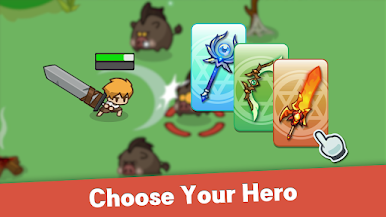
Every battle makes you stronger, leveling up your power and skills.
Fast-paced combat meets satisfying growth in every tap.
▶︎ Smart Strategy Wins the Day
Auto battle? Only works when your setup is smart.
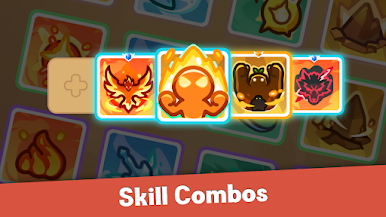
Mix and match gear and skills to build your ultimate loadout.
True Legends think before they strike.
▶︎ Explore a World Full of Wonder
Flaming volcanoes. Frozen tundras. Floating islands.
Journey through magical lands, uncover hidden loot, and never stop exploring.
▶︎ Build Your Squad and Conquer Together
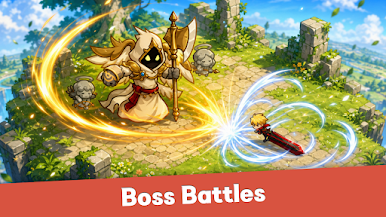
Join a guild, rally your team, and take down powerful bosses together.
Because every adventure is better with allies by your side.
▶︎ Cute, Custom, and Totally YOU
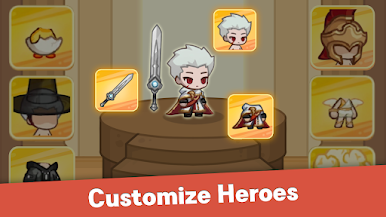
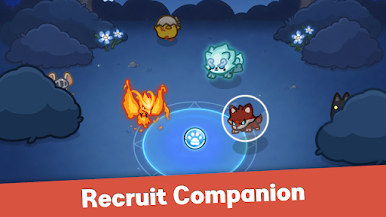
Design your own hero, pick your favorite pet, and bring your own, unique vibe into every battle.
It’s cozy meets chaos—and you’ll love every second of it.
Now’s your shot at becoming a legend.
Download ⭐Let’s Go Legend⭐, the RPG where strategy, adventure, and irresistible charm collide!
Play Let's Go Legends! on PC. It’s easy to get started.
-
Download and install BlueStacks on your PC
-
Complete Google sign-in to access the Play Store, or do it later
-
Look for Let's Go Legends! in the search bar at the top right corner
-
Click to install Let's Go Legends! from the search results
-
Complete Google sign-in (if you skipped step 2) to install Let's Go Legends!
-
Click the Let's Go Legends! icon on the home screen to start playing

