


GearPaw Defenders!
Play on PC with BlueStacks – the Android Gaming Platform, trusted by 500M+ gamers.

Page Modified on: Jan 27, 2026
Main GearPaw Defenders! on PC
Lazy forest critters suddenly awaken: "Time to hit 'em with the Uno reverse card!"
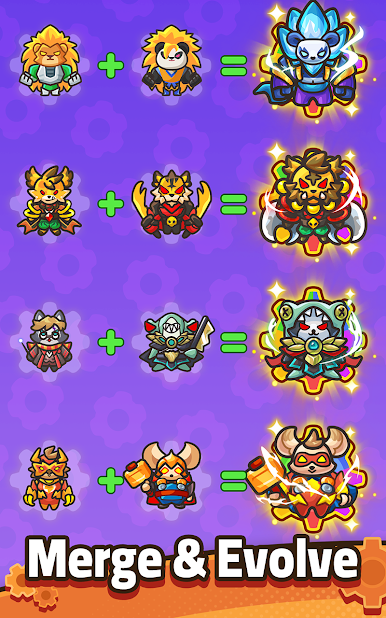
Haystacks become HQ! Pinecones = grenades!! Forget fishing—start gear-grabbing!
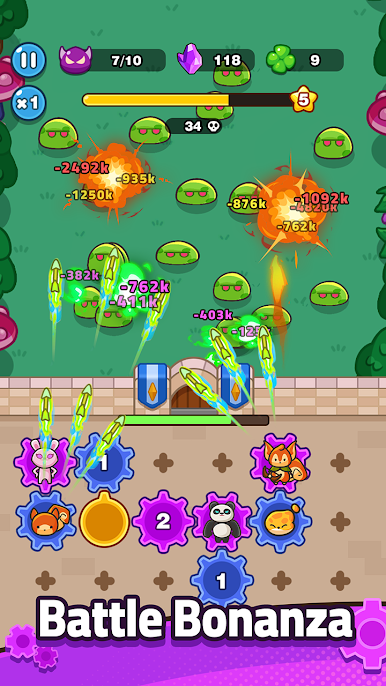
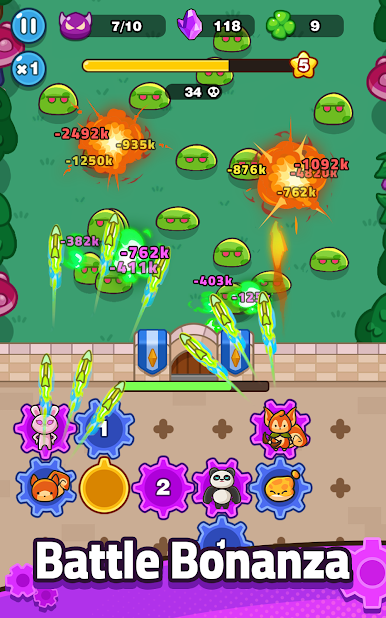
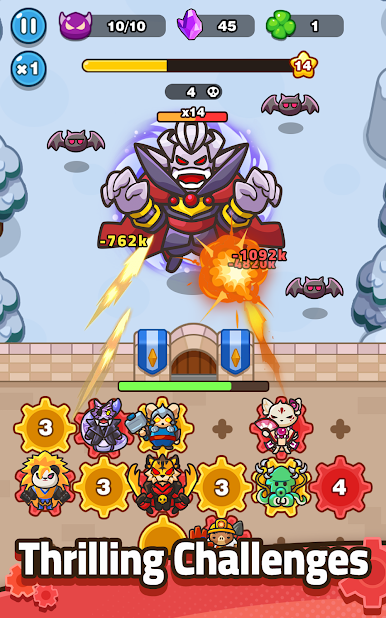
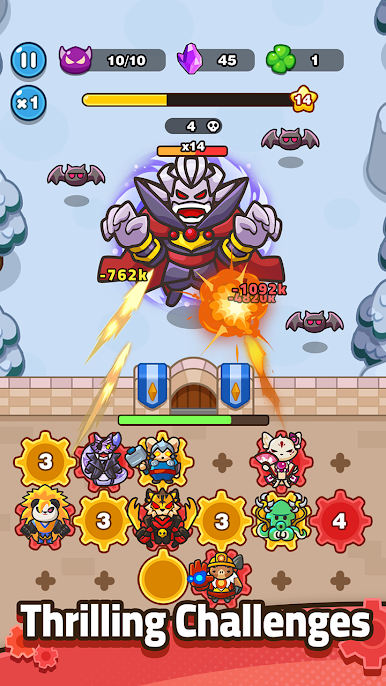
Office drones' secret DLC unlocked: Defeat bosses for "Paid Procrastination Buff™". Connect gears, kick monster butt, save home!
[Addictive Gameplay]
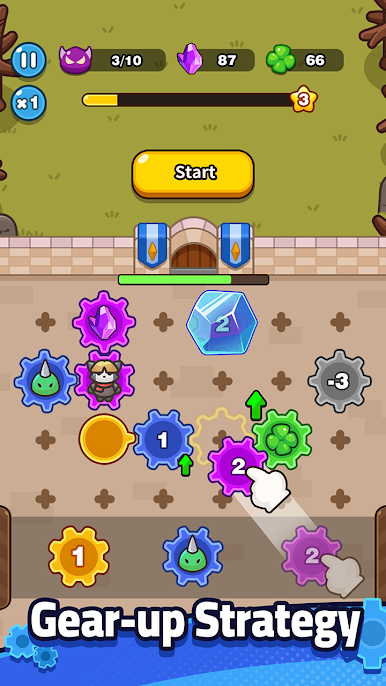
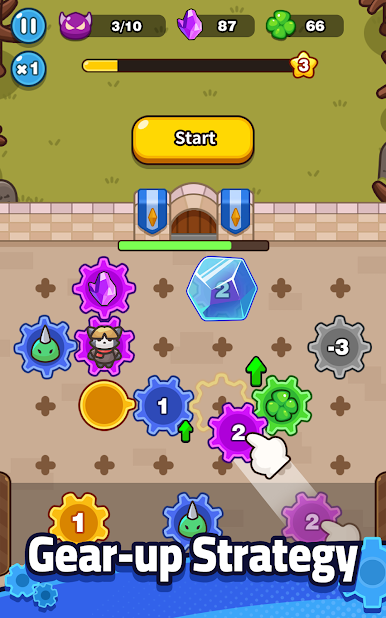
Gears meet roguelike = Schrödinger's fun zone
Spend that combat coins! Grind for OP gear mods!
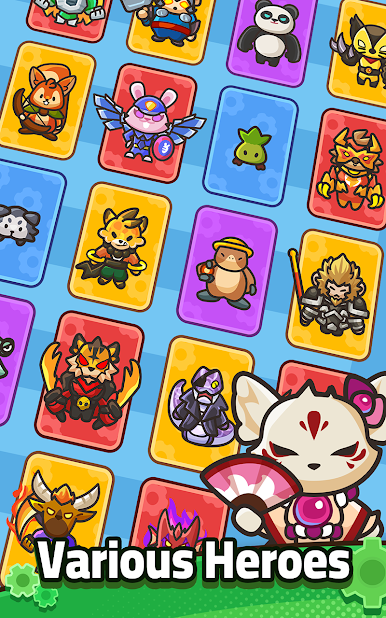
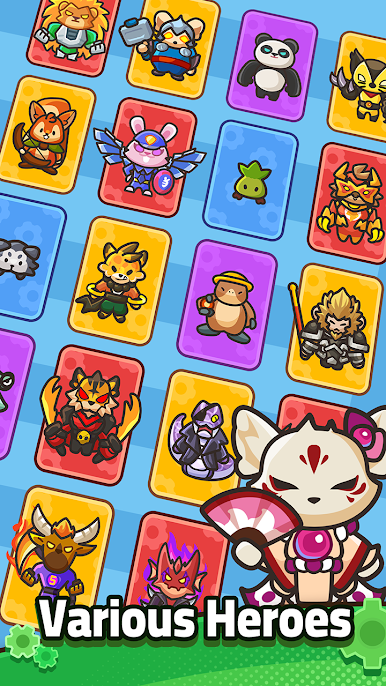
Random hero skills + gear combos = crits so savage, monsters sob like noobs!
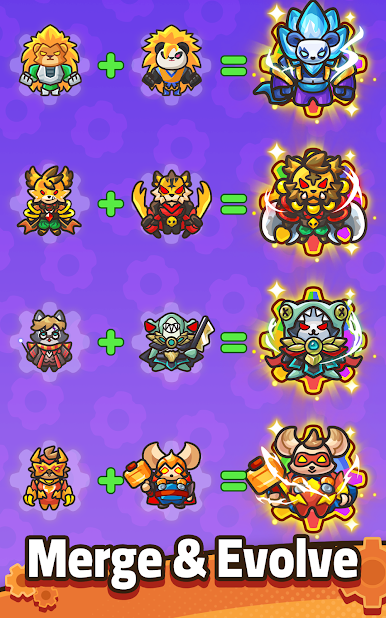
Infinite character builds? Let's yeet these creeps to orbit!
Strategize like a boss. Yes, you—the spreadsheet warrior turned tactical genius!

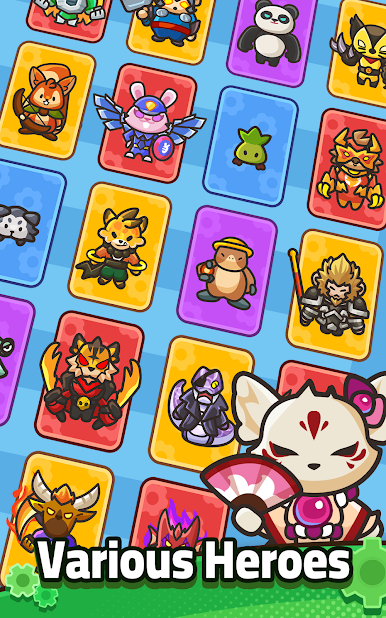
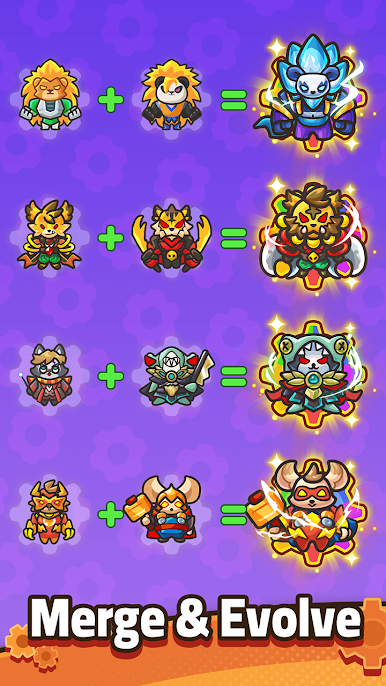
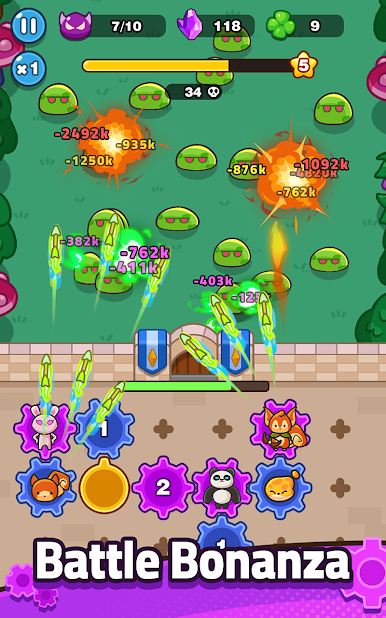
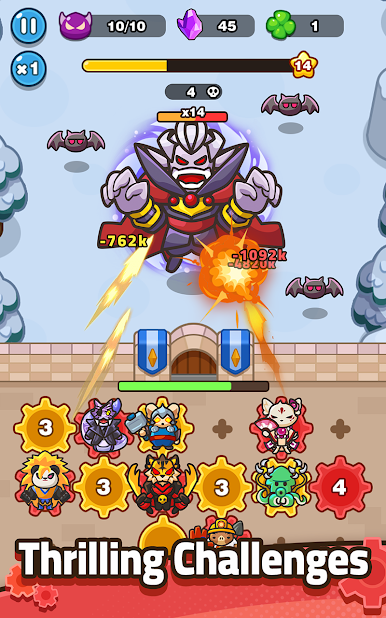


Play GearPaw Defenders! on PC. It’s easy to get started.
-
Download and install BlueStacks on your PC
-
Complete Google sign-in to access the Play Store, or do it later
-
Look for GearPaw Defenders! in the search bar at the top right corner
-
Click to install GearPaw Defenders! from the search results
-
Complete Google sign-in (if you skipped step 2) to install GearPaw Defenders!
-
Click the GearPaw Defenders! icon on the home screen to start playing

