


Piano Beat: Rush Tiles
Play on PC with BlueStacks – the Android Gaming Platform, trusted by 500M+ gamers.

Page Modified on: Jan 6, 2026
Main Piano Beat: Rush Tiles on PC
✨ Key Features
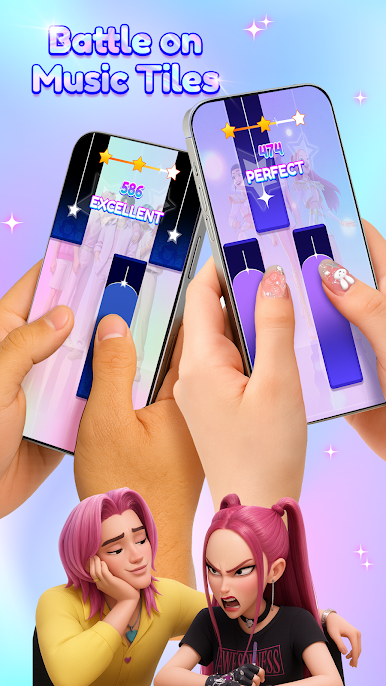
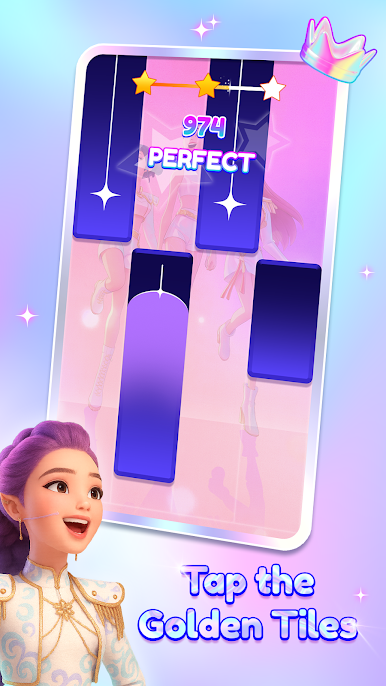
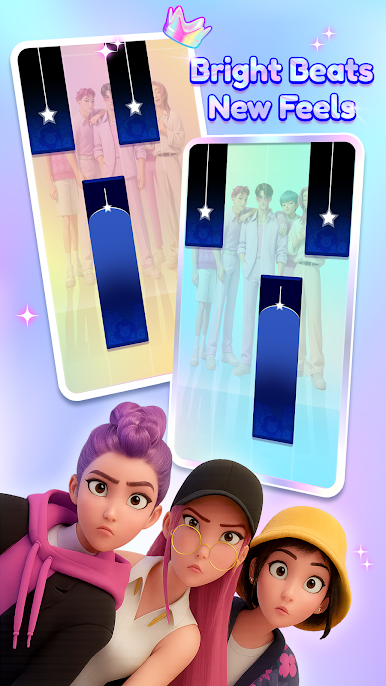
- Tap to the Rhythm: Follow the beat and hit each tile with precision to build powerful combos.
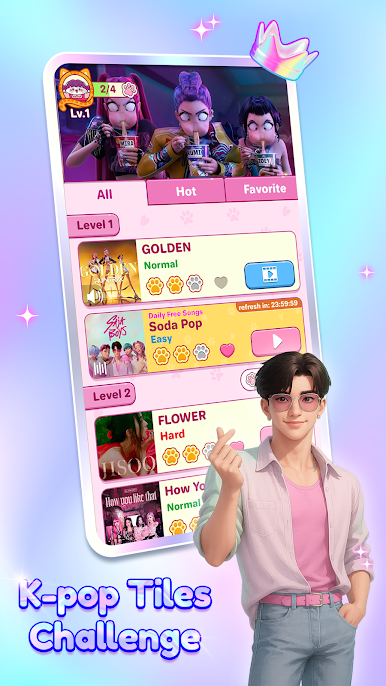
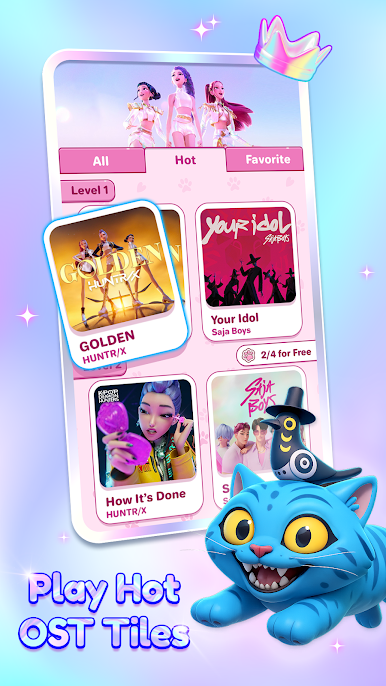
- Massive Music Library: Enjoy hundreds of tracks across genres—pop hits, EDM, piano ballads, K-pop, US-UK, and more.
- Special Beat Tiles & Effects
Discover boosted tiles, speed tiles, and explosive effects that bring each song to life.
- High-Quality Piano & Synth Sounds: Immerse yourself in premium audio that delivers an authentic and satisfying music experience.
🚀 Ready to Feel the Beat?
Download Piano Beat: Rush Tiles now and start tapping through your favorite tunes.
Feel the music. Master the rhythm. Become the beat. 🎹🔥
Play Piano Beat: Rush Tiles on PC. It’s easy to get started.
-
Download and install BlueStacks on your PC
-
Complete Google sign-in to access the Play Store, or do it later
-
Look for Piano Beat: Rush Tiles in the search bar at the top right corner
-
Click to install Piano Beat: Rush Tiles from the search results
-
Complete Google sign-in (if you skipped step 2) to install Piano Beat: Rush Tiles
-
Click the Piano Beat: Rush Tiles icon on the home screen to start playing

