


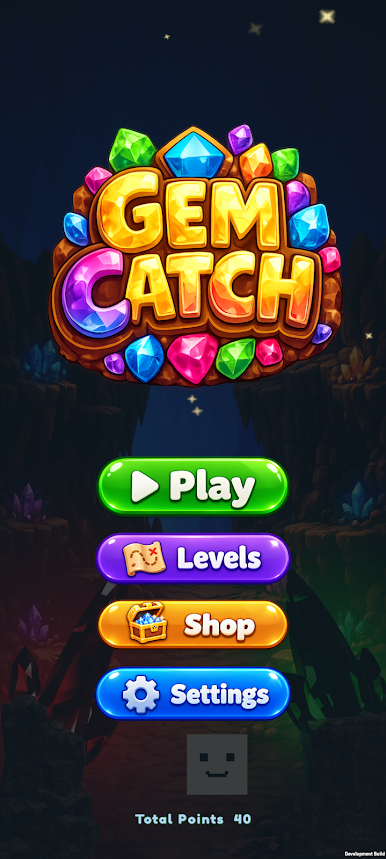
Gem Catch
Play on PC with BlueStacks – the Android Gaming Platform, trusted by 500M+ gamers.

Page Modified on: Sep 14, 2026
Play Gem Catch on PC
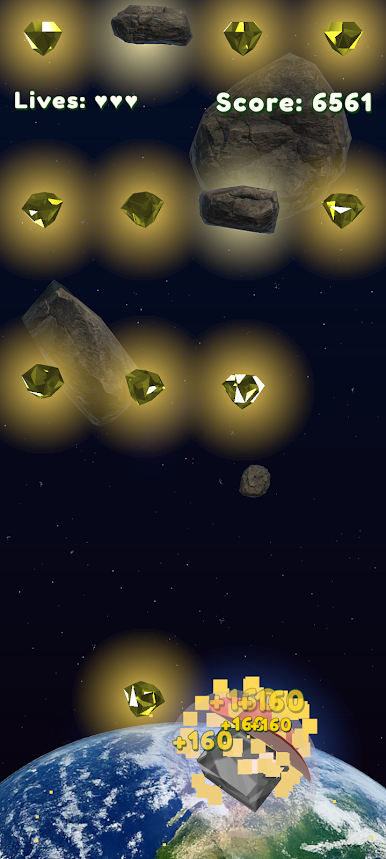
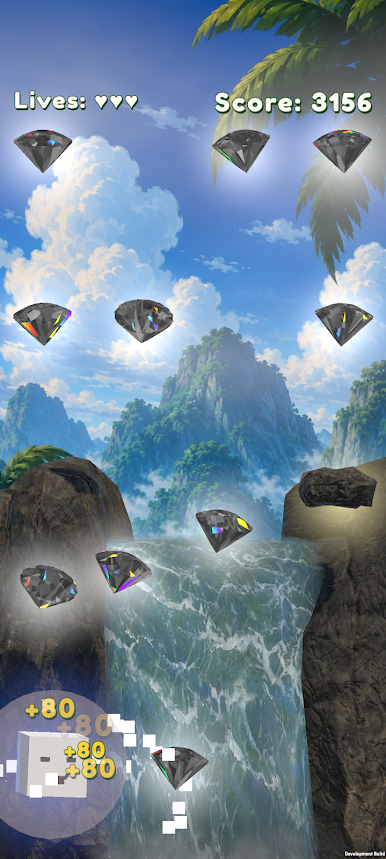
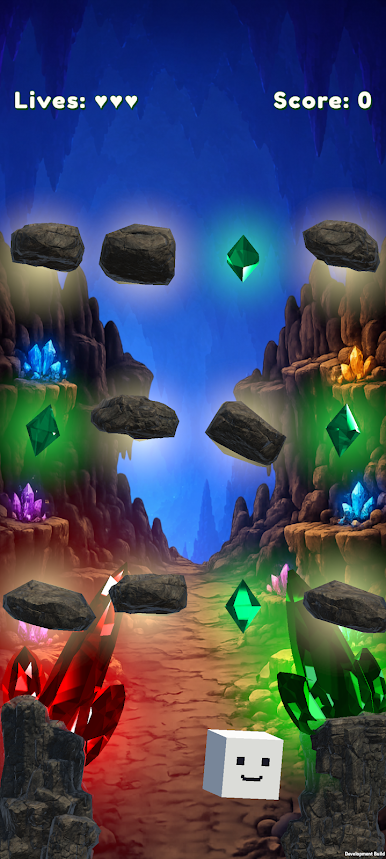
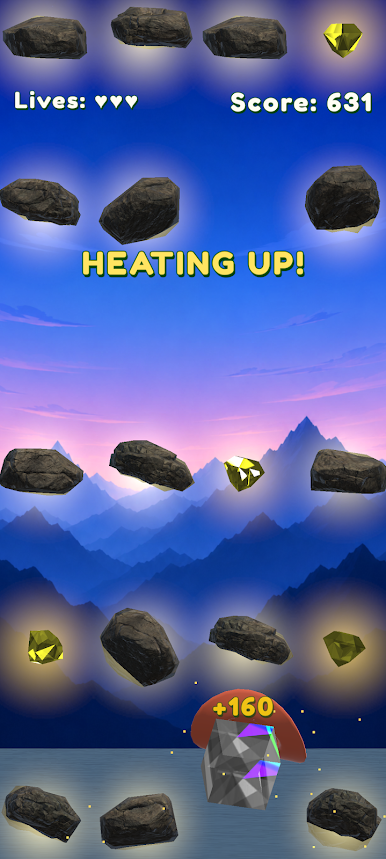
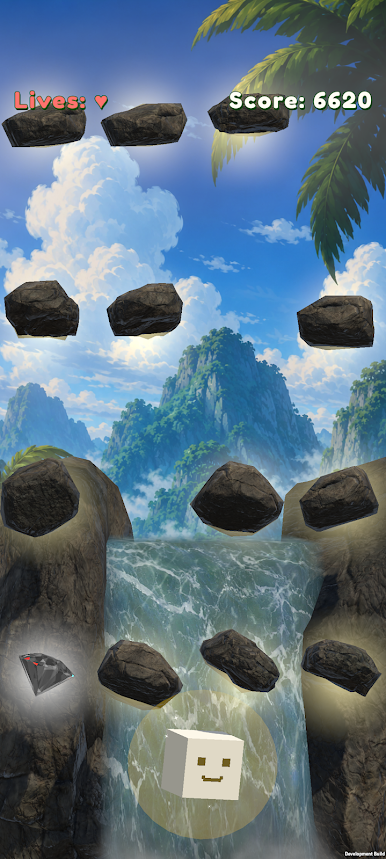
Guide Catchy across the screen, collect falling gems, and move through safe gaps while waves of rocks crash down. Hold the left or right side of the screen to steer, protect your three lives, and survive as the game becomes faster and more challenging over time.
Explore four colorful environments:
- Crystal Cave
- Jungle Falls
- Deep Space
- Bay Lookout
Start in Crystal Cave and catch special keys at score milestones to unlock each new world. Every environment introduces a fresh look and a tougher challenge.
Use powerful pickups to extend your run, including Magnet, Shield, Dice Swap, and the invincible Master Gem. Catch hearts to restore lost lives, build your score, and earn points that can be spent on skins and wearable customizations for Catchy.
**Features:**
- Simple hold-to-move controls
- Fast, endless arcade gameplay
- Three-life survival system
- Difficulty that increases over time
- Four unlockable environments
- Special gems and useful power-ups
- Unlockable skins and wearable items
- Local high scores and progression
- No account required
How long can you survive, and how high can you score? Catch the gems, dodge the rocks, and unlock every world in Gem Catch!
Play Gem Catch on PC. It’s easy to get started.
-
Download and install BlueStacks on your PC
-
Complete Google sign-in to access the Play Store, or do it later
-
Look for Gem Catch in the search bar at the top right corner
-
Click to install Gem Catch from the search results
-
Complete Google sign-in (if you skipped step 2) to install Gem Catch
-
Click the Gem Catch icon on the home screen to start playing

