


Logomania: Logo Quiz Game
Play on PC with BlueStacks – the Android Gaming Platform, trusted by 500M+ gamers.

Page Modified on: Nov 20, 2025
Play Logomania: Guess the logo - Quiz games 2020 on PC or Mac
Step into the World of Logomania: Guess the logo – Quiz games 2020, a thrilling Trivia game from the house of Genera Games. Play this Android game on BlueStacks App Player and experience immersive gaming on PC or Mac.
About the Game
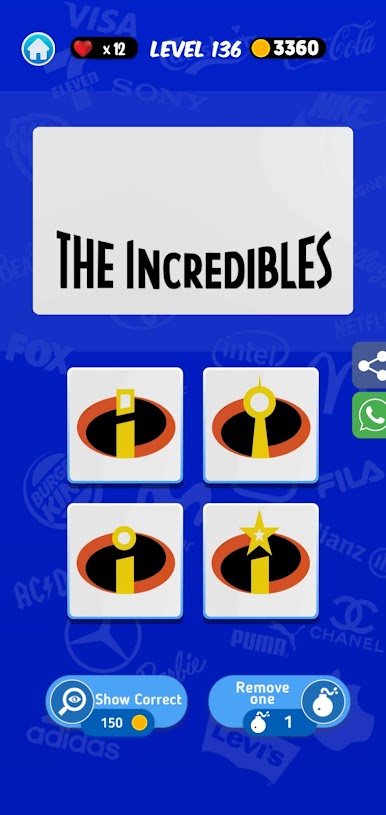
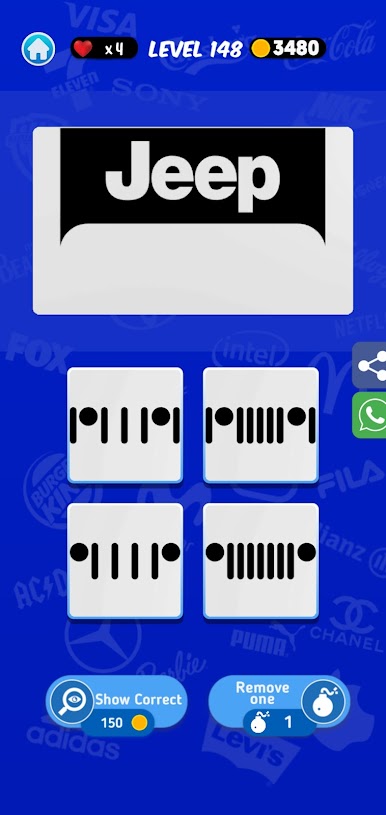
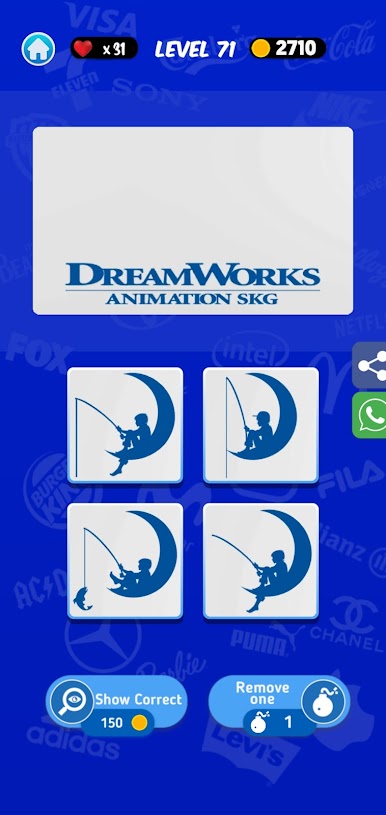
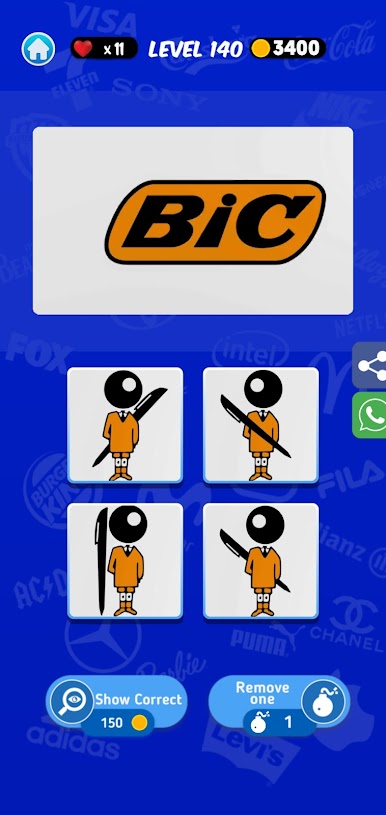
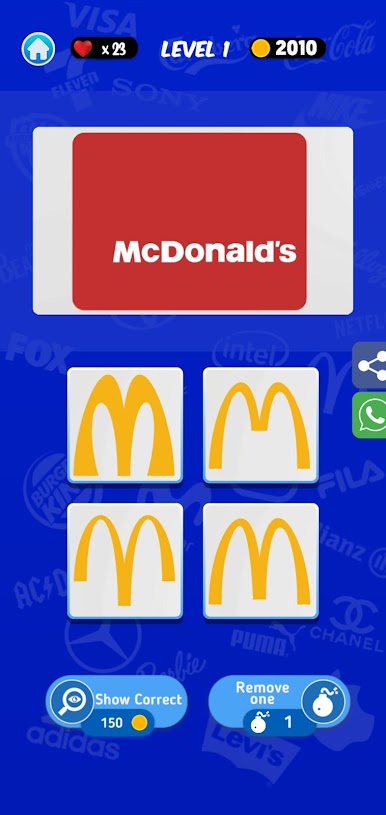
Got a knack for spotting famous brands? Logomania: Guess the logo – Quiz games 2020 from Genera Games is all about testing how well you really know those iconic symbols, flags, and logos you see everywhere. This Trivia game tosses you a fun mix of logo puzzles to crack, and don’t be surprised if your memory’s put to the test. Whether you’re alone or hanging out with friends, Logomania is the kind of quick-thinking, brain-training challenge you’ll want to play again and again.
Game Features
-
Endless Logo Challenges
Hundreds of logo puzzles are waiting for you—there’s always another symbol to guess, so you’ll never run out of fresh challenges. -
Offline Fun with Friends
Planning a game night? Logomania lets you play side-by-side with friends, with zero need for an internet connection. -
Variety of Categories
It’s not just brands! Expect to spot actors, pick out movie logos, and identify world flags. There’s a little something for every trivia fan. -
Brain Workout
Each question feels like a mini memory test. You’ll need to recall logos from just a picture, a shape, or sometimes just a sneaky hint of color. -
Leaderboard Bragging Rights
Nail those difficult levels and see your username climb the rankings. There’s always a reason to try “just one more” round. -
Daily Freebies
A free spin every day gives out lives and extra perks—it’s a small reward, but hey, who doesn’t love a bonus? -
Clean Visuals & Snappy Sounds
Slick graphics and satisfying sound effects keep things lively, making it that much easier to keep playing longer than you meant to. -
No-Hints Challenge Mode
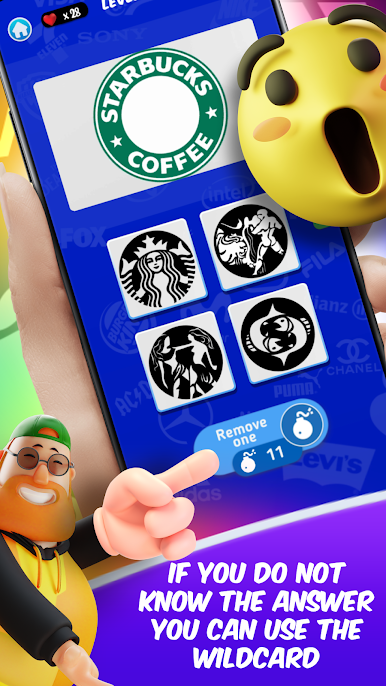
If you’re feeling bold, skip the hints and rely on your own wits to solve the toughest ones. -
Perfect for Quick Sessions
Got five minutes? You’ll always have time for a round or two—Logomania fits right into busy schedules or long chill sessions.
You can even enjoy smoother controls and play sessions through BlueStacks if that’s how you like to keep your Trivia games handy on your computer.
Get ready for a buttery smooth, high-performance gaming action only on BlueStacks.

Play Logomania: Logo Quiz Game on PC. It’s easy to get started.
-
Download and install BlueStacks on your PC
-
Complete Google sign-in to access the Play Store, or do it later
-
Look for Logomania: Logo Quiz Game in the search bar at the top right corner
-
Click to install Logomania: Logo Quiz Game from the search results
-
Complete Google sign-in (if you skipped step 2) to install Logomania: Logo Quiz Game
-
Click the Logomania: Logo Quiz Game icon on the home screen to start playing

