


Fantastic Fruits
Play on PC with BlueStacks – the Android Gaming Platform, trusted by 500M+ gamers.

Page Modified on: Feb 13, 2026
Main Fantastic Fruits on PC
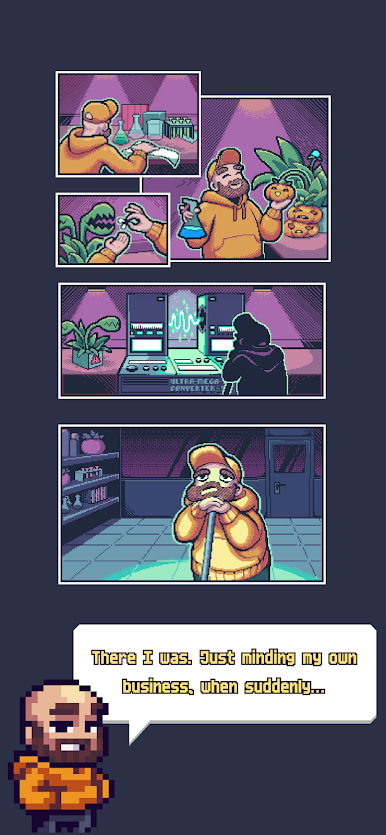
A while ago I was a janitor in a lab. I'm not gonna lie, I have no idea what those scientists were doing there, but one thing for sure: they were messy. You can't even imagine the mayhem they left after themselves sometimes.
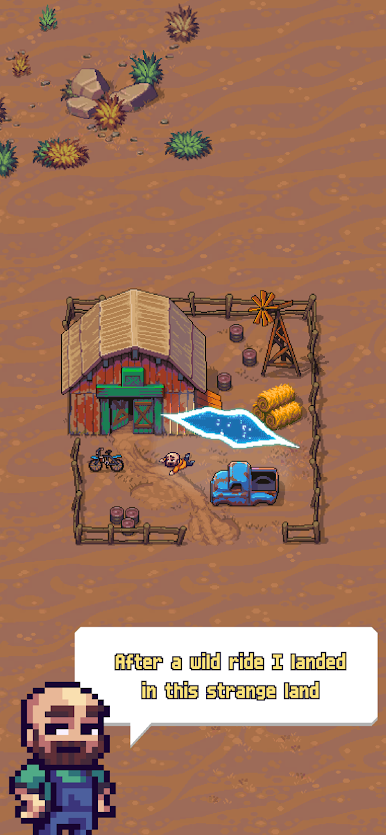
Anyway there I was one day, just minding my own business. Headphones in, mop in hand. Not sure what happened, but suddenly this wormhole kind of thing opened up and started to suck me in. Man, I can't un-hear that noise! It was horrible.
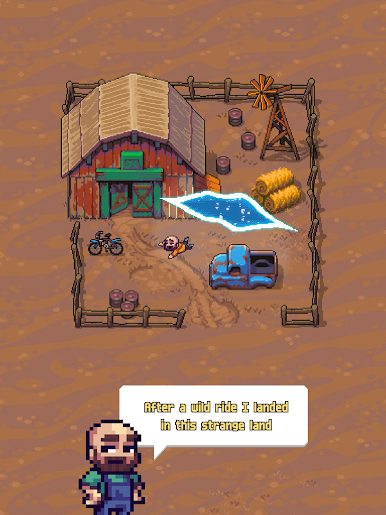
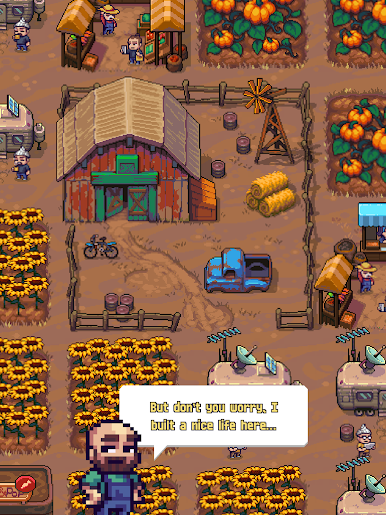
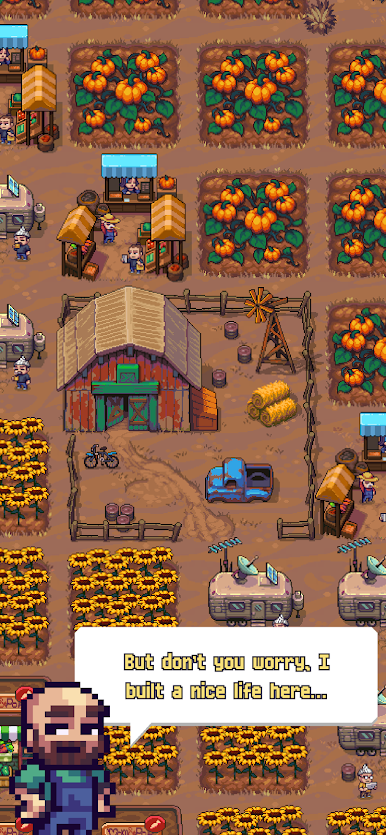
No idea what exactly happened. I might have passed out. But the next thing I know is I'm in a strange land. It kinda looks like home but things feels off ever so slightly. You know what I mean? After a while I figured things out, started building a life there. This game is about my journey, so I'm gonna spare you the spoilers.
---------------------------------------
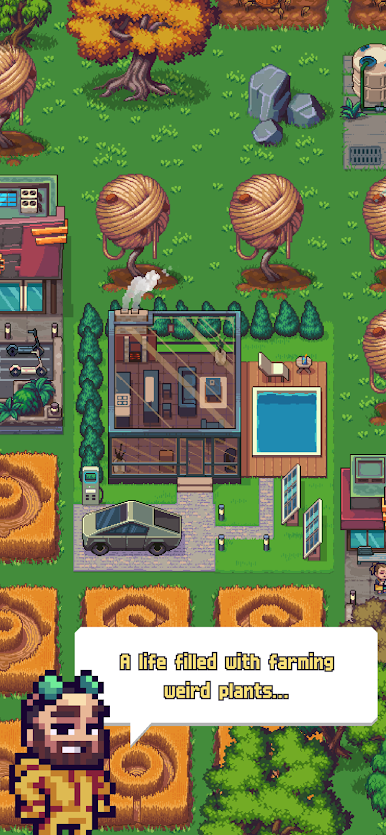
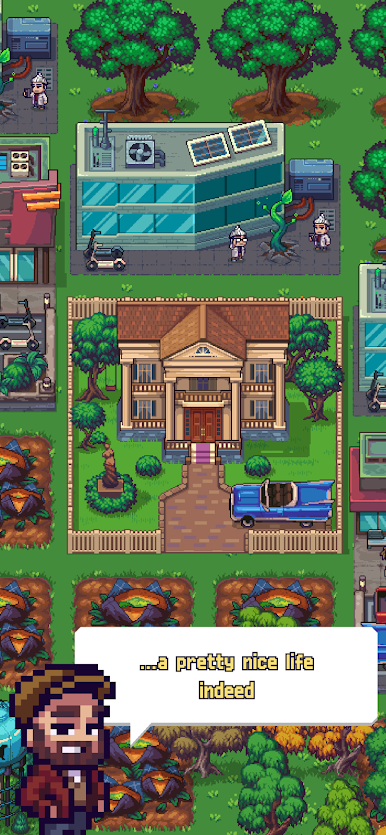
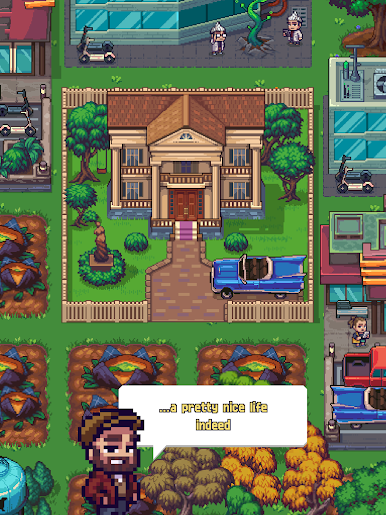
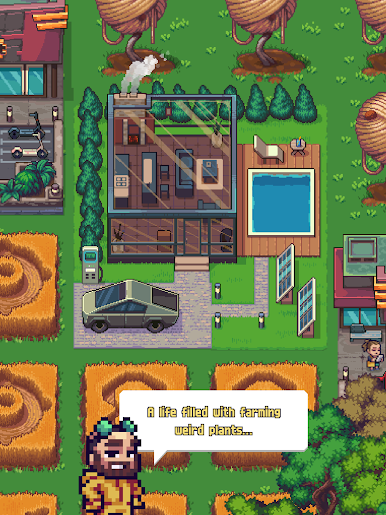
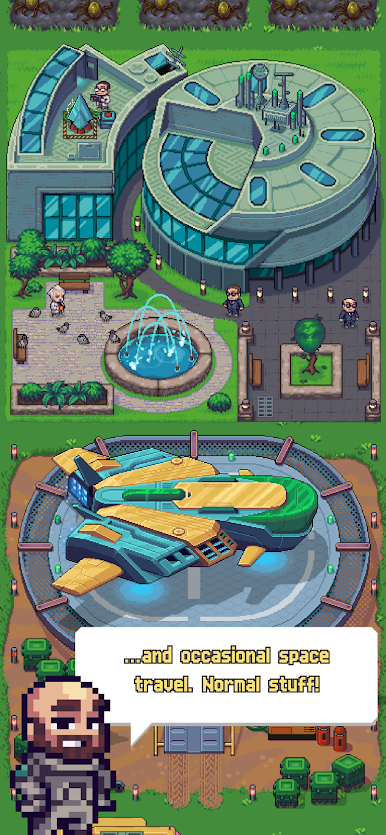
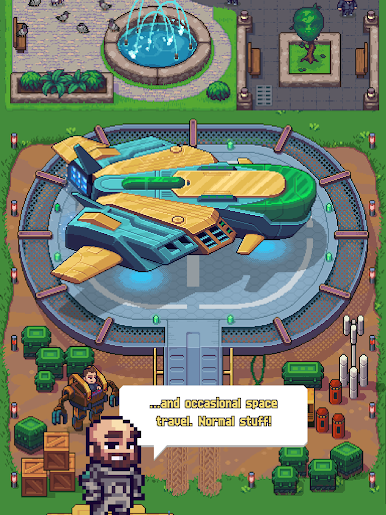
Fantastic Fruits is an idle farming tycoon game set in an imaginary world. Join Bo in his journey and help him build an empire farming crops, figuring out watering systems, managing the economy and conducting science experiments.



Play Fantastic Fruits on PC. It’s easy to get started.
-
Download and install BlueStacks on your PC
-
Complete Google sign-in to access the Play Store, or do it later
-
Look for Fantastic Fruits in the search bar at the top right corner
-
Click to install Fantastic Fruits from the search results
-
Complete Google sign-in (if you skipped step 2) to install Fantastic Fruits
-
Click the Fantastic Fruits icon on the home screen to start playing

