


My Dream House Makeover
Play on PC with BlueStacks – the Android Gaming Platform, trusted by 500M+ gamers.

Page Modified on: Mar 18, 2026
Main My Dream House Makeover on PC
As you gather items, they are added directly to your house, helping you grow both your home and your in-game earnings. Each upgrade contributes to your progress, allowing you to unlock new rooms, add furniture, and expand your living space. The more your house grows, the more opportunities you unlock.
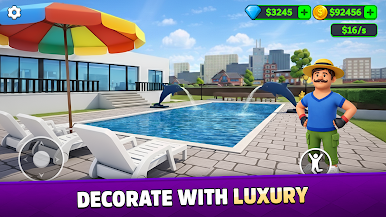
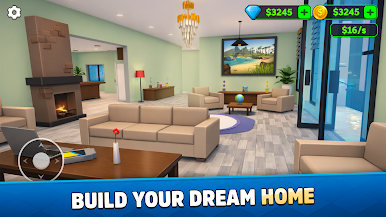
The game focuses on steady progression and creative building. With simple controls and smooth gameplay, players can easily design interiors, upgrade rooms, and transform an empty plot into a complete home. The experience is designed to be calm and engaging, making it suitable for casual play sessions.
Game Features:
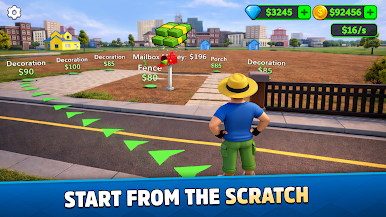
Start with empty land and build your house from the ground up.
Collect items to unlock rooms, furniture, and interior upgrades.
Expand your home to increase in-game income.
Upgrade and customize different areas of your house.
Simple controls and smooth gameplay.
Relaxing progression-based simulation experience.
My Dream House Makeover is suitable for players who enjoy house-building games, interior decoration, simulation gameplay, and gradual progression. Whether you prefer designing spaces or watching your home grow step by step, the game offers a satisfying building experience.
Build, expand, and shape your home at your own pace in My Dream House Makeover.

Play My Dream House Makeover on PC. It’s easy to get started.
-
Download and install BlueStacks on your PC
-
Complete Google sign-in to access the Play Store, or do it later
-
Look for My Dream House Makeover in the search bar at the top right corner
-
Click to install My Dream House Makeover from the search results
-
Complete Google sign-in (if you skipped step 2) to install My Dream House Makeover
-
Click the My Dream House Makeover icon on the home screen to start playing

