


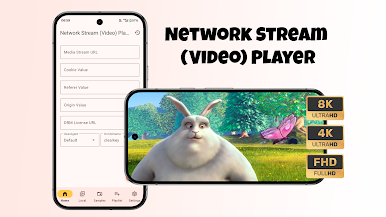
Network Stream (Video) Player
Play on PC with BlueStacks – the Android Gaming Platform, trusted by 500M+ gamers.

Page Modified on: Oct 18, 2025
Main Network Stream (Video) Player on PC
IMPORTANT:
The official Network Stream (Video) Player version does not contain any content what so ever. This means that you should provide your own content from a local or remote storage location or any other media carrier that you own. Additionally Network Stream (Video) Player allows you to import files that may provide access to content that is freely available on the official content provider website. Any other means of watching illegal content which would otherwise be paid for is not endorsed or approved by NSTeam.
Supported formats:
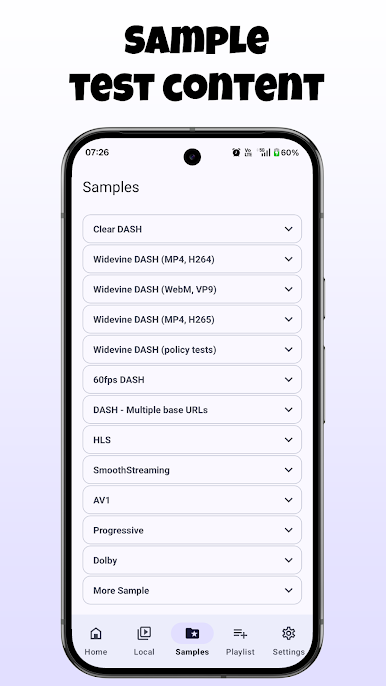
✔️ Streaming: DASH, HLS, SmoothStreaming, RTMP, RTSP
✔️ Containers: MP4, MOV, FLV, MKV, WebM, Ogg, MPEG
✔️ Video: H.263, H.264 AVC, H.265 HEVC, MPEG-4 SP, VP8, VP9, AV1
✔️ Audio: Vorbis, Opus, FLAC, ALAC, MP1, MP2, MP3, AAC, AC-3, E-AC-3, DTS, DTS-HD, TrueHD
Features:
✔️ Native Android app with simple and easy-to-use interface
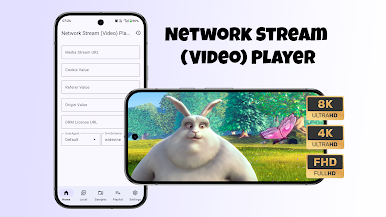
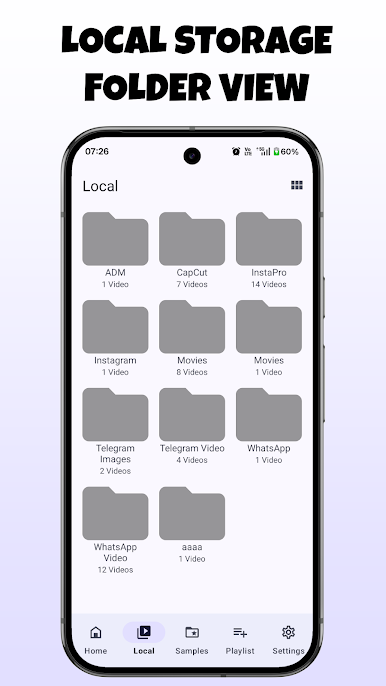
✔️ Play video files in various formats
✔️ Adjust brightness and volume with gestures
✔️ Video, Audio, Subtitle track selection
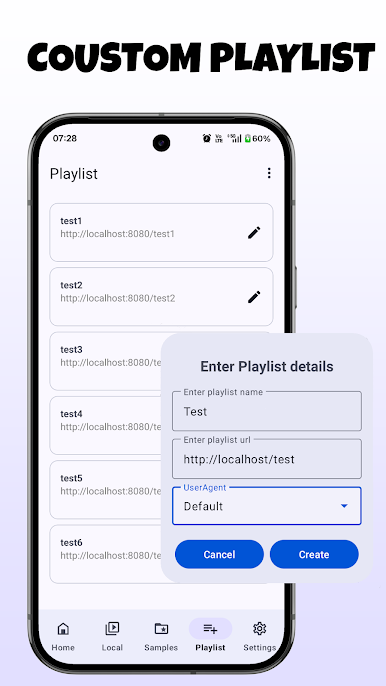
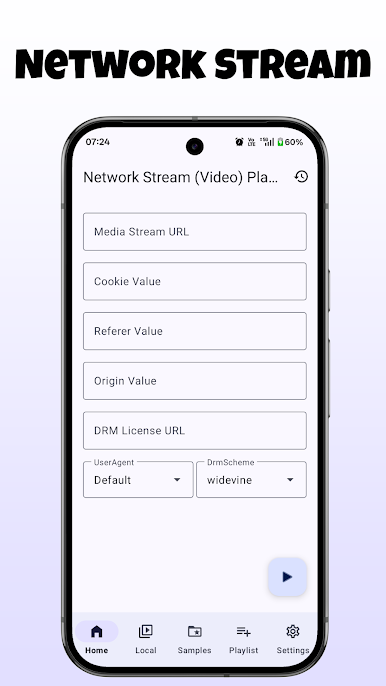
✔️ Save stream history
✔️ Picture-in-picture mode
DRM :
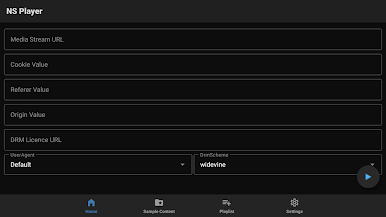
✔️ Widevine
✔️ ClearKey
✔️ PlayReady
Disclaimer:
- Network Stream (Video) Player does not supply or include any media or content.
- Users must provide their own content
- Network Stream (Video) Player has no affiliation with any third-part links or files provider what so ever.
- We do not endorse the streaming of copyright protected material without permission of the copyright holder.
- In order to upgrade from a previous version you must have installed an official released version by NSTeam. Any other version may cause failure to upgrade.
Special Thanks to:
Vasiliy, Yashraj, Yuuouu
Play Network Stream (Video) Player on PC. It’s easy to get started.
-
Download and install BlueStacks on your PC
-
Complete Google sign-in to access the Play Store, or do it later
-
Look for Network Stream (Video) Player in the search bar at the top right corner
-
Click to install Network Stream (Video) Player from the search results
-
Complete Google sign-in (if you skipped step 2) to install Network Stream (Video) Player
-
Click the Network Stream (Video) Player icon on the home screen to start playing

