


SoundWire Full-Audio Streaming
Play on PC with BlueStacks – the Android Gaming Platform, trusted by 500M+ gamers.

Page Modified on: Sep 14, 2025
Run SoundWire Full-Audio Streaming on PC or Mac
Get freedom from your phone’s obvious limitations. Use SoundWire Full-Audio Streaming, made by GeorgieLabs, a Music & Audio app on your PC or Mac with BlueStacks, and level up your experience.
About the App
SoundWire Full-Audio Streaming by GeorgieLabs is your go-to solution for streaming music and audio from your PC to your Android device. Whether you’re jamming to tunes or catching a movie, expect seamless connectivity and audio clarity that syncs directly over your WiFi or cell networks. Fancy turning your device into a wireless speaker or even a baby monitor? SoundWire’s got you covered.
App Features
-
Unlimited Streaming Fun: Enjoy uninterrupted audio with the full version featuring unlimited Opus compression and room for up to 10 connections.
-
Pristine Audio Quality: Experience top-notch sound at 44.1/48 kHz stereo 16-bit, providing crystal-clear audio whether using PCM or Opus compression.
-
Pro Mode Precision: Tweak buffer latency to your liking and get movie-perfect content sync.
-
Versatile and Handy: Need a wireless home setup? SoundWire transforms your PC-based system into a live audio powerhouse.
Tip: Use BlueStacks on your PC or Mac to explore a richer experience with SoundWire Full-Audio Streaming!
BlueStacks brings your apps to life on a bigger screen—seamless and straightforward.
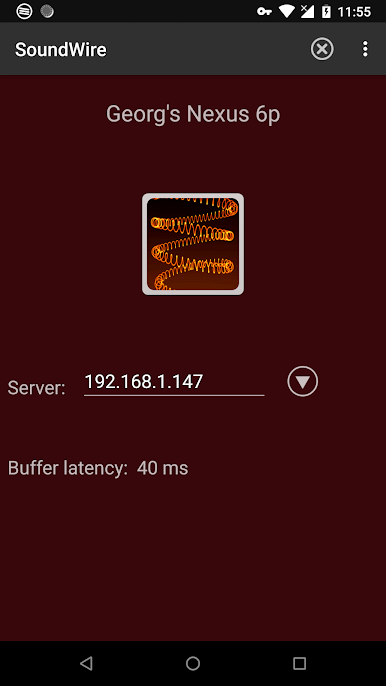
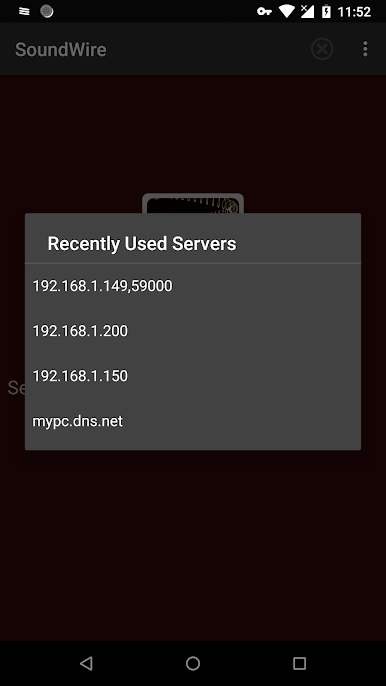
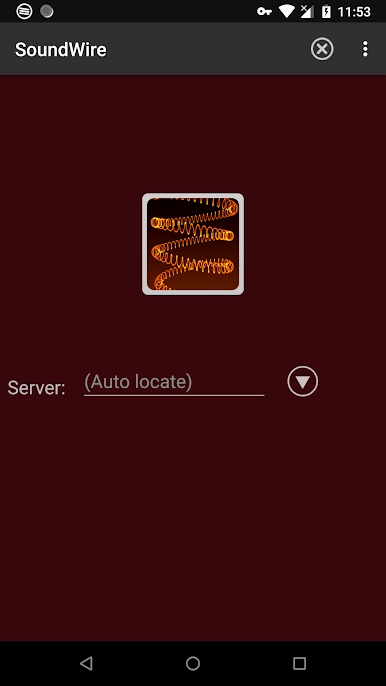
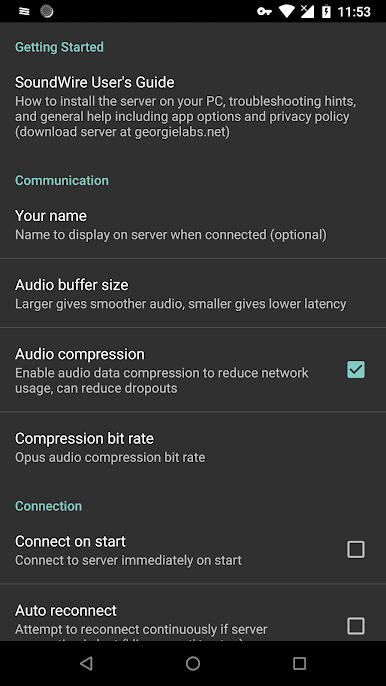
Play SoundWire Full-Audio Streaming on PC. It’s easy to get started.
-
Download and install BlueStacks on your PC
-
Complete Google sign-in to access the Play Store, or do it later
-
Look for SoundWire Full-Audio Streaming in the search bar at the top right corner
-
Click to install SoundWire Full-Audio Streaming from the search results
-
Complete Google sign-in (if you skipped step 2) to install SoundWire Full-Audio Streaming
-
Click the SoundWire Full-Audio Streaming icon on the home screen to start playing

